Which app is best for sharing files from mobile to PC?
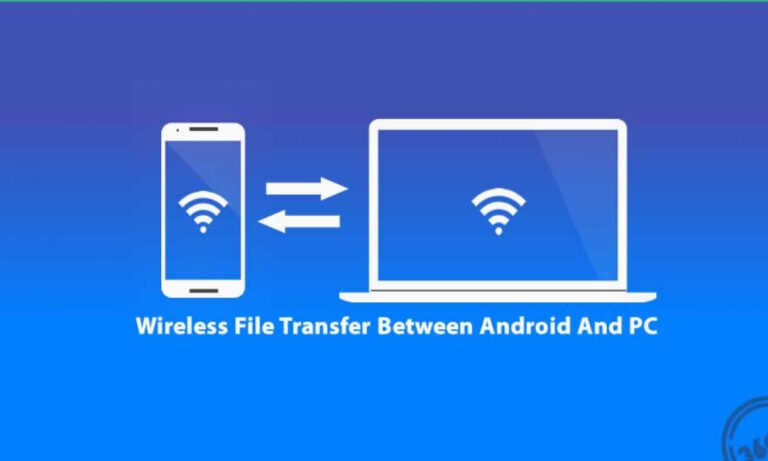
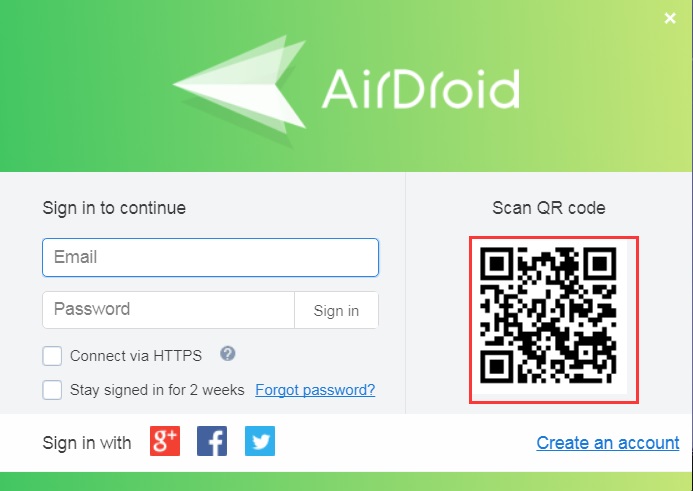
AirDroid is one of the most common Windows apps used for transferring files between mobile device and computer connected on the same Wi-Fi network.…
 Author
AirDroid is one of the most common Windows apps used for transferring files between mobile device and computer connected on the same Wi-Fi network.…
Once both the devices are paired, you can transfer files from PC to Android wirelessly. To do that, you can just go to the…
Share a folder with Windows’ built-in sharing options and you can access it on an Android device, iPad, or iPhone. This is a convenient…
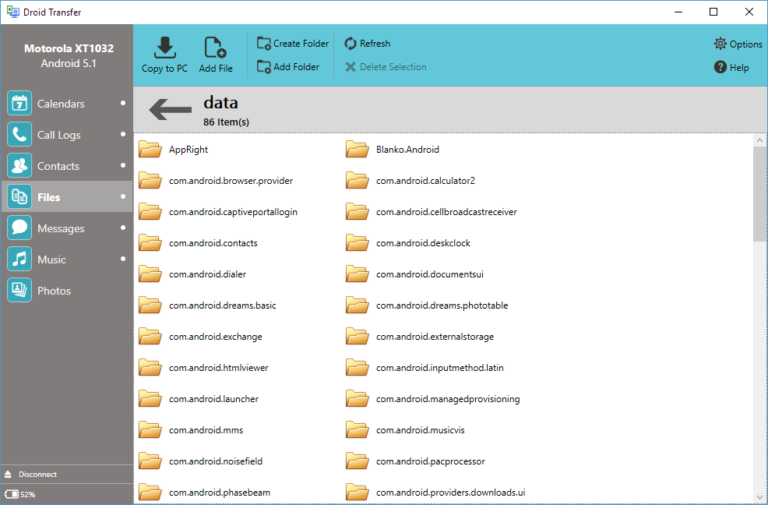
You can use Droid Transfer for Windows PC, alongside the Transfer Companion app available for free on the Google Play Store, to copy files…
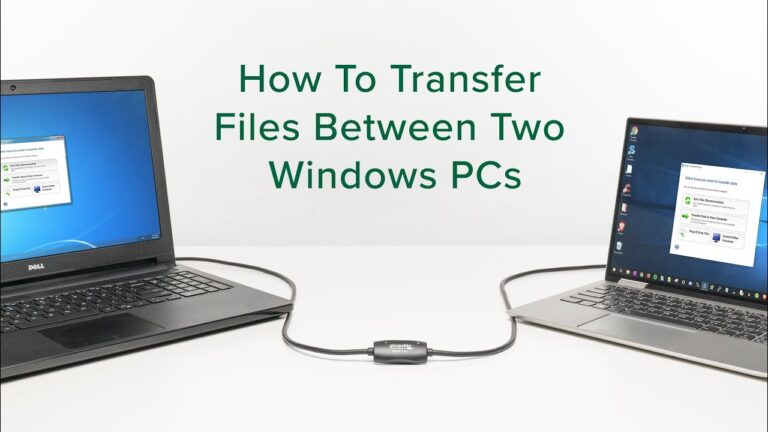
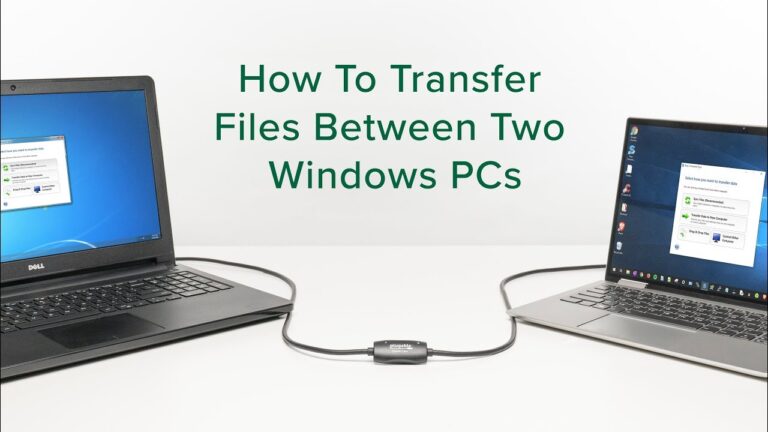
Share files from Windows to Windows Step 1: Connect two Computers using an ethernet cable. Step 2: Click on Start->Control Panel->Network and Internet->Network and…
Another fastest way to transfer files from PC to PC is Cloud Storage. Multiple Cloud Storage platforms like Google Drive, Dropbox, and OneDrive help…
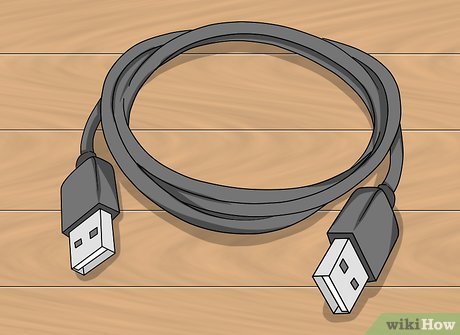
Connecting two computers with a specific type of Universal Serial Bus (USB) cable allows you to transfer files or other data directly from one…
All you need is a Transfer cable that can be connected to both PCs. The data transfer speed for PCs with 3.0 ports is…
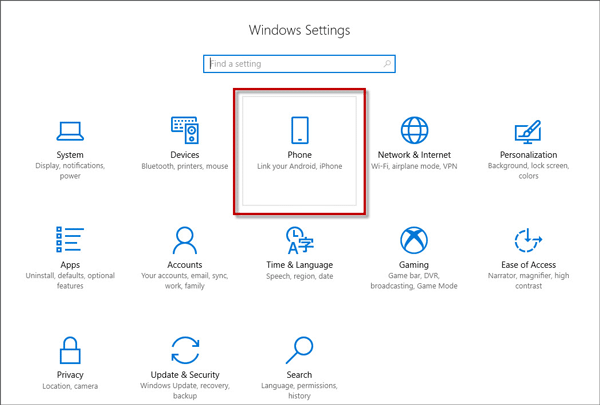
Navigate to and open Settings, then tap Advanced features, and then tap the switch next to Link to Windows. Follow any on-screen instructions if…
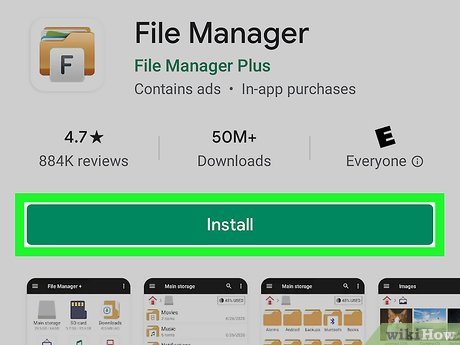
The best app to transfer files from Android to PC is MobileTrans software. It is a tool designed to help you transfer data between…
In Devices settings, select Send or receive files via Bluetooth. In Bluetooth File Transfer, select Send files > choose the device you want to…
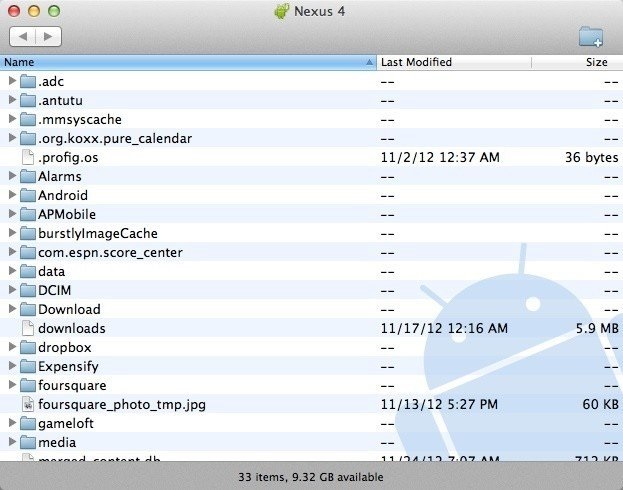
With a USB cable, connect your phone to your computer. On your phone, tap the “Charging this device via USB” notification. Under “Use USB…