Why is it unable to connect to network?
1. Check for Physical Connectivity Issues. Sometimes internet connection may fail due to simple things like a loose or unplugged network cable, modem, or…
 Author
1. Check for Physical Connectivity Issues. Sometimes internet connection may fail due to simple things like a loose or unplugged network cable, modem, or…
Your Windows computer recognizes your network adapter because you have its drivers installed on your machine. If there’s an issue with the drivers, it…
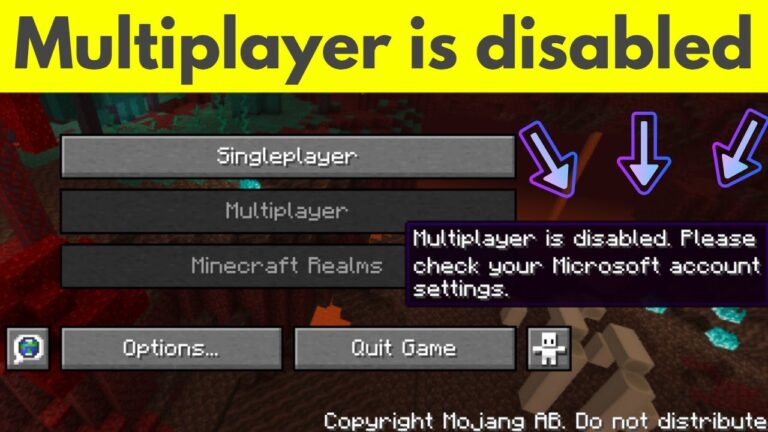
Enabling Multiplayer on Minecraft Java Edition To enable multiplayer on Minecraft Java, head to the official Microsoft website and log into the account used…
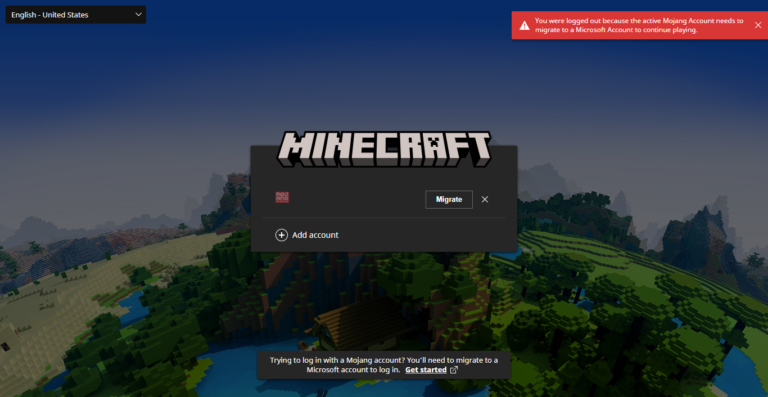
A free Microsoft account will help you access your purchases, Realms, and other Minecraft content across all of your Minecraft devices. Does my Microsoft…
Minecraft is a single player game. A Microsoft account was not required when I bought it. It’s a requirement they added later. Can you…
It is simply gone for good. This was mentioned in the last section of the article below. Even if you try to create an…
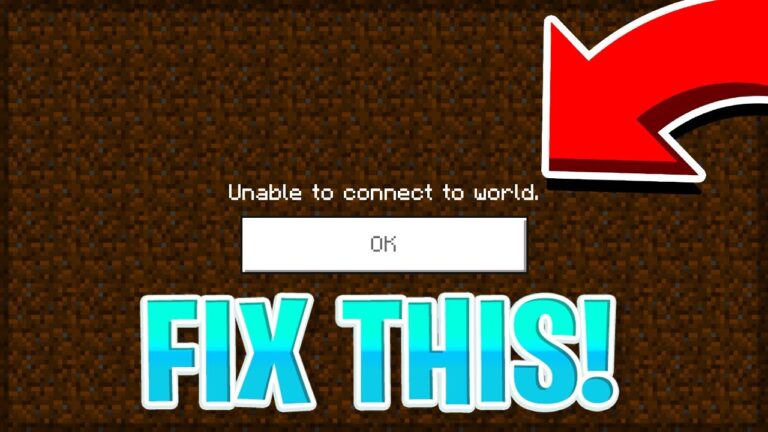
The “Unable to connect to world” issue may be caused by internet problems. It is possible these situations may interpret your connection to your…
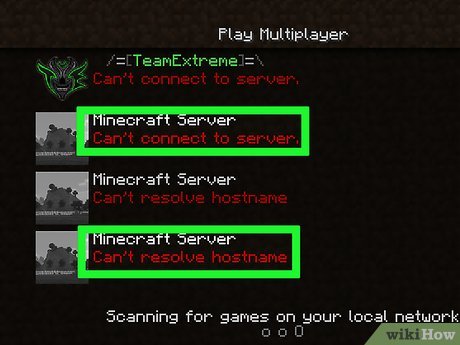
Possible solutions are: Check that your network connection is enabled and that no programs are blocking outgoing connections. Try disabling any existing firewall program…
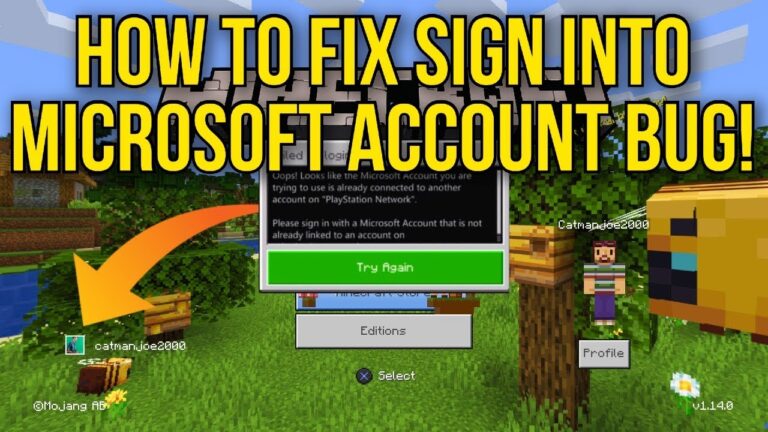
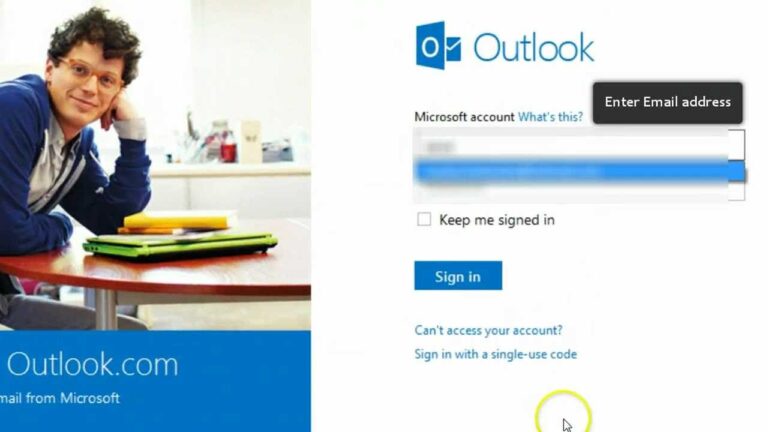
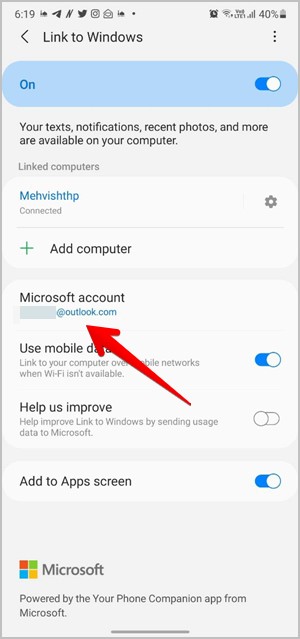
Check Microsoft Account If the accounts are different or there are multiple accounts, the Link to Windows will not function correctly. Start by checking…
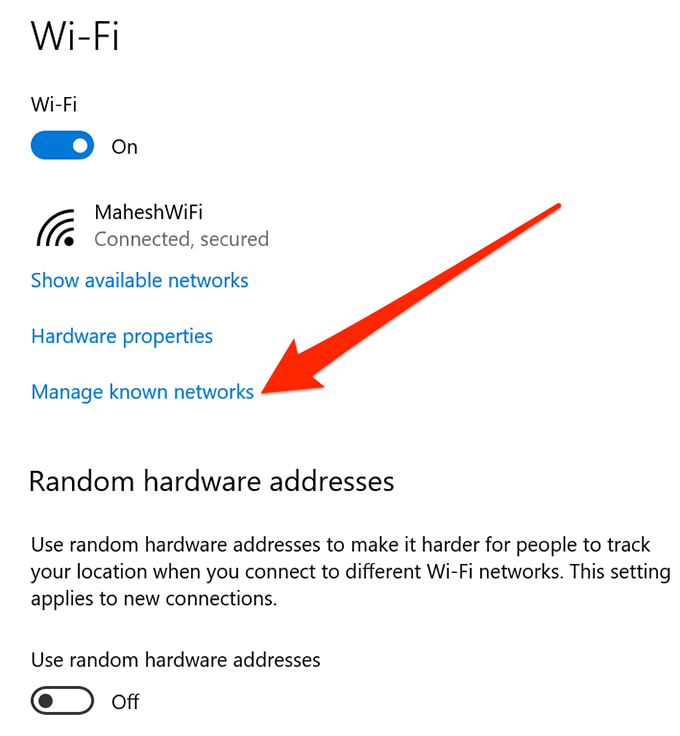
Troubleshoot Your Internet Connection Your network is the culprit if other applications also cannot access the internet. Flush your computer’s DNS cache, disable your…
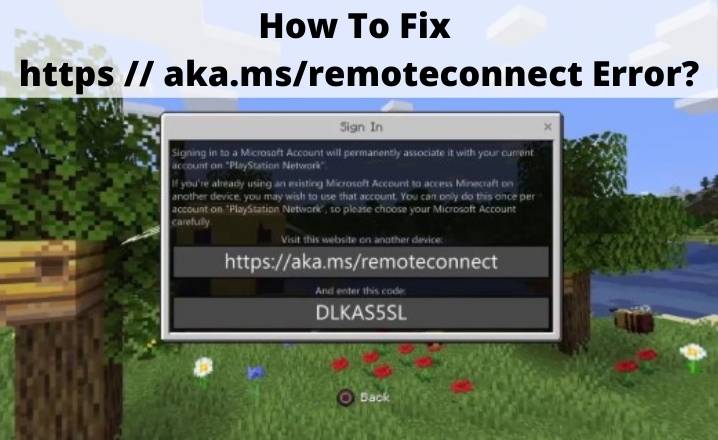
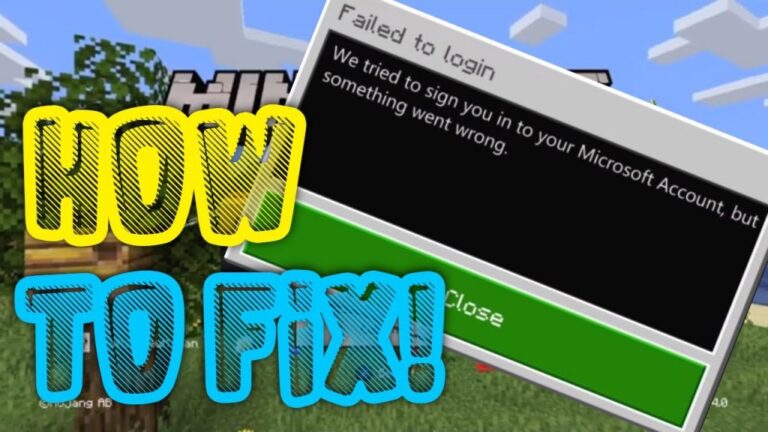
Fix the error by signing into your Microsoft account then entering the Minecraft code on https://aka.ms/remoteconnect. Uninstall Minecraft and sign out of your Microsoft…
This may signify that your PC doesn’t meet the minimum requirements to download or install the upgrade to Windows 11. Learn more about the…