How do I know if I have Adobe Reader?
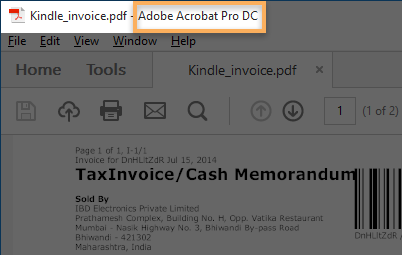
How to check the version of Adobe Acrobat Reader: In the Adobe Acrobat Reader menu, select Help menu, and select About Adobe Acrobat Reader.…
How to check the version of Adobe Acrobat Reader: In the Adobe Acrobat Reader menu, select Help menu, and select About Adobe Acrobat Reader.…
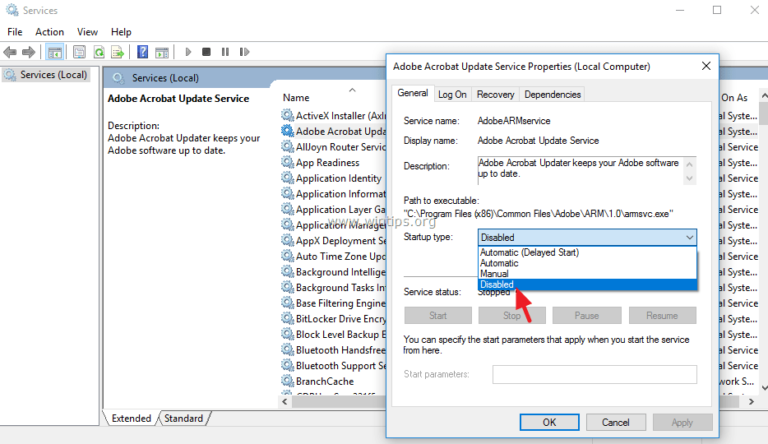
Go to “File >Preferences > Update” to set up this option. 2. Turn off automatic updates. This is similar to disabling updates in Adobe…
To Change the Adobe Updater preferences, do the following: Start the Adobe Updater application from /Applications/Utilities/Adobe Utilities/Adobe Updater5/. When the update screen appears, click…
Adobe Acrobat is a cross-platform that supports Windows, Mac, Linux, Android phones, and Windows phones. This makes it possible to view and manage PDF…
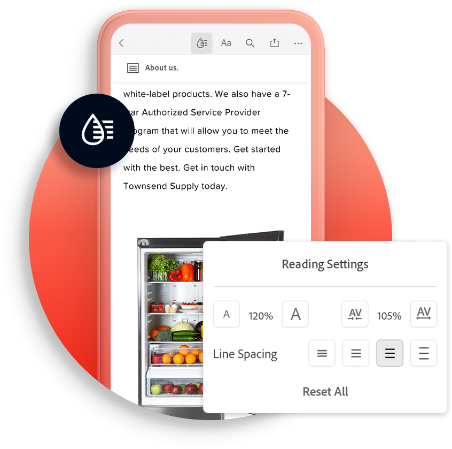
Adobe Acrobat ReaderAdobe Acrobat ReaderThe free global standard for reliably viewing, printing, signing and commenting on PDF documents. View, comment and print. Edit PDF…
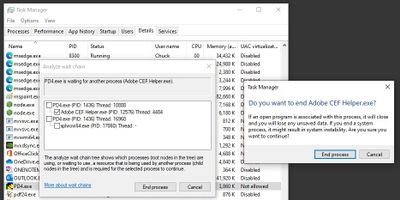
Adobe CEF Helper is a process that renders these components of the Creative Cloud desktop app. CEF helper is important to run the Creative…
User Sync is a command-line tool that moves user and group information from your organization’s enterprise directory system (such as an Active Directory or…
Right-click on the Taskbar and select Task Manager. Go to the Startup tab. Select Adobe Creative Cloud and click on the Disable button. Why…
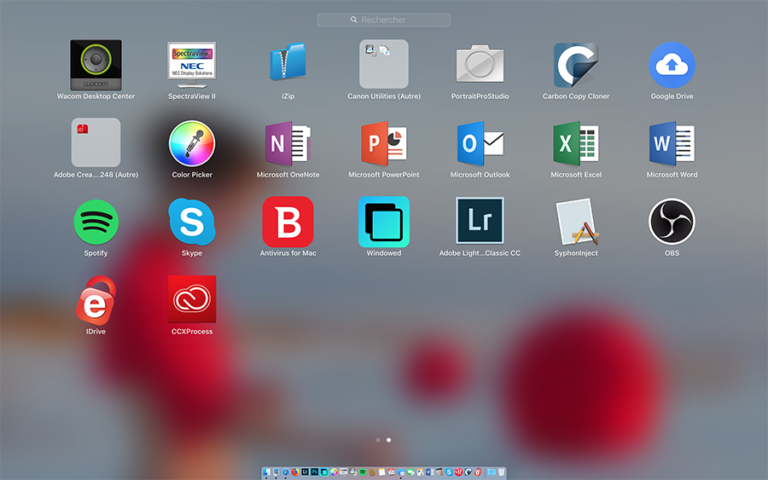
Creative Cloud Experience Process (CCXProcess) is a background process that auto-launches on startup. It’s used by Adobe Creative Cloud Applications (Photoshop, Premiere, Lightroom, Illustrator,…