What is my computer doing right now?
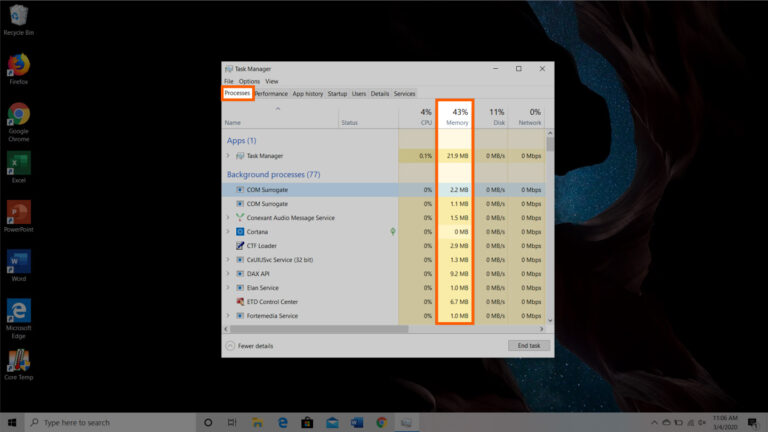
You can access it by right-click on your taskbar (the bar at the bottom of your screen) and clicking on “Task Manager”. You can…
You can access it by right-click on your taskbar (the bar at the bottom of your screen) and clicking on “Task Manager”. You can…
The more files you have, the longer this indexing will take, and the longer it will take for your searches to yield results. Deleting…
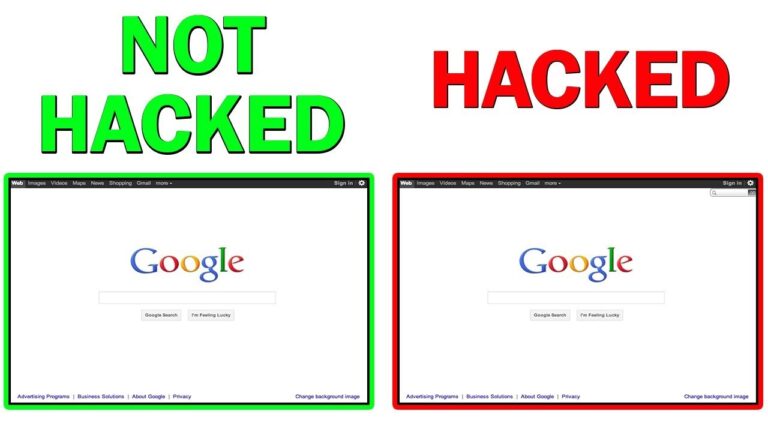
If your computer is hacked, you might notice some of the following symptoms: Frequent pop-up windows, especially the ones that encourage you to visit…
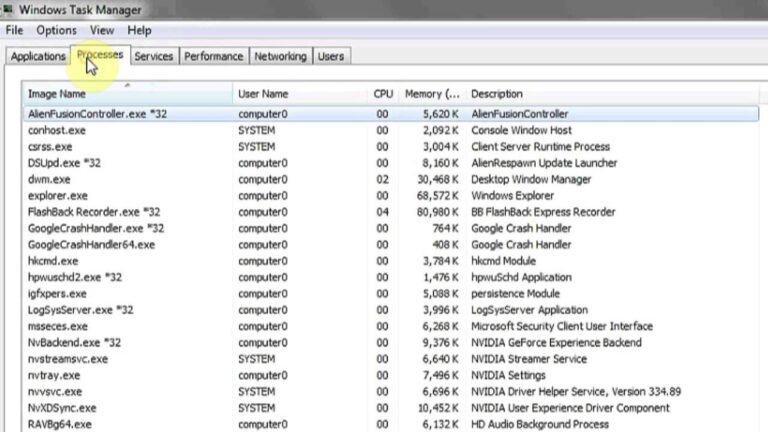
#1: Press “Ctrl + Alt + Delete” and then choose “Task Manager”. Alternatively you can press “Ctrl + Shift + Esc” to directly open…
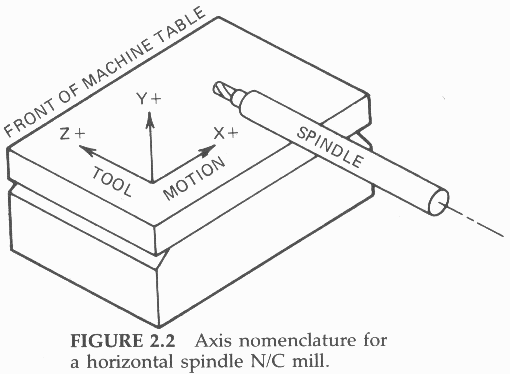
Typically, there is a shaft that holds the tool together, a motor, and a taper used to control various tools. Then, the spindle rotates…
A slow computer is often caused by too many programs running simultaneously, taking up processing power and reducing the PC’s performance. Some programs will…
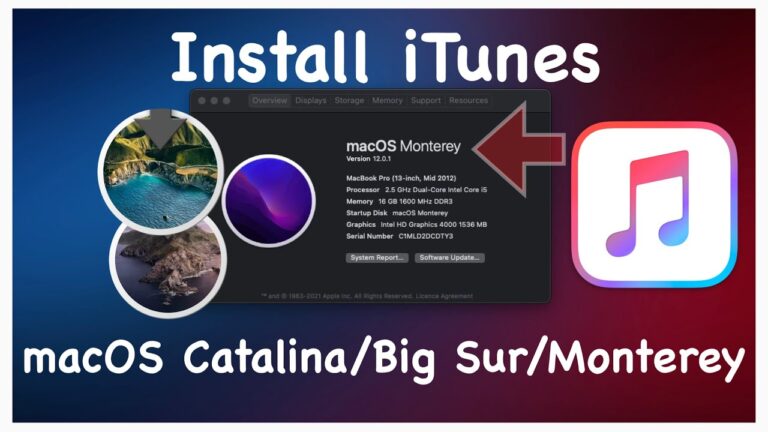
On Monterey so can’t use iTunes, to reset phone any ideas ? iTunes was retired and replaced by Apple Music app, Apple TV app,…
In general, it is possible to extend the life span of a computer to 10 years, and even longer if the equipment is well…
Dolby’s head tracking technology, similar to the spatial audio processing featured on the likes of Apple AirPods, Beats Studio Buds, and Samsung’s Galaxy Buds…
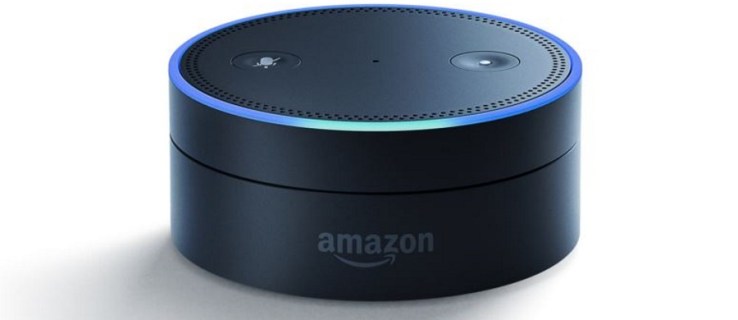
What it means: Slowly spinning teal and blue means that your device is starting up. If the device has not been set up, the…