What is UEFI laptop?
What is Unified Extensible Firmware Interface (UEFI)? Unified Extensible Firmware Interface (UEFI) is a specification for a software program that connects a computer’s firmware…
What is Unified Extensible Firmware Interface (UEFI)? Unified Extensible Firmware Interface (UEFI) is a specification for a software program that connects a computer’s firmware…
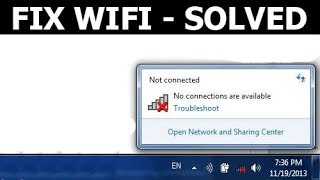
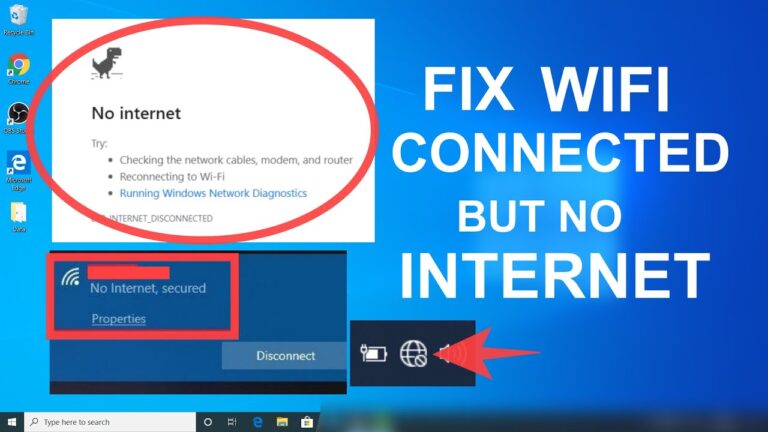
Select the Start button > Settings > Network & Internet > Status. Under Change your network settings, select Network troubleshooter. Follow the steps in…
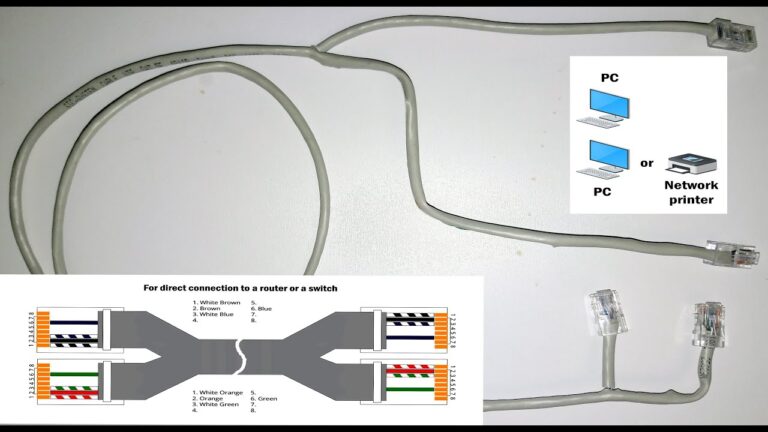
Data on an Ethernet network can only be accessed by physically connecting a device to the network, whereas data on a WiFi network travels…
Select the Start button > Settings > Network & Internet > Status. Under Change your network settings, select Network troubleshooter. Follow the steps in…
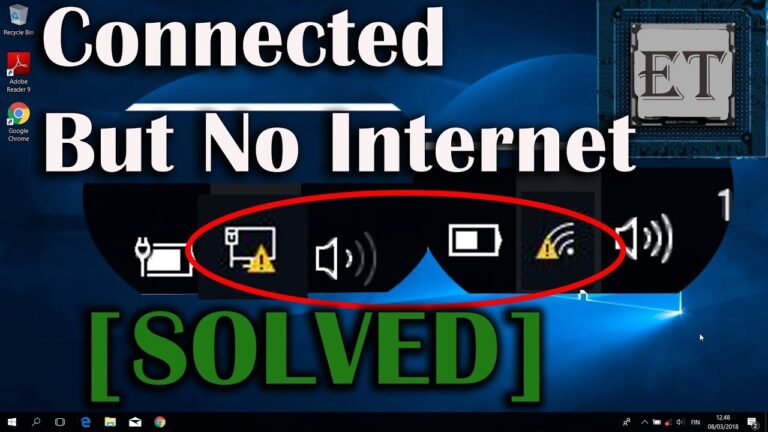
Restart or Check Your Connections Restarting your system is sometimes the quickest way to fix an issue. In case you have an Ethernet cable…
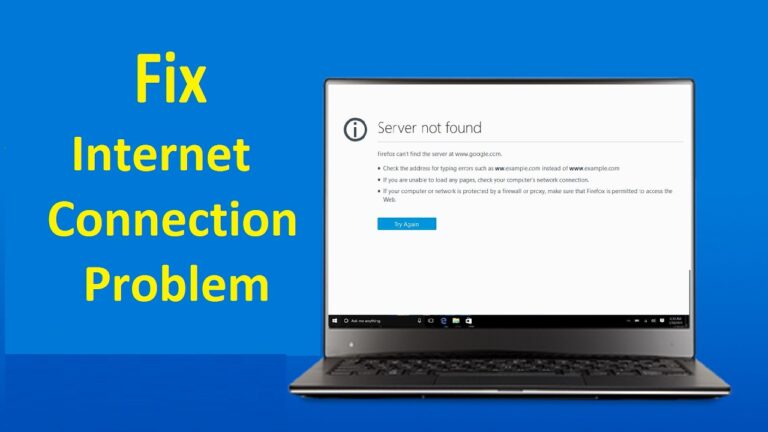
If all your devices get no internet connection, yet your WiFi indicator is still on, the most obvious answer is that your internet provider…
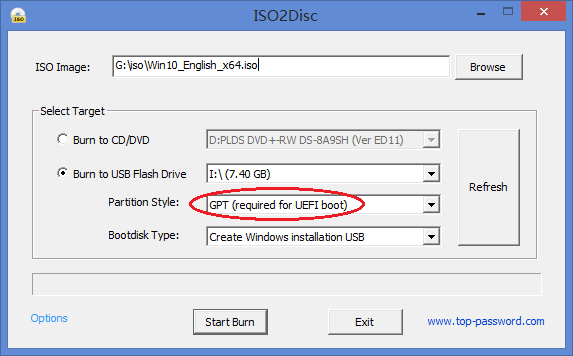
The biggest difference is that most, but not all, computers will only boot in UEFI mode from a FAT (such as FAT32) partition, whereas…
Your computer has an incorrect internet protocol (IP) address. Security software is preventing access. Your wireless drivers are out of date. Your DNS server…
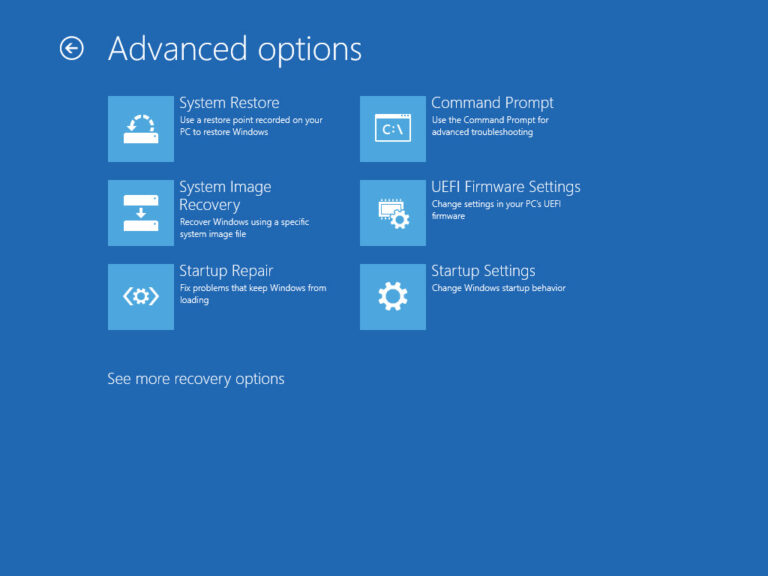
Warning: Changing the wrong firmware settings can prevent your computer from starting correctly. You should only access the motherboard firmware when you have an…
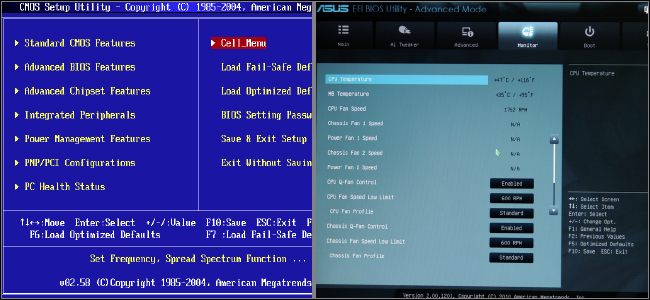
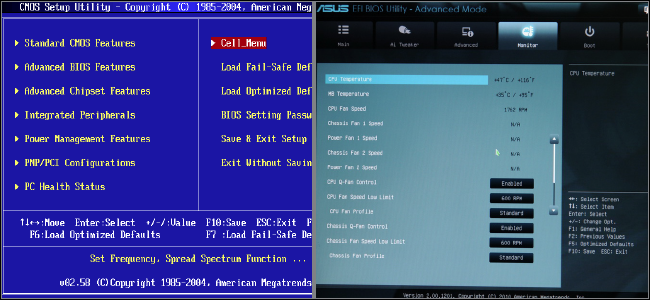
Is UEFI and BIOS the same? No, they are different! BIOS and UEFI are two firmware interfaces for computers to start the operating system.…