How do I reinstall my Mac completely?
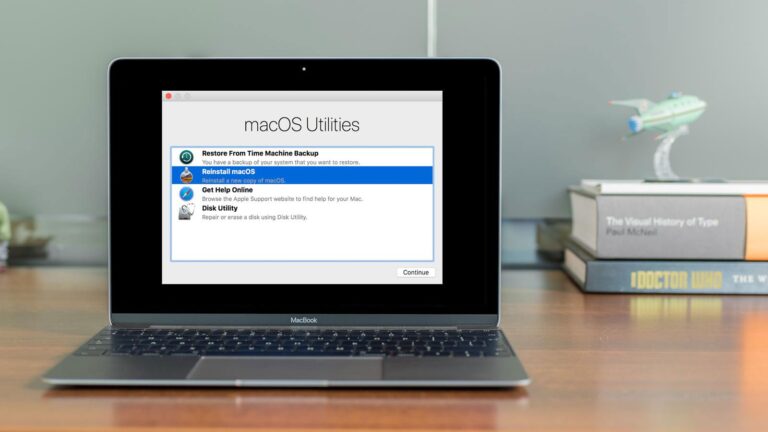
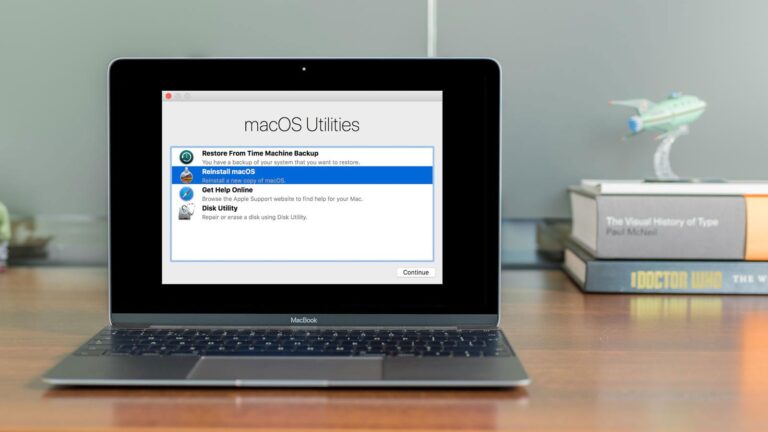
Restart your Mac. Choose Apple menu > Shut Down, press and hold the power button until “Loading startup options” appears, select Options, click Continue,…
Restart your Mac. Choose Apple menu > Shut Down, press and hold the power button until “Loading startup options” appears, select Options, click Continue,…
Command (⌘)-R: Start up from the built-in macOS Recovery system. Or use Option-Command-R or Shift-Option-Command-R to start up from macOS Recovery over the internet.…
No, Recovery Mode does not delete everything on Mac – at least by itself. It is just a state or mode that lets users…
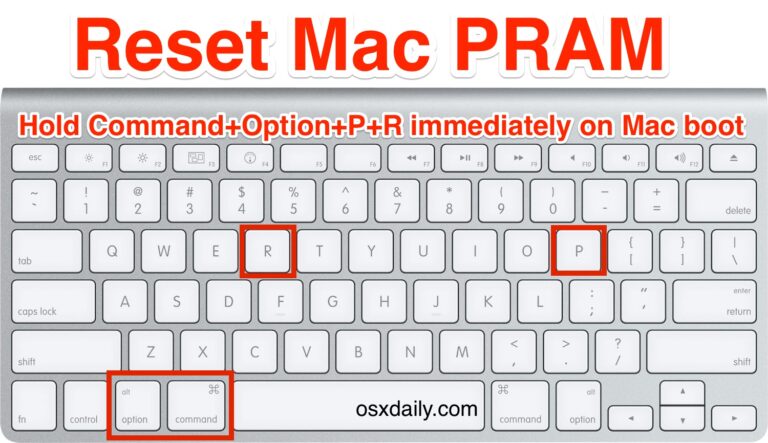
What does command Option P do? Command-M: Minimise the front window to the Dock. To minimise all windows of the front app, press Option-Command-M.…
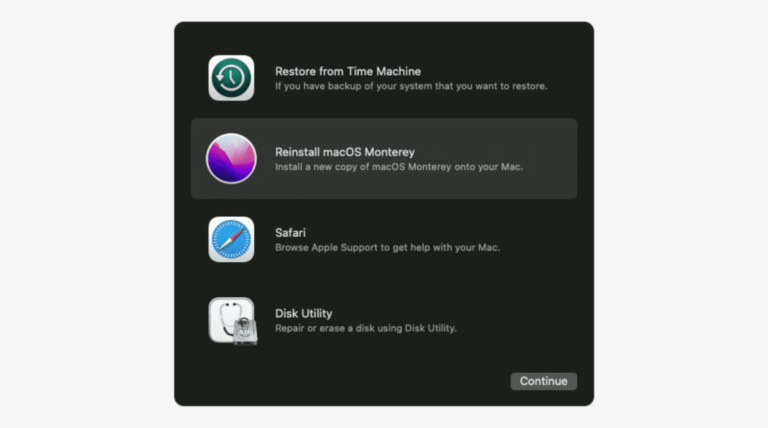
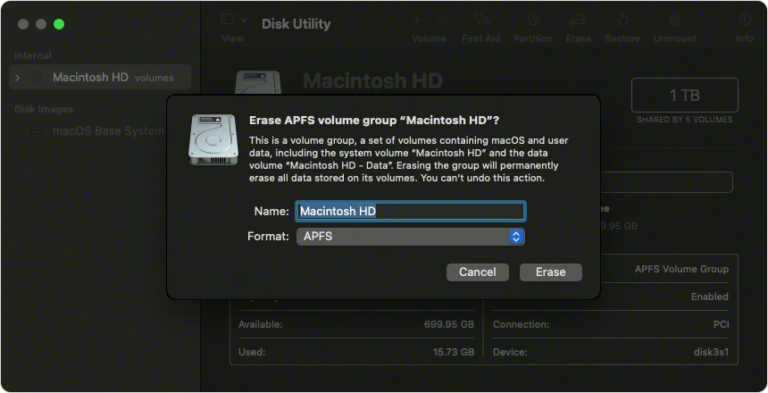
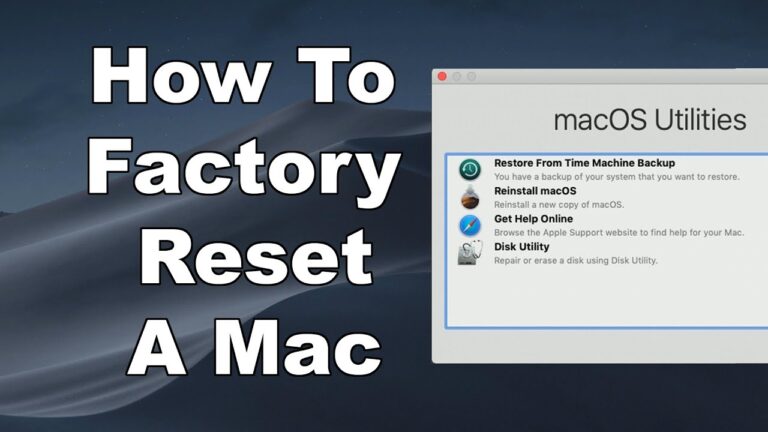
On a Mac with Apple silicon, you can use macOS Recovery to repair your internal disk, reinstall macOS, restore your files from a Time…
No, Recovery Mode does not delete everything on Mac – at least by itself. It is just a state or mode that lets users…
A recovery key is a randomly generated 28-character code that you can use to help reset your password or regain access to your Apple…
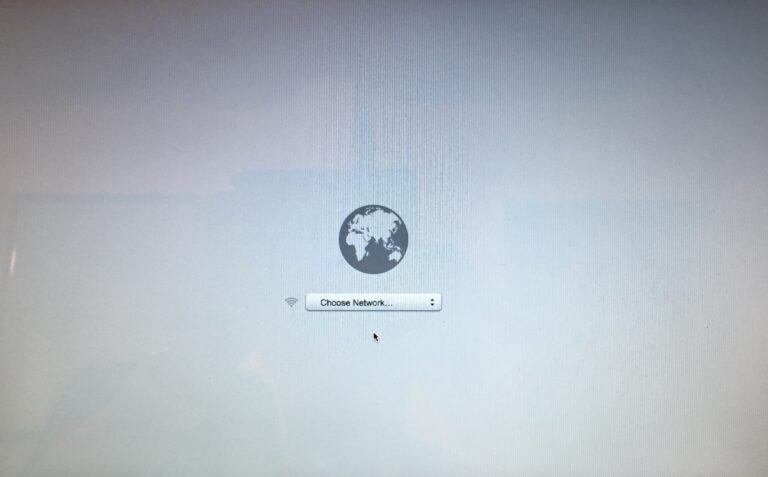
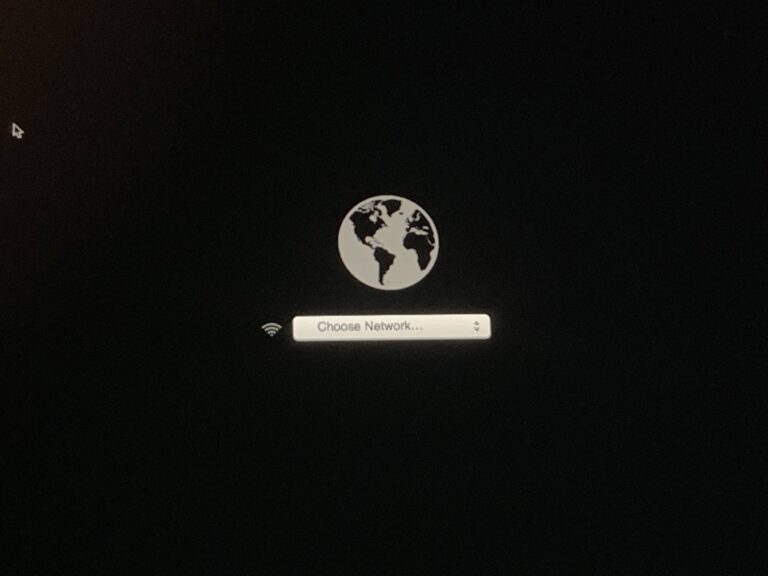
5) After your Mac has connected to the Wi-Fi network, it’ll download a recovery system image from Apple’s servers and start from it, giving…
Quit macOS Recovery On your Mac, do one of the following: Restart your Mac: Choose Apple menu > Restart. Choose a different startup disk…
Use a paper clip or another small tool to press and hold the Reset button for 5 seconds. Release when you see a spinning…