What is the equivalent of Delete key on Mac?
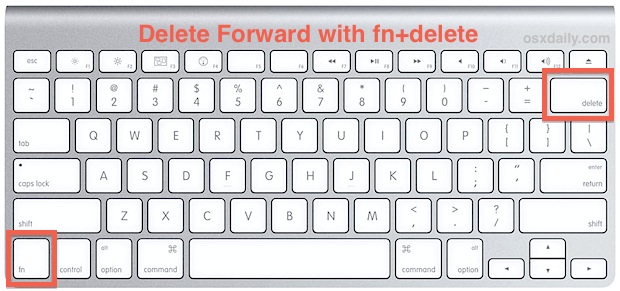
On the Mac, the backspace key is labeled Delete, although it’s in exactly the same place as the Windows Backspace key. The Delete key…
On the Mac, the backspace key is labeled Delete, although it’s in exactly the same place as the Windows Backspace key. The Delete key…
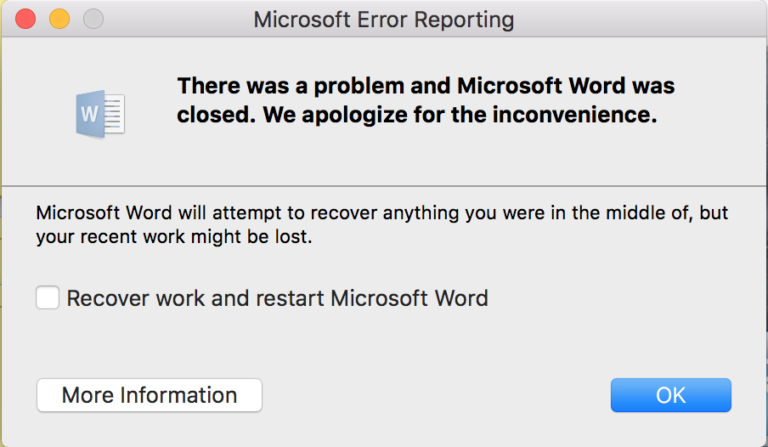
Mostly, MS Word crashes because of a fault in the Office suite of the tool itself. Chances are that the application could not have…
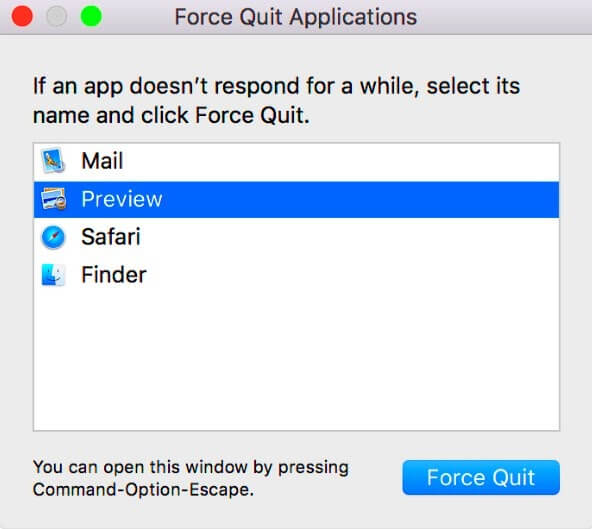
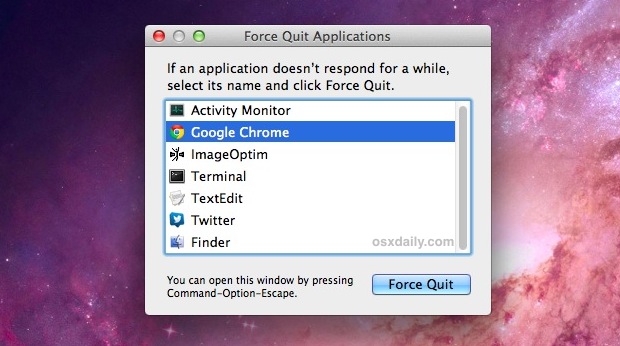
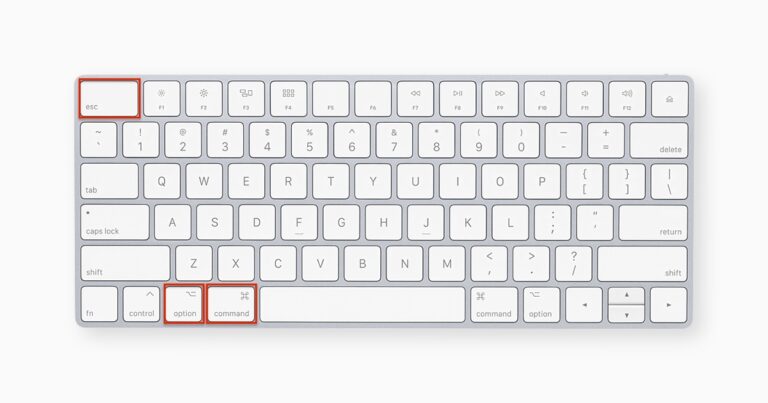
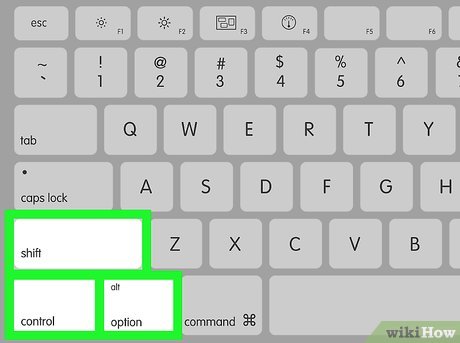
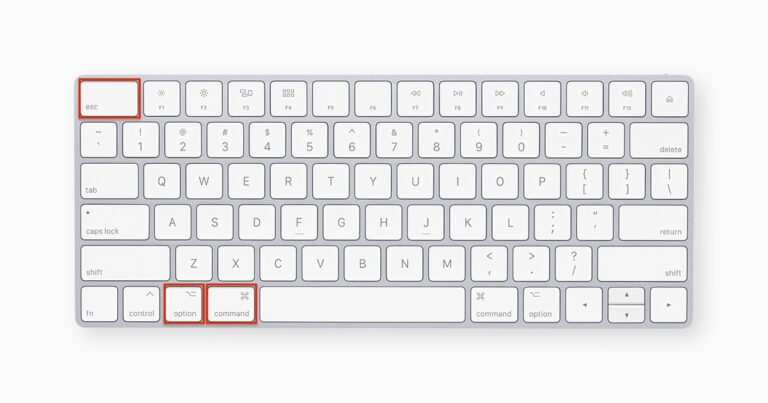
If there are no unresponsive apps, you can safely shut down your Mac without forcing the shut down: press Command + Control + Option…
The dots under applications on your Mac’s Dock mean that the apps are still running, even if you can’t see any of the windows…
The black dots appear under the apps in the Dock because Apple wants the user to be aware of apps that are still running…
If you can’t force the app to quit Restart your Mac: Choose Apple menu > Restart. If you can’t restart because your Mac…
Press and hold down the Command (⌘) and Control (Ctrl) keys along with the power button (or the Touch ID / Eject button, depending…
When you force close on Mac, you may end up losing files and data, or mess things up on the drive. Although the effect…
The energy exited from the body through the crown, the uppermost chakra, as death occurred. The human energy field changes noted in the 3…