Why is there a beach ball on my Mac?
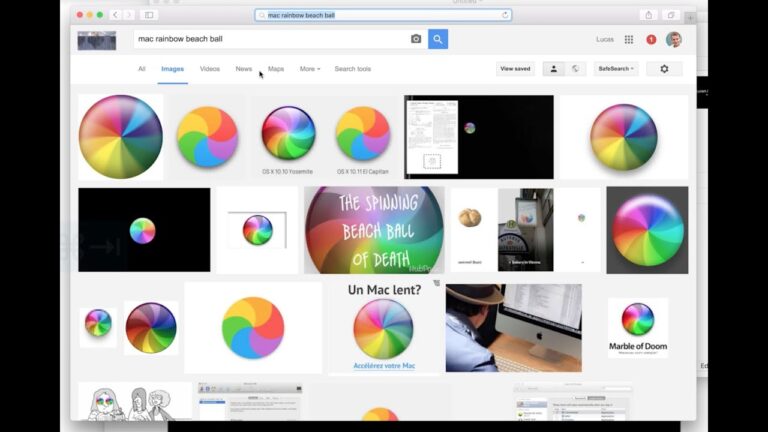
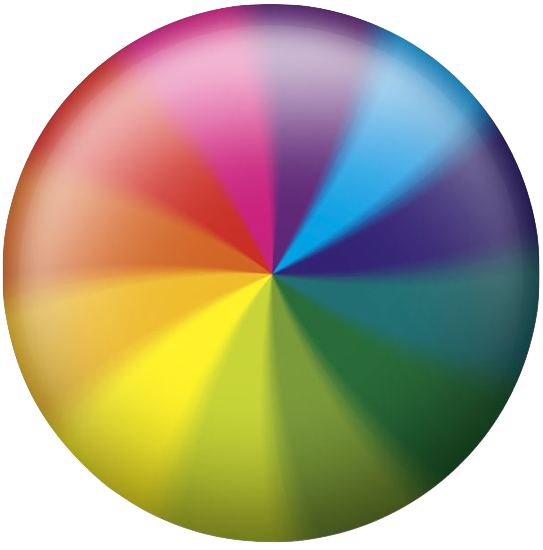
The spinning wait cursor or spinning disc pointer — where your mouse pointer becomes the rotating color wheel or “spinning beach ball” seen above…
The spinning wait cursor or spinning disc pointer — where your mouse pointer becomes the rotating color wheel or “spinning beach ball” seen above…
The spinning wait cursor or spinning disc pointer — where your mouse pointer becomes the rotating color wheel or “spinning beach ball” seen above…
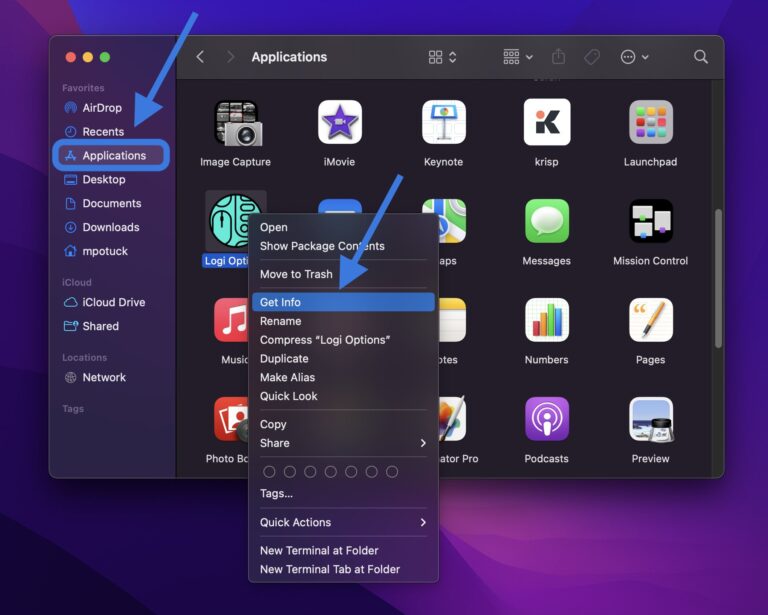
On your Mac, select the file or folder. Choose File > Get Info in the menu bar. At the top of the Info window,…
Click on the Apple menu at the top left of the screen, then select Restart and click Restart. If you cannot interact with the…
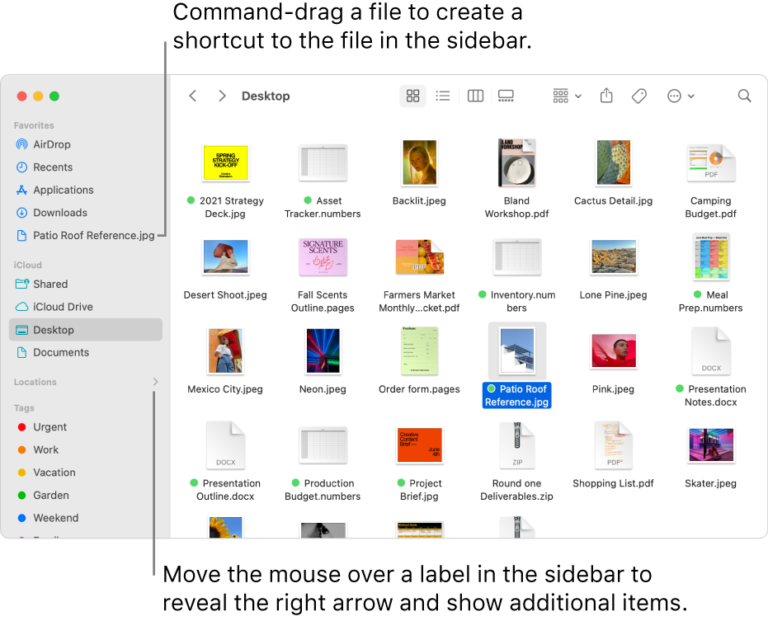
Finder is a default macOS file manager that always runs with your system. In short, it is a home base for your Mac, so…
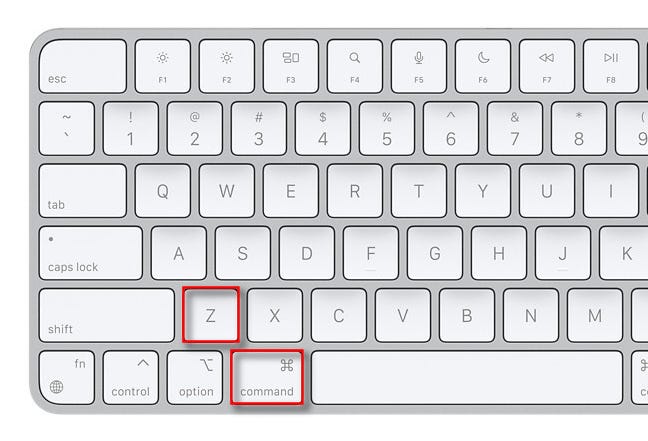
Command-Z: Undo the previous command. You can then press Shift-Command-Z to Redo, reversing the undo command. In some apps, you can undo and redo…
It’s not only a “file browser”, but it’s responsible for quite a bit of GUI functionality such as the Desktop, following paths and connecting…
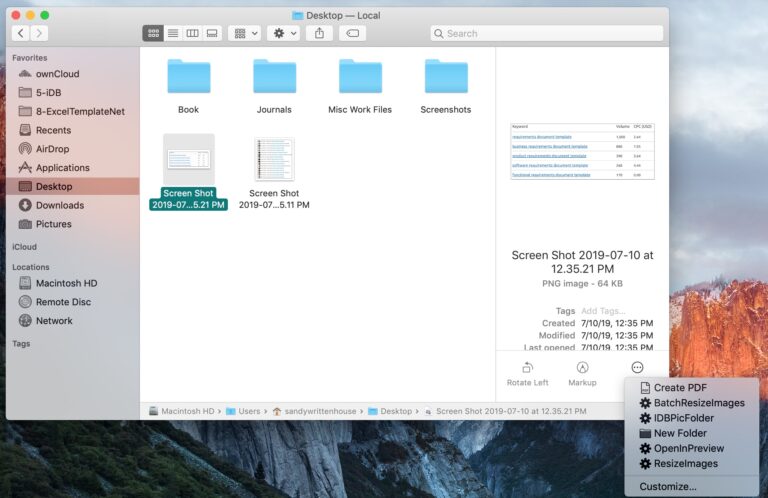
On your Mac, click the Finder icon in the Dock to open a Finder window. Select the file. Alternatively, you can select a file…
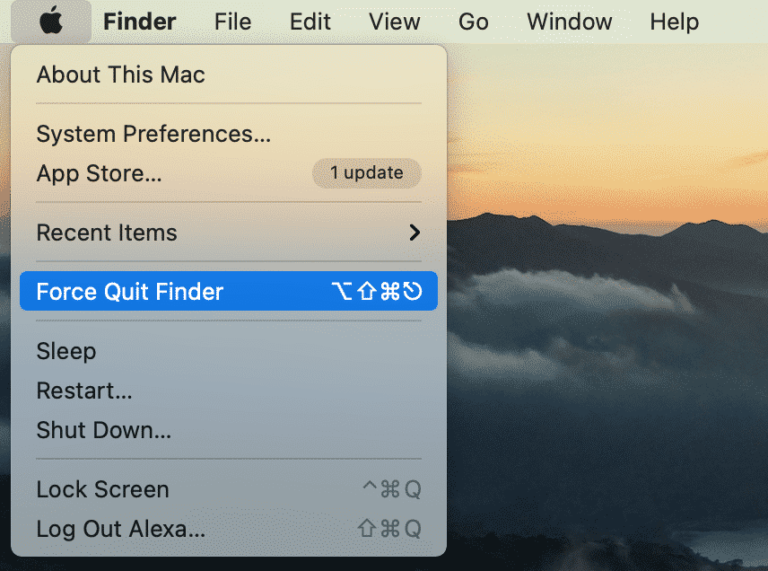
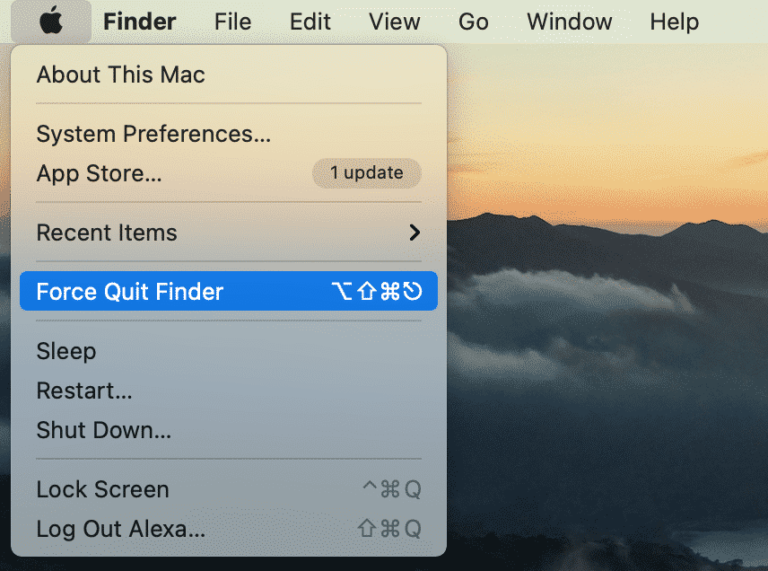
You may quit and suspend background processes for any app on your Mac using Activity Monitor. When you use Activity Monitor to close Finder…
5) After your Mac has connected to the Wi-Fi network, it’ll download a recovery system image from Apple’s servers and start from it, giving…