How do I run a diagnostic on my Mac?
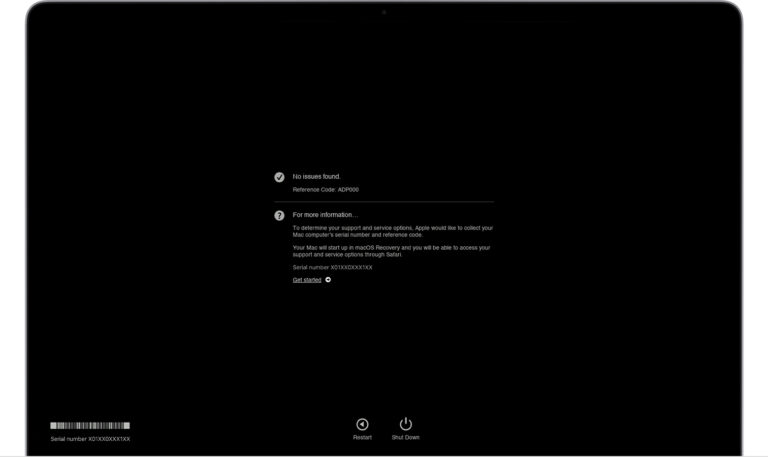
Turn on your Mac and then immediately press and hold the D key on your keyboard as your Mac starts up. Release when you…
Turn on your Mac and then immediately press and hold the D key on your keyboard as your Mac starts up. Release when you…
Updating your Mac to the latest macOS Monterey build can slow down the performance as the new build is in Beta and has some…
Click on the File option in the Menu bar then search for Autorecover. If you use Word often then there might be a few…
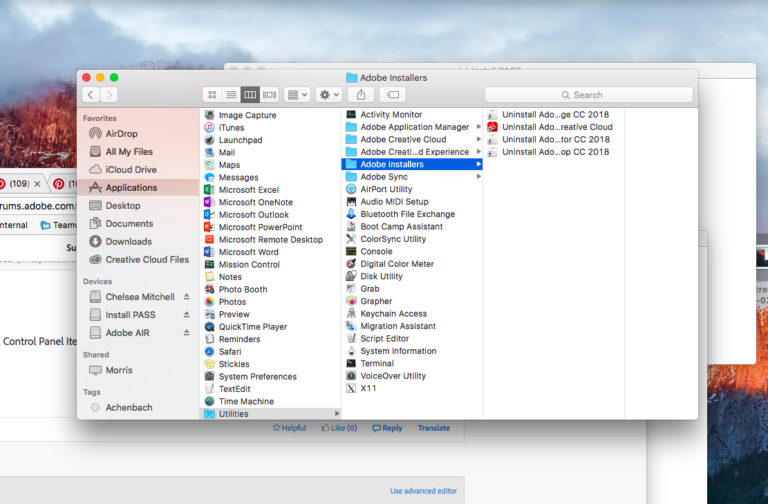
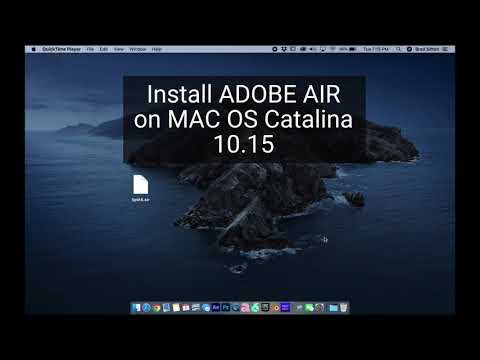
To begin the uninstallation, open the Applications folder in Finder. Search or type in Adobe Air, then drag it to the Trash. You can…
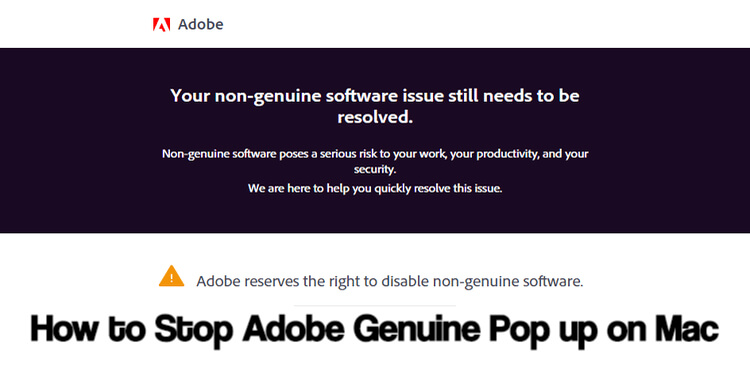
How do I turn off Adobe integrity on Mac? How do I stop Adobe genuine software integrity service from popping up? Step 1: Type…
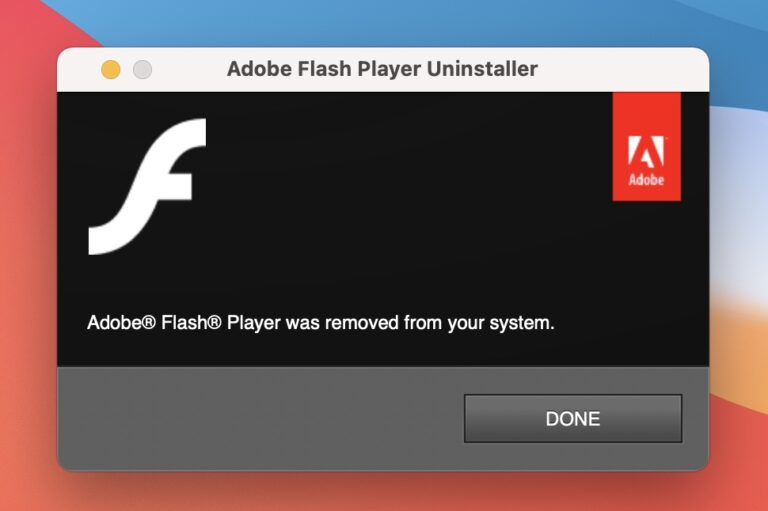
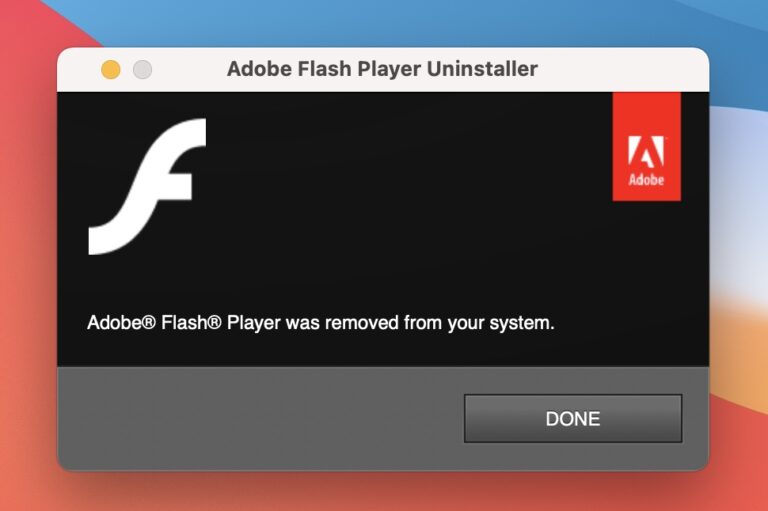
If an Adobe Flash Player Uninstaller notification pops up on a Mac, it could be either a legitimate dialog or a knock-off one obfuscating…
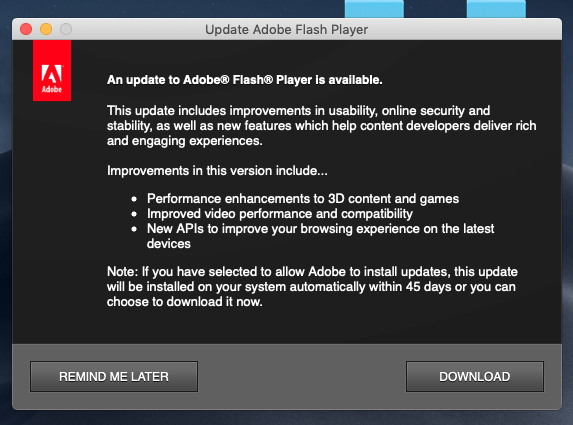
Go to the Finder and select System Preferences. Click the Flash Player icon. When on the Flash Player screen, hit the Updates tab in…
Adobe AIR is a computer program known as a runtime. It is necessary to have Adobe AIR on your computer to run certain applications.…
“Uninstalling Flash Player will help to secure your system since Adobe does not intend to issue Flash Player updates or security patches after the…
Go to the Apple menu and open System Preferences. You will find the Flash Player icon in the list of Preference Panes. Right-click on…