Why is my Mac loading for so long?
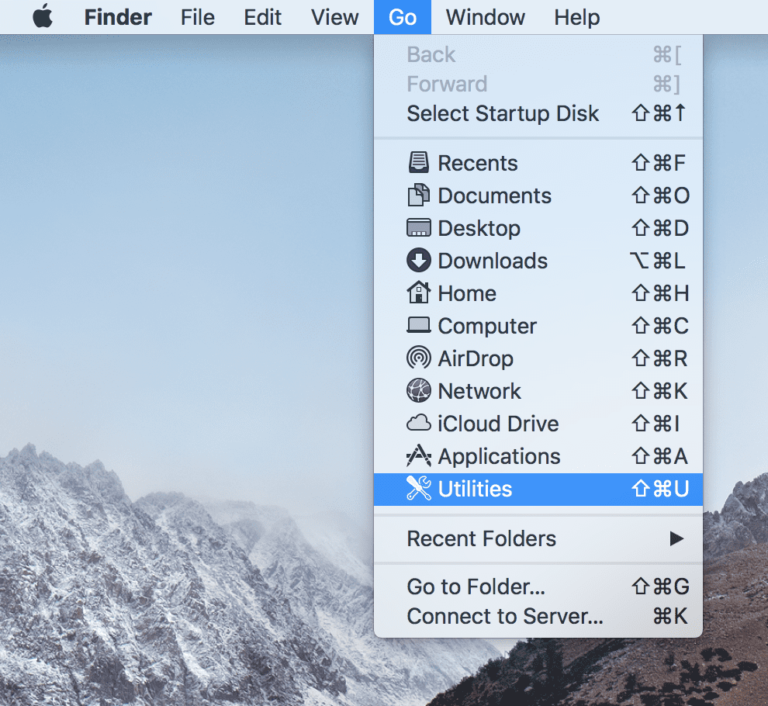
If you find your Mac is running slowly, there are a number of potential causes that you can check. Your computer’s startup disk may…
If you find your Mac is running slowly, there are a number of potential causes that you can check. Your computer’s startup disk may…
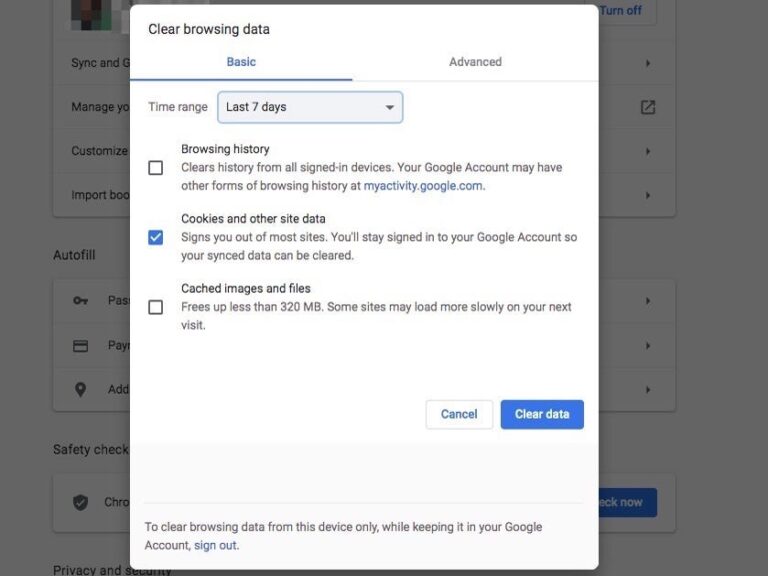
It’s important to clear cookies on your Mac for several reasons, including privacy and ease of access. Because cookies save and store data you’ve…
If you find your Mac is running slowly, there are a number of potential causes that you can check. Your computer’s startup disk may…
Your Mac may be slow due to an outdated macOS or an overloaded cache. Malware can also infect your Mac and slow it down…
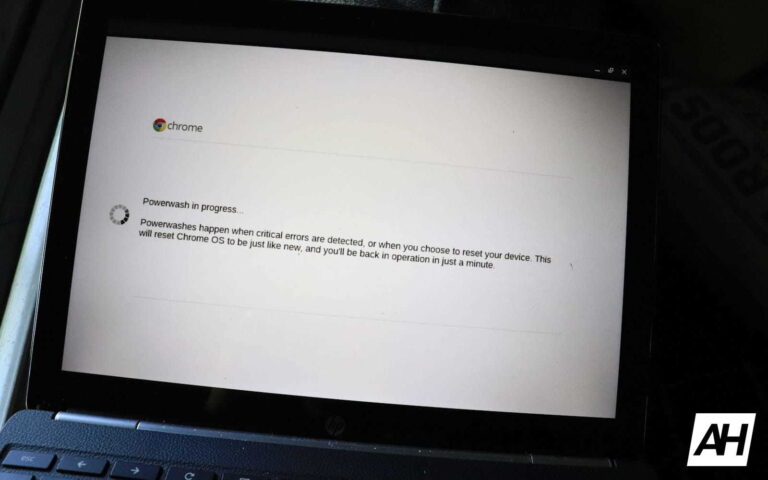
A Powerwash factory reset erases all the information on your Chromebook’s hard drive, including your settings, apps, and files. The factory reset won’t delete…
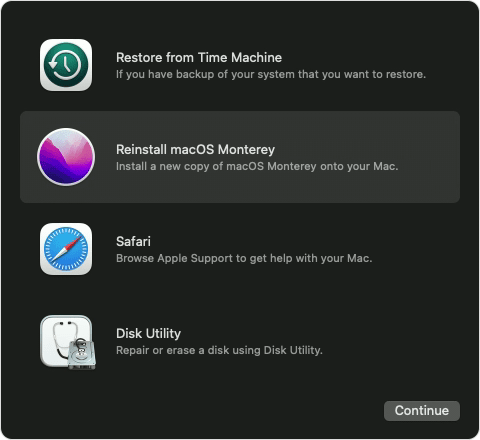
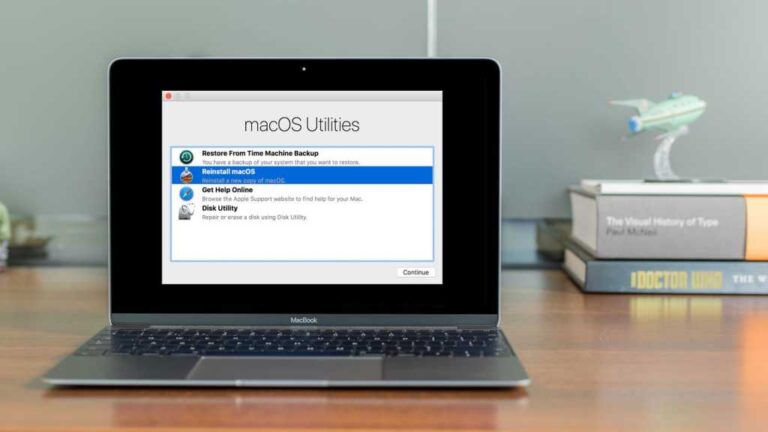
Install the latest version of macOS compatible with your computer: Option-Command-R. Reinstall your computer’s original version of macOS (including available updates): Option-Shift-Command-R. Reinstall your…
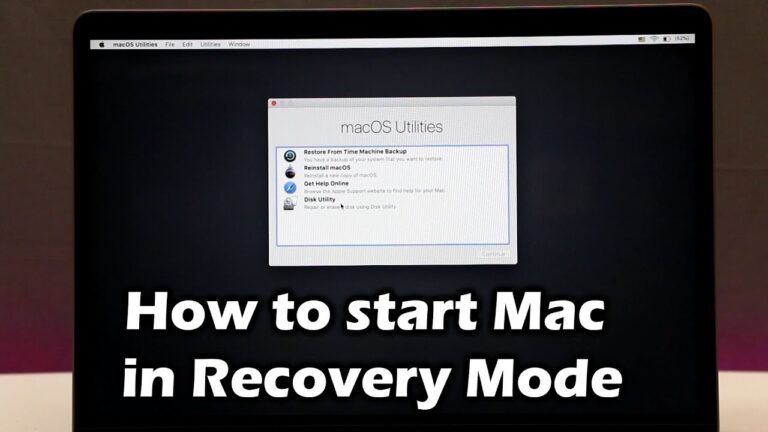
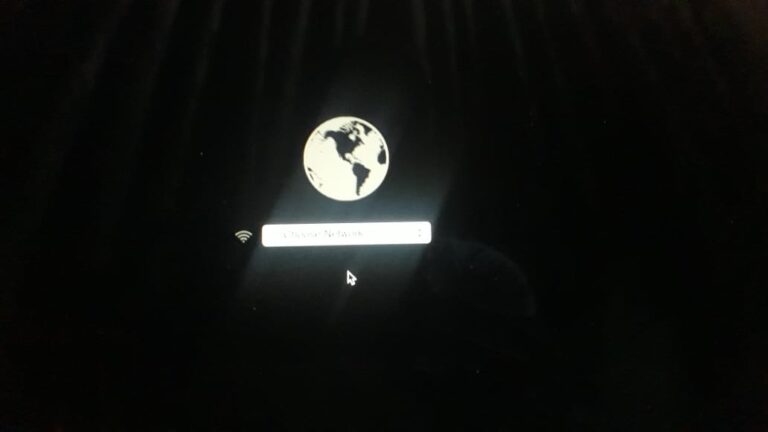
Reboot your Mac. Hold down Option/Alt-Command-R or Shift-Option/Alt-Command-R to force your Mac to boot into macOS Recovery Mode over the internet. This should boot…
Click on Apple logo at the top left of the screen. Select Restart. Immediately hold down the Command and R keys until you see…
If the built-in Recovery is corrupted, unavailable due to the total disk failure, or doesn’t work for any other reason, your Mac should automatically…
Force shutdown your Mac You can force a shut down by holding down the power button for about 10 seconds, or by simultaneously pressing…