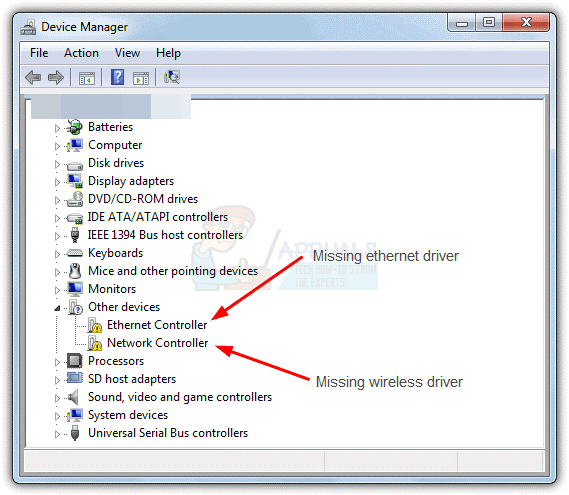
Where is Wi-Fi driver in Device Manager?
In the search box on the taskbar, type device manager, and then select Device Manager from the list of results. Expand Network adapters, and…
In the search box on the taskbar, type device manager, and then select Device Manager from the list of results. Expand Network adapters, and…
Someone can use your IP to hack your device The internet uses ports as well as your IP address to connect. There are thousands…
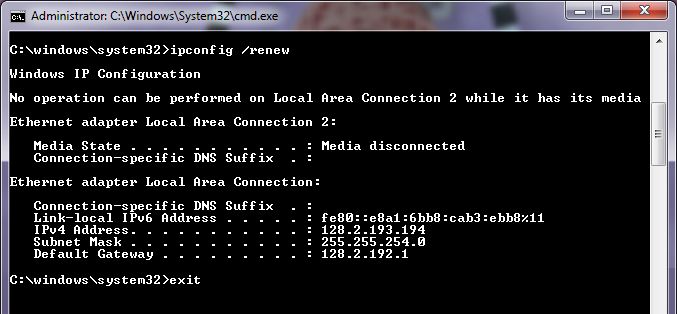
Go to “Start > Run” and type ” cmd ” (no quotes), then select “OK” Type ” ipconfig /release ” (no quotes) and press…
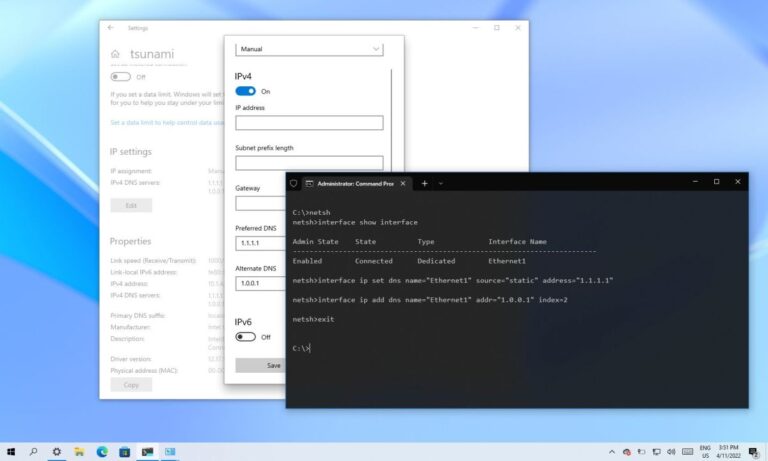
What is the difference between private and public DNS? Public DNS: For a server to be accessible on the public internet, it needs a…
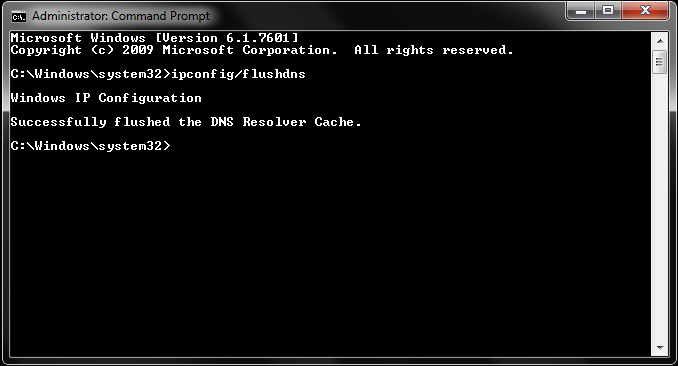
What does flush DNS do? Flushing DNS will clear any IP addresses or other DNS records from your cache. This can help resolve security,…
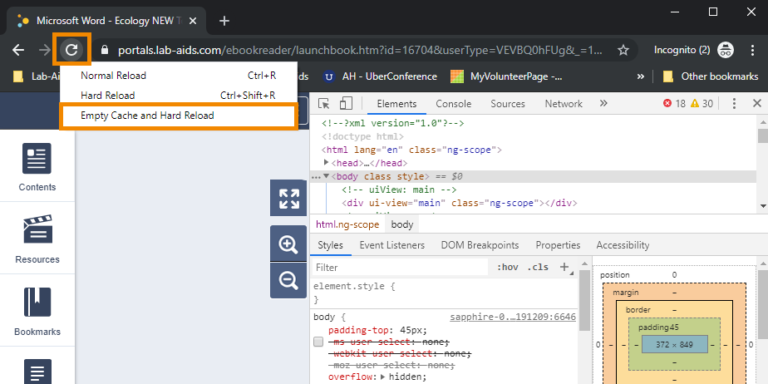
Hold down the Ctrl key and press the F5 key, or hold the Ctrl key and click the Refresh button. What does it mean…
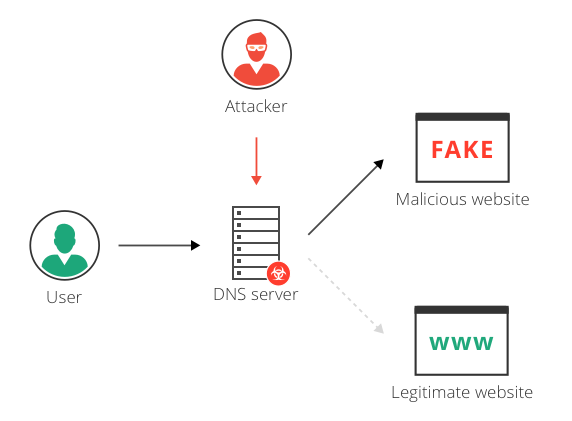
Yes. A VPN helps prevent DNS hijacking. Most VPN services run their own DNS servers, preventing your DNS queries from being intercepted. ExpressVPN runs…
What is DNS? DNS translates your typed instructions into the numerical IP code that corresponds to the web page you want. The internet server…
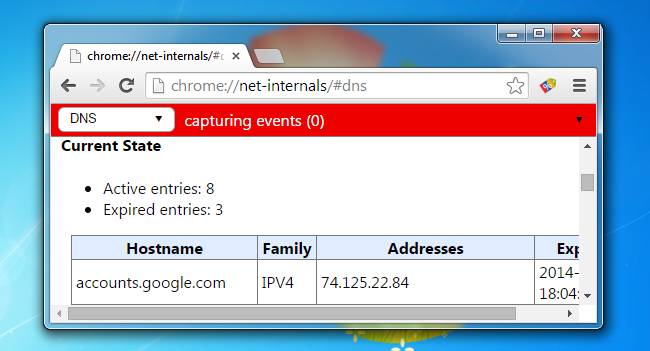
Yes, Google Chrome browser has inbuilt DNS and proxy caching server to improve performance. You can quickly clean out or flush out DNS entries…
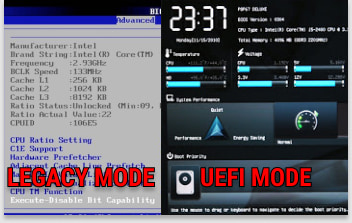
UEFI runs in 32-bit and 64-bit, allowing support for mouse and touch navigation. Legacy runs in 16-bit mode that only supports keyboard navigation. It…