How do I get rid of unwanted Wi-Fi networks?
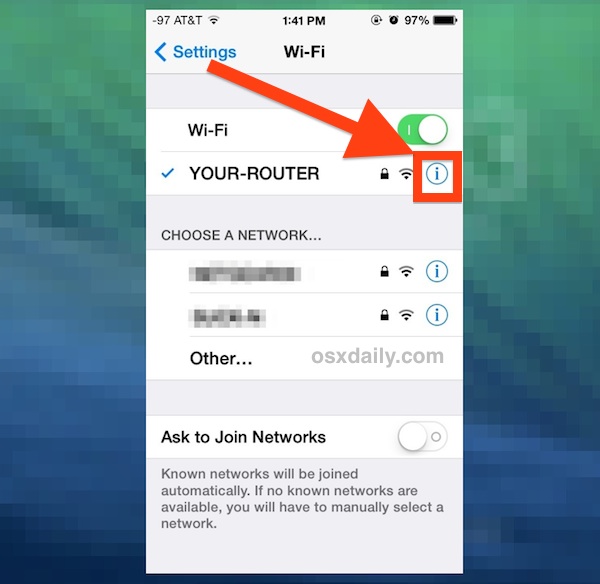
Forget a network on your iPhone, iPad, or iPod touch Go to Settings > Wi-Fi. Tap next to the Wi-Fi network that you want…
Forget a network on your iPhone, iPad, or iPod touch Go to Settings > Wi-Fi. Tap next to the Wi-Fi network that you want…
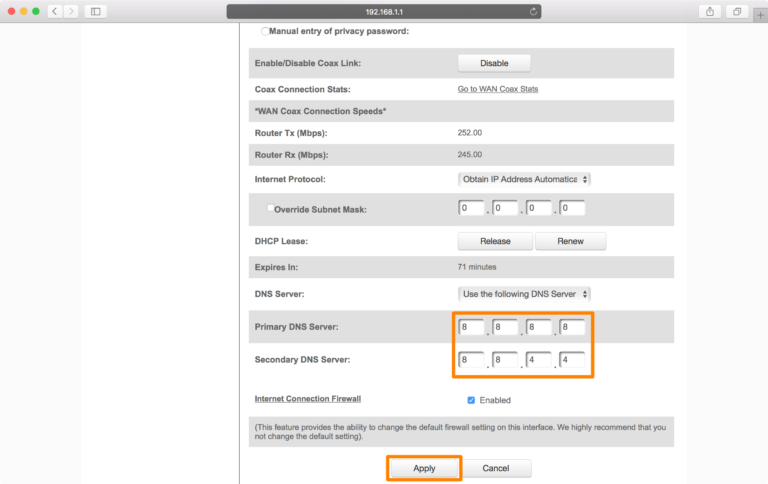
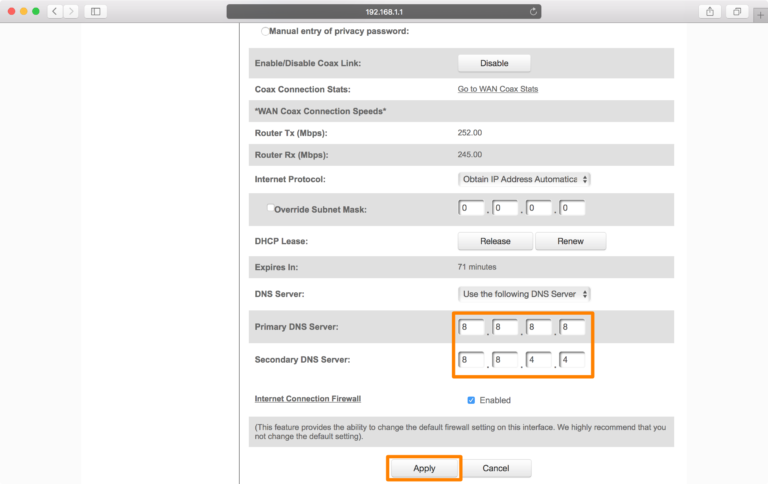
By default, your router uses your Internet service provider’s DNS servers. If you change the DNS server on your router, every other device on…
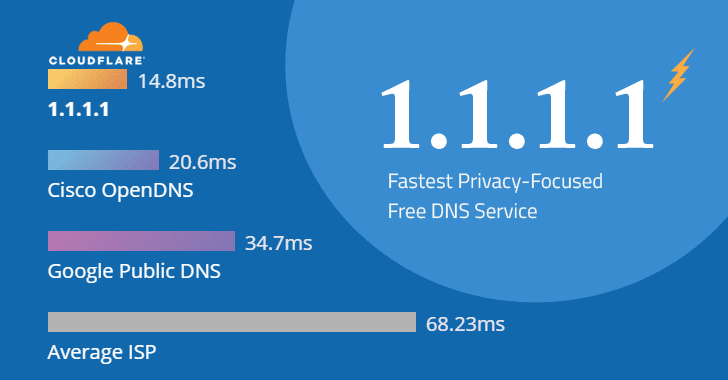
The independent DNS monitor DNSPerf ranks 1.1.1.1 the fastest DNS service in the world. Since nearly everything you do on the Internet starts with…
By changing the DNS server on your router, you’ll be able to configure parental control settings on the OpenDNS website, allowing you to block…
Despite the privacy precautions you take, there is someone who can see everything you do online: your Internet Service Provider (ISP). When it comes…
NVMe drives can usually deliver a sustained read-write speed of 3.5 GB/s in contrast with SATA SSDs that limit at 600 MB/s. Since NVMe…
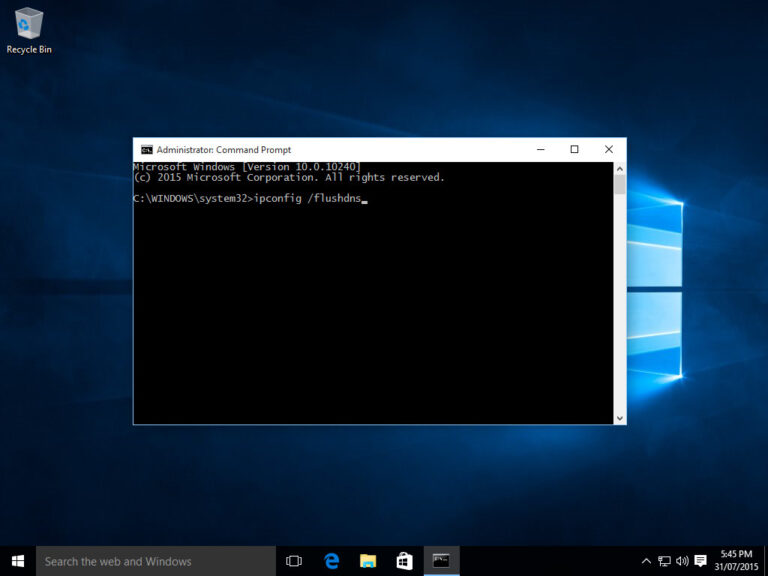
Can flushing DNS improve network performance and speed up the internet? Typically flushing your DNS cache does not speed up your internet connection itself,…
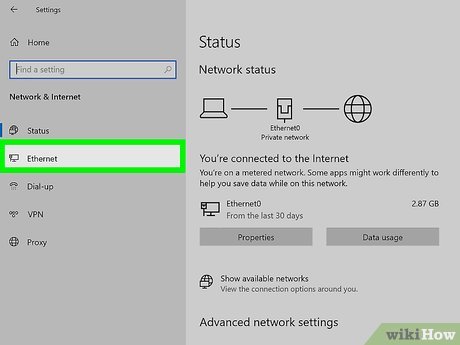
Select the Start button, then type settings. Select Settings > Network & internet. The status of your network connection will appear at the top.…
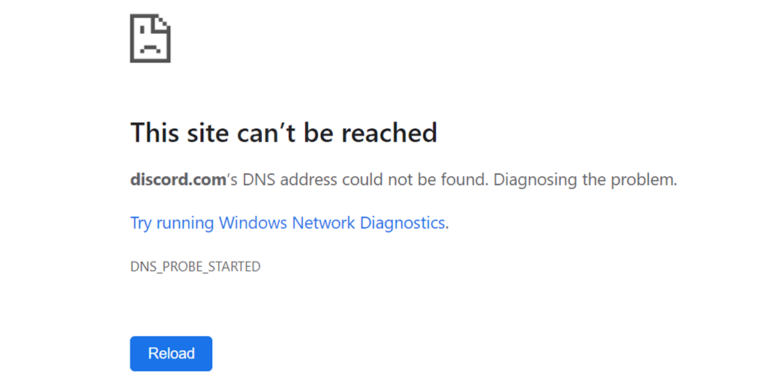
The DNS_PROBE_STARTED error message typically indicates an issue with your DNS or network. Most often, it means that your computer was unable to connect…
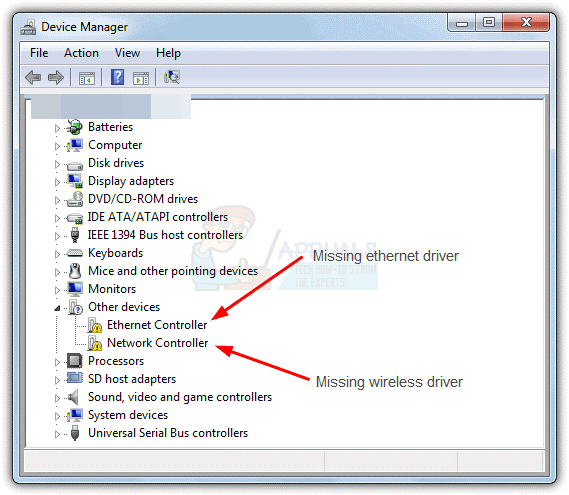
In the search box on the taskbar, type device manager, and then select Device Manager from the list of results. Expand Network adapters, and…