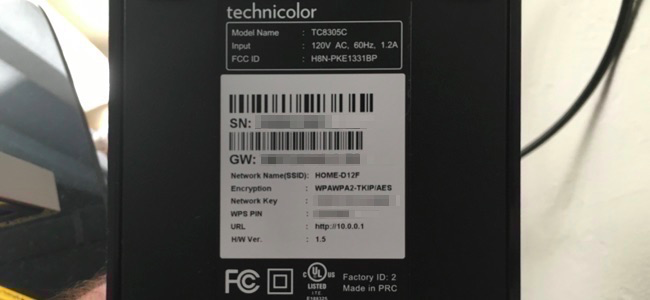
How do I find my router name and password?
Just do a search for the router’s model number and ‘manual’, or search for your router’s model and ‘default password’. Look for a sticker…
Steps to Connect to WPS Press the WPS button on your router. This will start to process for the Chromebook to connect to the…
Locate the Refresh key on the keyboard. It looks like a circular arrow and is located in the top row of your keyboard. Where…
UEFI replaces the legacy Basic Input/Output System (BIOS) boot firmware originally present in all IBM PC-compatible personal computers, with most UEFI firmware implementations providing…
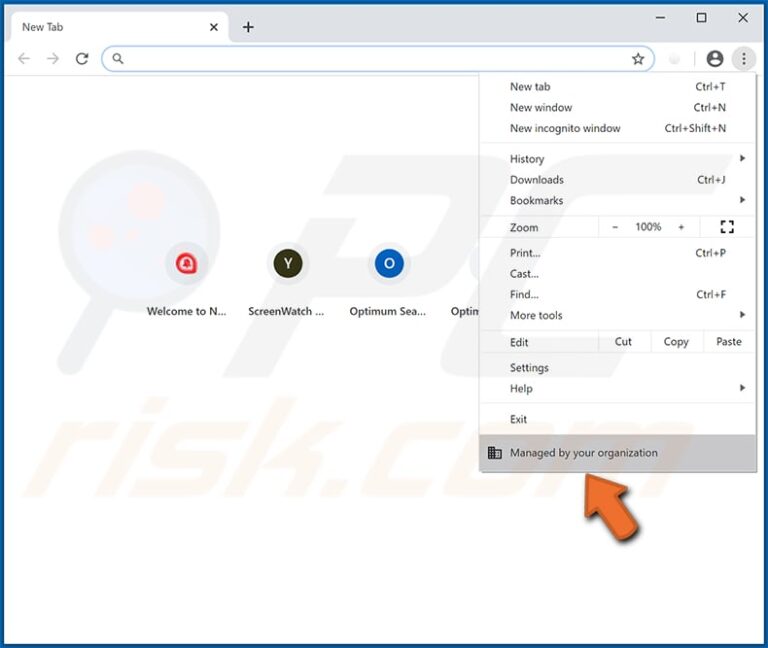
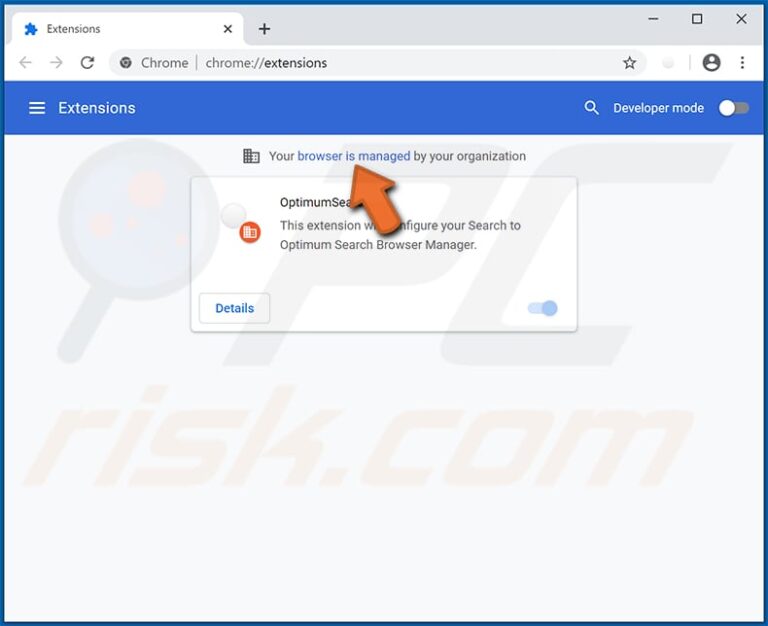
To remove Chrome browser management policies from a Windows device, you need to clear the Chrome registry settings and then restart Chrome browser. For…
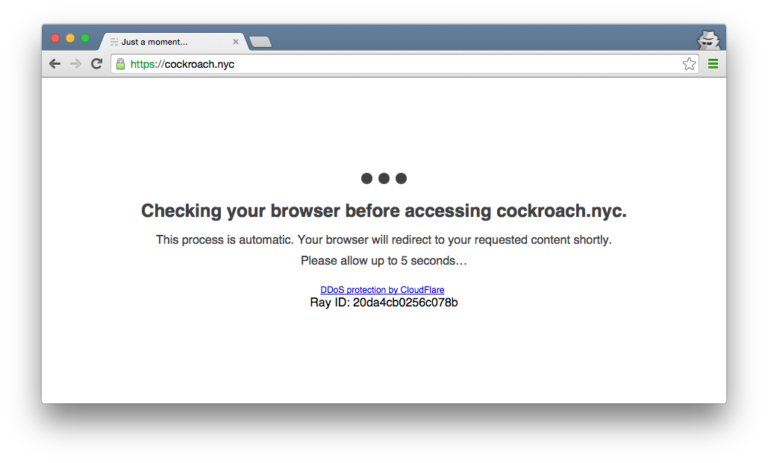
Log in to the Cloudflare dashboard, and select your account and website. Go to Firewall > DDoS. Next to HTTP DDoS attack protection, click…
Click the Search icon on the Taskbar and type in msinfo32 , then press Enter. System Information window will open. Click on the System…
Choose GPT rather than MBR for your system disk if UEFI boot is supported. Compared with booting from MBR disk, it’s faster and more…
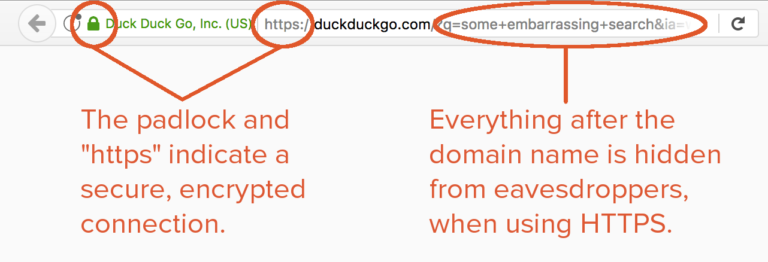
The Wifi Settings opens. Click Manage known networks. Click the current wifi network your are connected to, and click Properties. Next to Security type,…