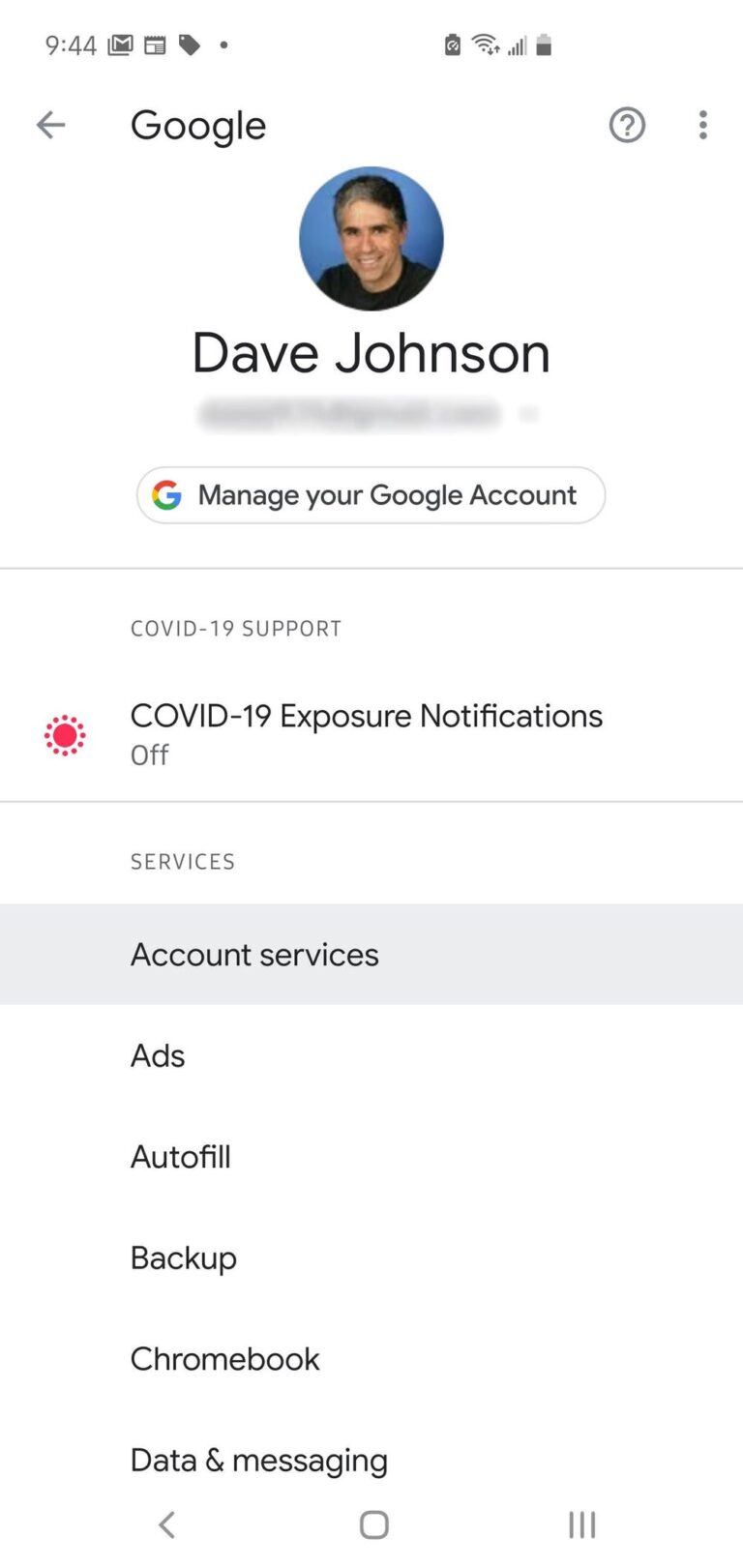
How do you stop your phone from listening to you for ads?
Do Phones Listen to You? Companies Say “No” Google and Facebook have both denied that their apps can use smartphone microphones to gather information…
Do Phones Listen to You? Companies Say “No” Google and Facebook have both denied that their apps can use smartphone microphones to gather information…
Signal Private Messenger – Best Apps For Secret Texting The secret text app uses an advanced end-to-end encryption protocol that provides privacy for every…
Tap the search bar at the top of the screen and type in the name of the app you’re looking for. When you find…
The blue dot on the contact means the messaging app will search your contact list to see which of your contacts have phones that…
The messages app scans your contacts and connects to your your carrier database and determines how many of your contacts are using RCS capable…
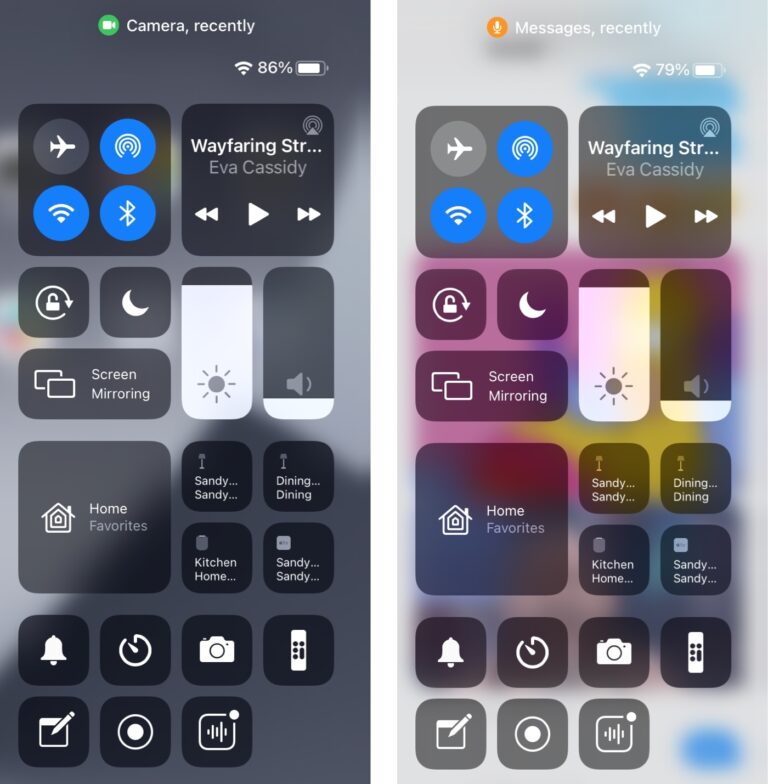
The tiny dots visible at the top of the screen are Privacy Indicators aimed to alert users about apps using camera, mic, location and…
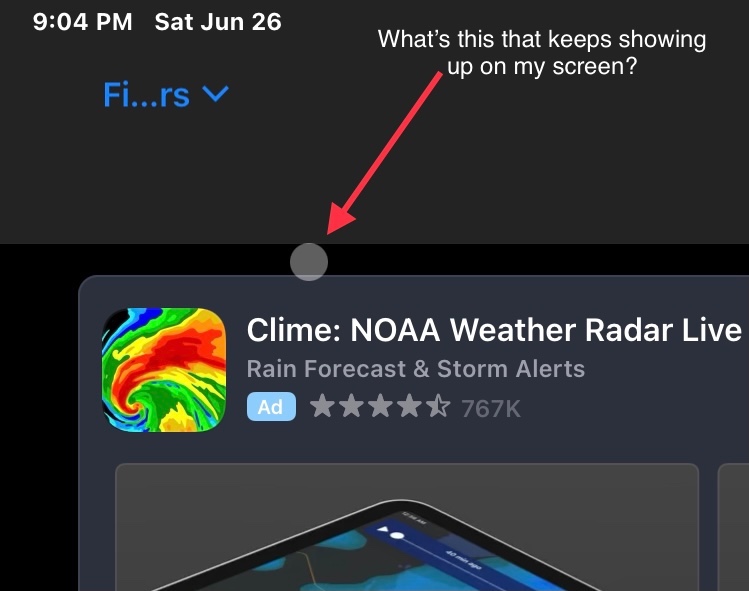
If there is a large circle enclosed in a grey box that appears as an overlay on your iPhone screen, your phone’s AssistiveTouch feature…
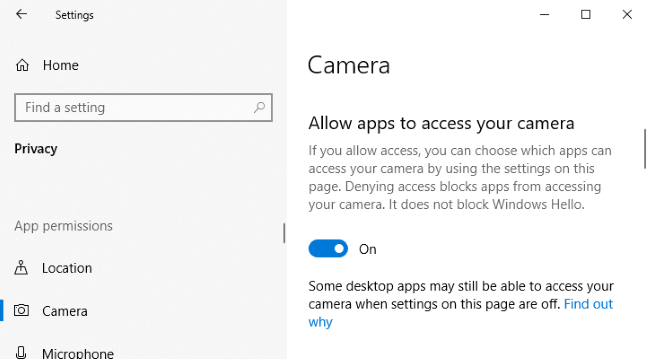
To check which apps are using your webcam: Launch the Settings app from the Start menu. Click Privacy > Camera. Apps which are using…
First, open the “Settings” app. In “Settings,” tap “Privacy.” In “Privacy,” tap “Microphone.” On the next screen, you’ll see a list of installed apps…
You can immediately check if your phone has been compromised, or if your calls, messages etc have been forwarded without your knowledge. All you…