How do I restart my browser?
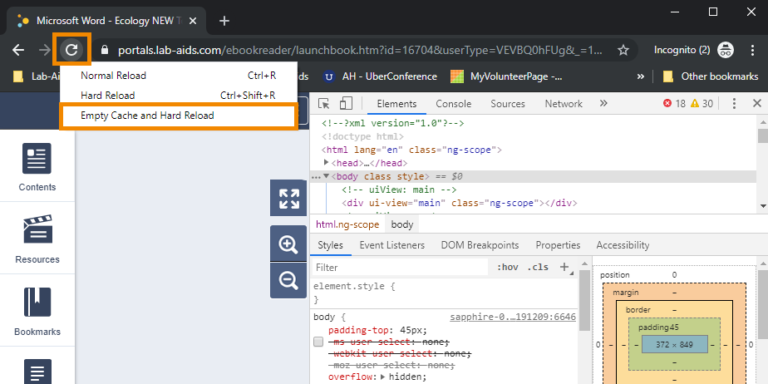
Description: “Restart Browser” allows you to reset the browser status to where you prefer with just one button. What does it mean to restart…
Description: “Restart Browser” allows you to reset the browser status to where you prefer with just one button. What does it mean to restart…
Just be aware of the privacy concerns. Google Chrome virus scan usually runs automatically if you download a file or if it suspects some…
If you uninstall and reinstall Google Chrome without signing in, then yes. Doesn’t make a difference if you are in incognito mode. If, however,…
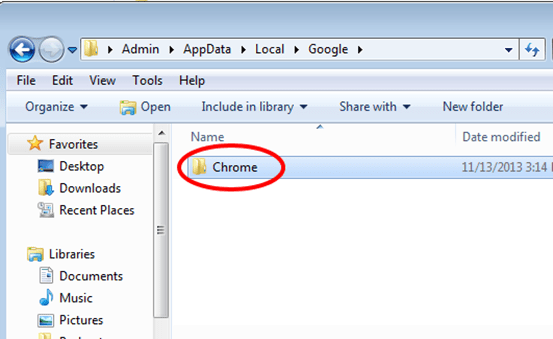
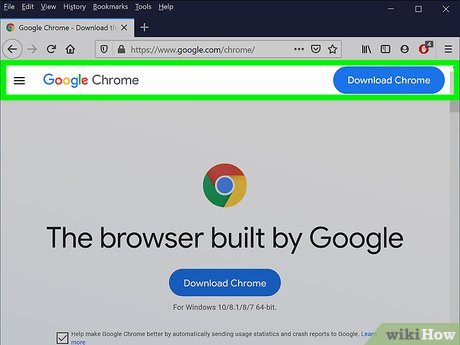
Before reinstalling Chrome, you’ll want to uninstall the original copy. You can do this from the Control Panel: Windows 10 and 8.1 – Right-click…
Slow site speeds can result from network congestion, bandwidth throttling and restrictions, data discrimination and filtering, or content filtering. If you notice slow speeds…
Resetting Chrome does not clear out bookmarks, history, auto-fill suggestions, or saved passwords. What happens if I reset Chrome? Resetting Chrome will restore your…
Resetting Chrome will restore your home page and search engine to their default settings. It will also disable all browser extensions and clear out…
HTTPS is HTTP with encryption and verification. The only difference between the two protocols is that HTTPS uses TLS (SSL) to encrypt normal HTTP…
DNS over HTTPS is a controversial internet privacy technology which would encrypt DNS connections and hide them in the common HTTPS traffic, making it…