Why do my browsers keep freezing?
Internet browsers can freeze for many reasons, including too many open programs or tabs, problems with the telephone or cable line, corrupt files, and…
Internet browsers can freeze for many reasons, including too many open programs or tabs, problems with the telephone or cable line, corrupt files, and…
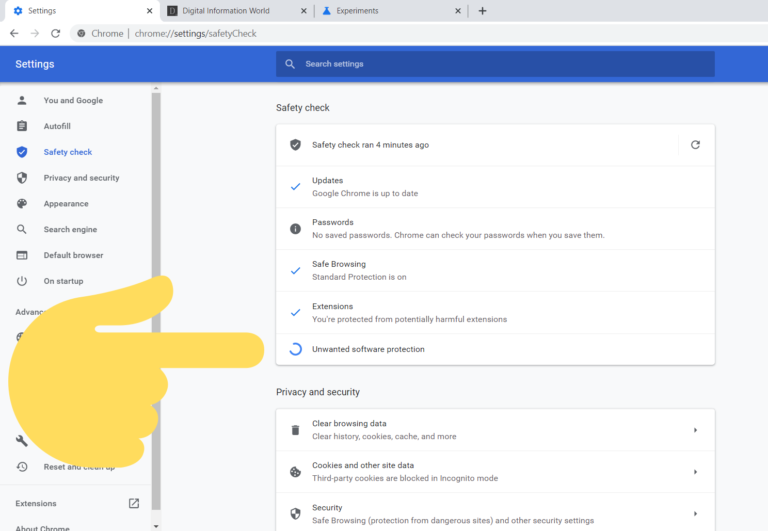
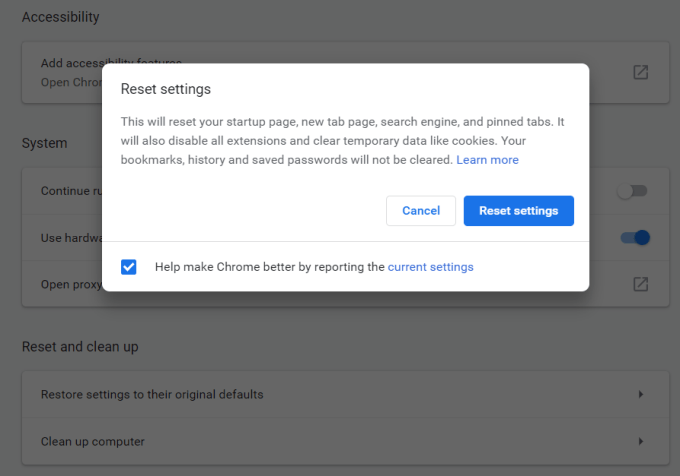
Resetting Chrome settings will clear temporary data on Chrome such as cookies and cached files. It’s equivalent to clearing things under Chrome settings >…
Simply hold down the Power button until the device shuts down. Then, press the Power button once more to reboot the Chromebook. With any…
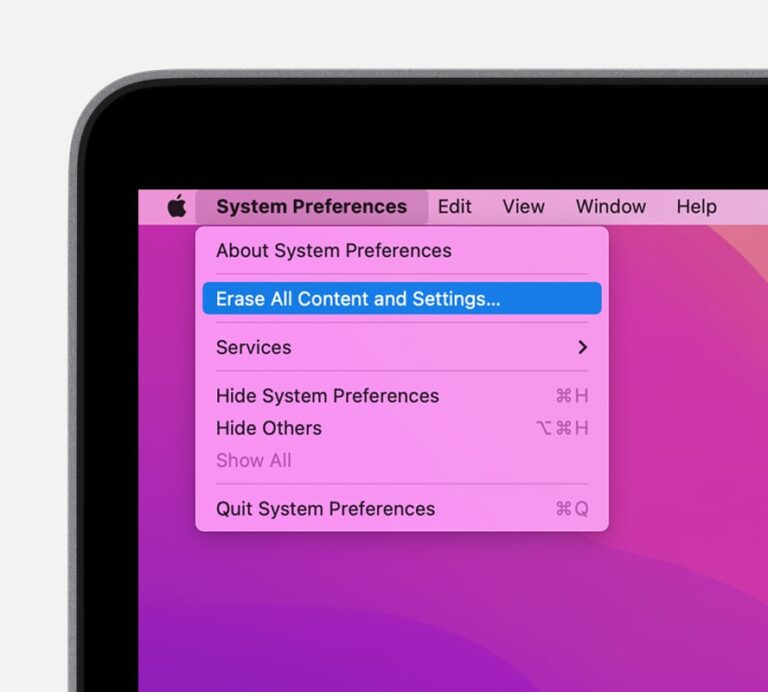
Step 1 Open your Apple menu > System Preferences. Step 2 On the top left corner of your screen beside the Apple menu, click…
The short answer is yes, Alexa is always listening to you. Or rather the microphone on your Alexa smart speaker is always active (by…
If the issue is with Alexa not playing music with another paired Echo device, Amazon says that a restart should fix the problem in…
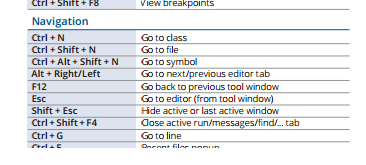
Alternatively referred to as Control+N, ^n, and C-n, Ctrl+N is a keyboard shortcut most often used to create a new document, window, workbook, or…
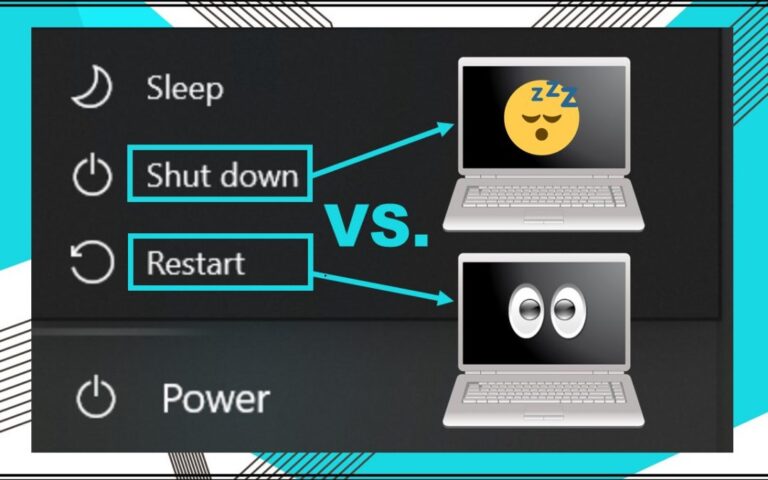
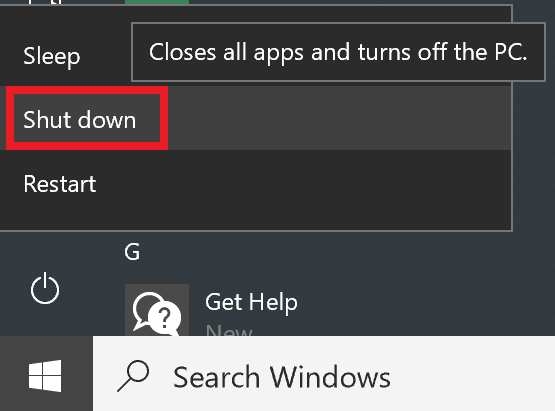
Shutting down turns off your system completely until it is turned on again. Restart, on the other hand, only turns off the computer momentarily.…
One of the biggest problems with LCD monitors is that they are fairly fragile. Once an LCD display screen is cracked or broken, it…
A hard shutdown is when the computer is forcibly shut down by interruption of power. Graceful shutdowns are generally performed intentionally by users, as…