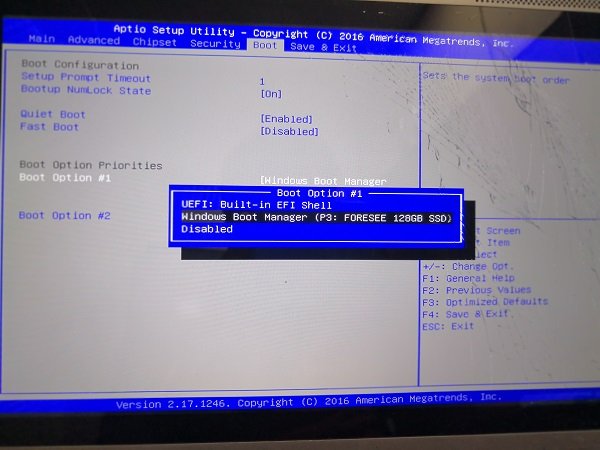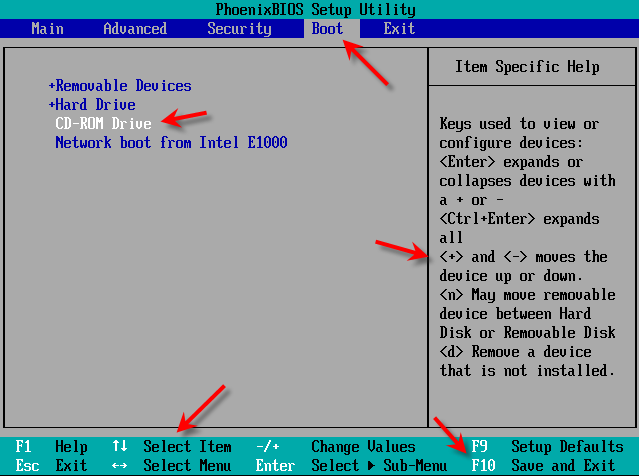
Where can we find the boot partition priority?
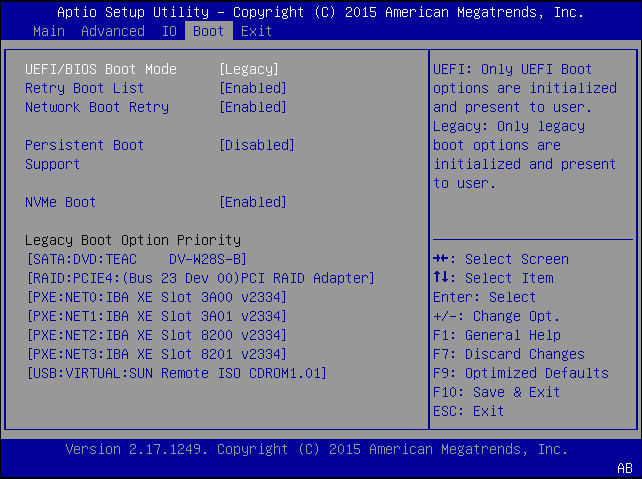
Restart your computer and you may see a screen that says, “Press F12 Boot for boot Menu” or “Press Del for Setup”. Once you…
Restart your computer and you may see a screen that says, “Press F12 Boot for boot Menu” or “Press Del for Setup”. Once you…
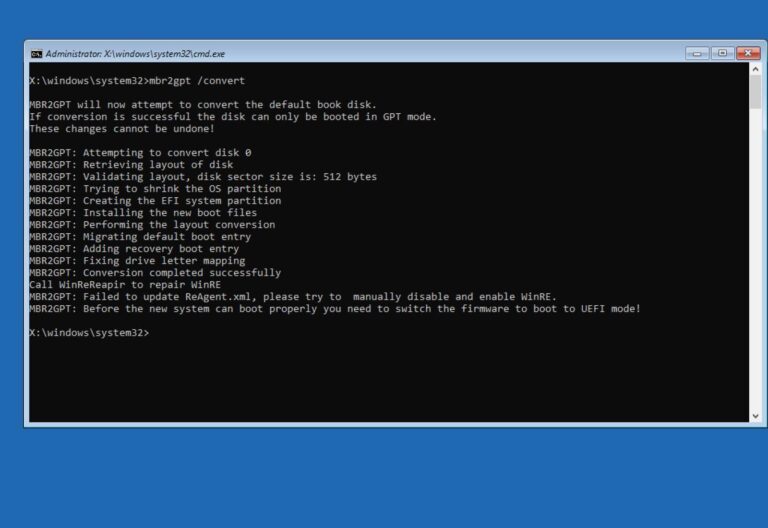
If you plan to upgrade to Windows 11, and you enable Secure Boot, the computer won’t probably start anymore because the hard drive is…
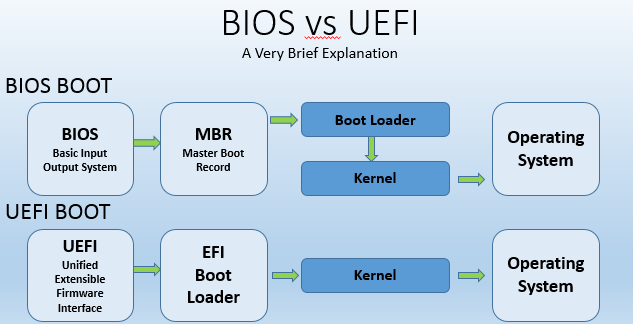
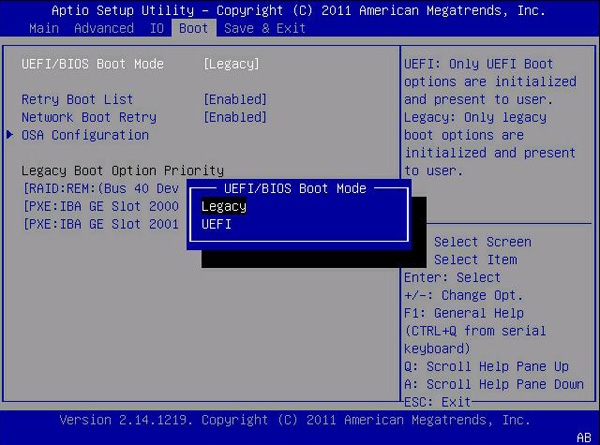
UEFI provides backward compatibility with legacy systems by reserving the first block (sector) of the partition for compatibility code, effectively creating a legacy boot…
In addition to CIPA, some states have regulations that their schools have to follow when it comes to website blocking. The goal of these…
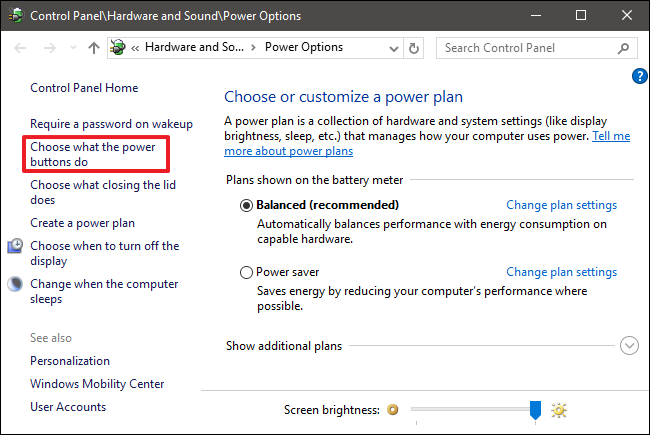
Is it good to enable fast boot? Leaving fast startup enabled shouldn’t harm anything on your PC — it’s a feature built into Windows…
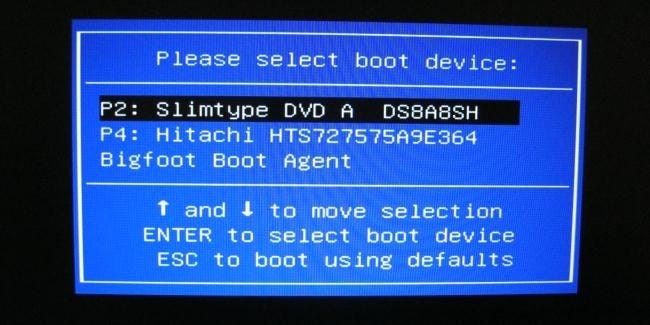
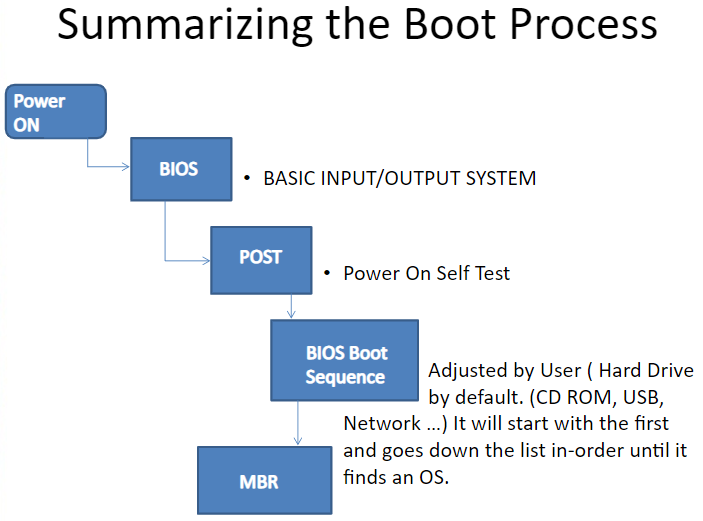
The Boot Menu allows a user to select what device to load an operating system or application from as the computer is booting. If…
From within Windows, press and hold the Shift key and click the “Restart” option in the Start menu or on the sign-in screen. Your…
UEFI functions via special firmware installed on a computer’s motherboard. Like BIOS, UEFI is installed at the time of manufacturing and is the first…
From a power off state, power on the system and Press F2 at the Dell logo to boot into the BIOS setup menu. Figure…
Step 1: Type msconfig in the Start/taskbar search field and then press the Enter key to open the System Configuration dialog. Step 2: Switch…