Why is Alexa flashing blue and not responding?
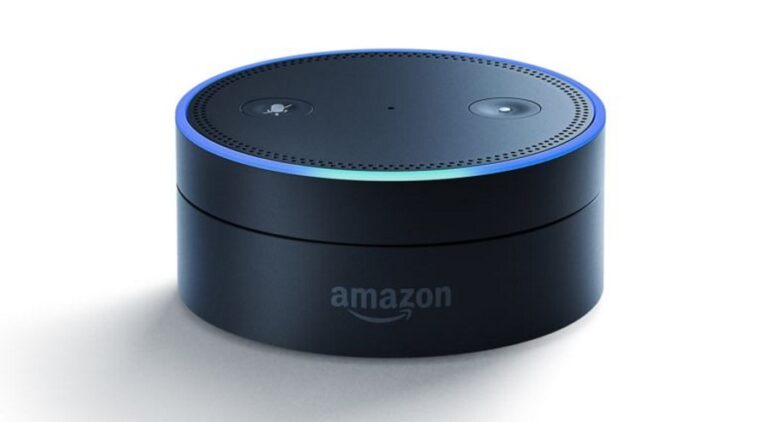
This will also happen when your Echo speaker is starting up normally. When it starts flashing blue it means Alexa is responding to your…
This will also happen when your Echo speaker is starting up normally. When it starts flashing blue it means Alexa is responding to your…
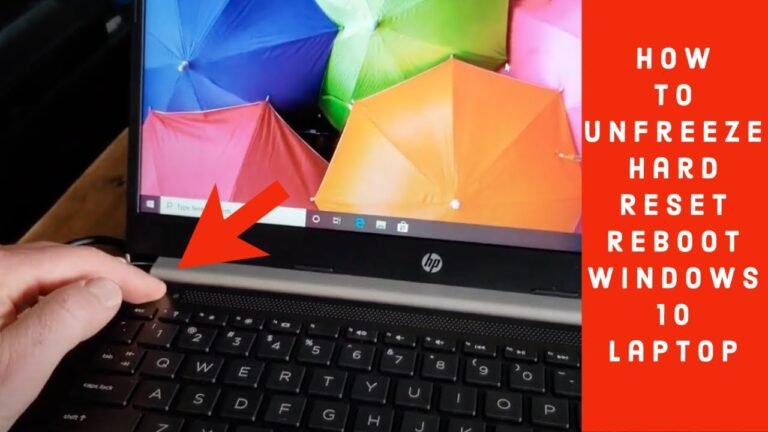
To reboot a frozen computer, press and hold down the power button until the computer turns off. Once the computer is off, wait a…
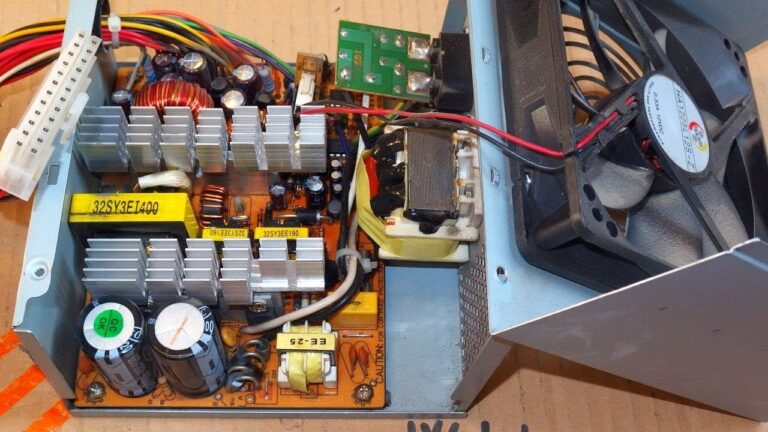
If, after troubleshooting your computer power supply, you determine that the power supply is bad, we recommend it be replaced. Because of the potential…
Press and hold the laptop power button for 10 seconds to discharge any stored power. Connect the power adapter to the laptop again. Press…
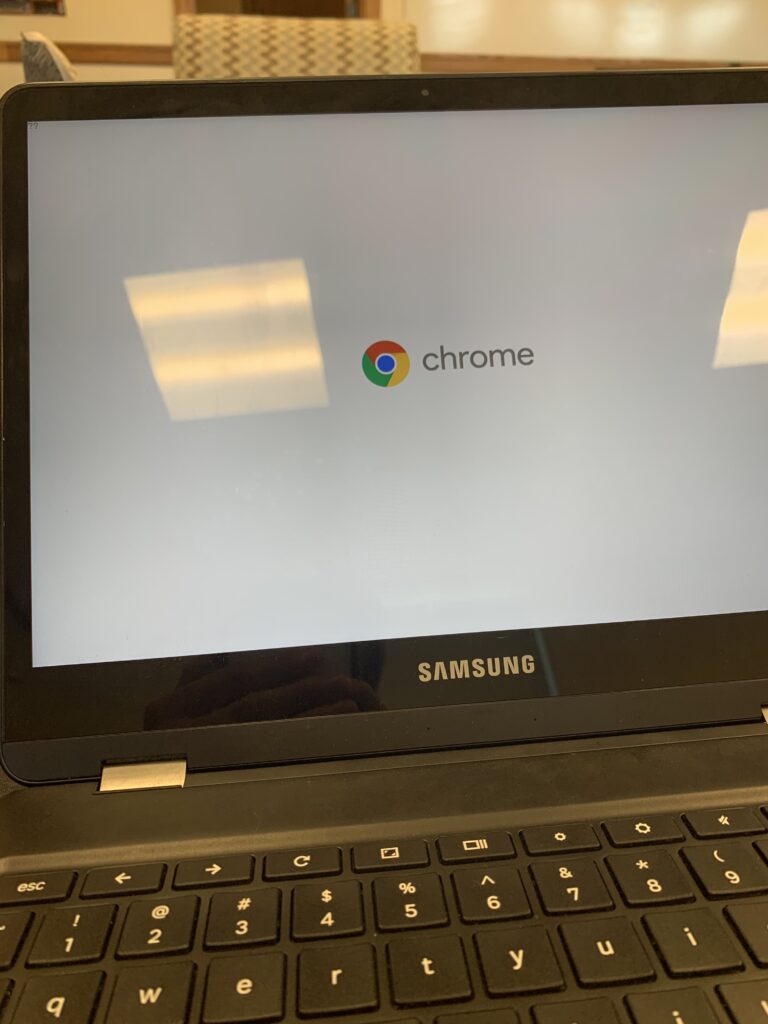
Reboot a frozen Chromebook Simply hold down the Power button until the device shuts down. Then, press the Power button once more to reboot…
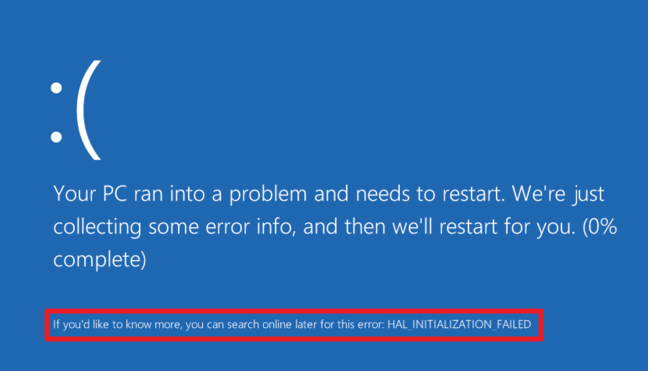
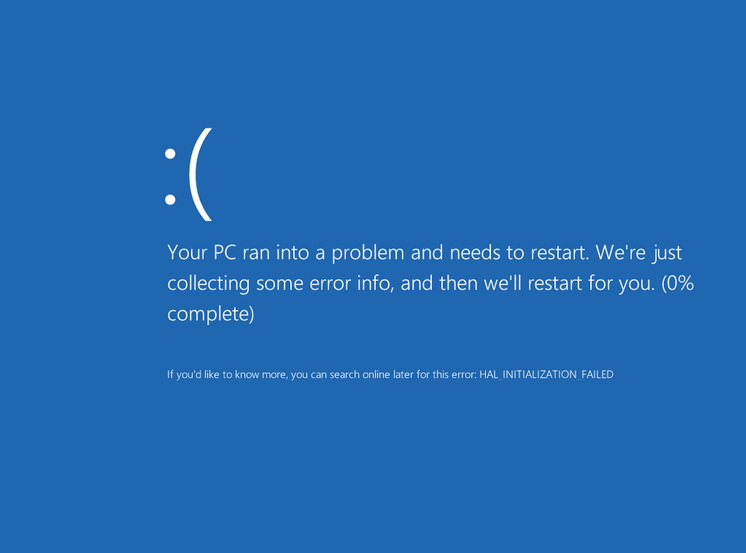
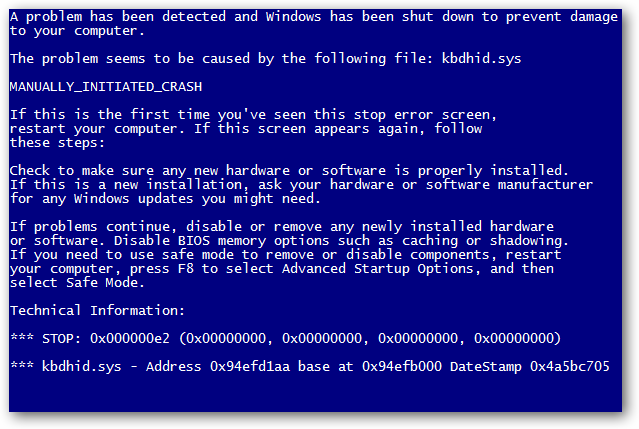
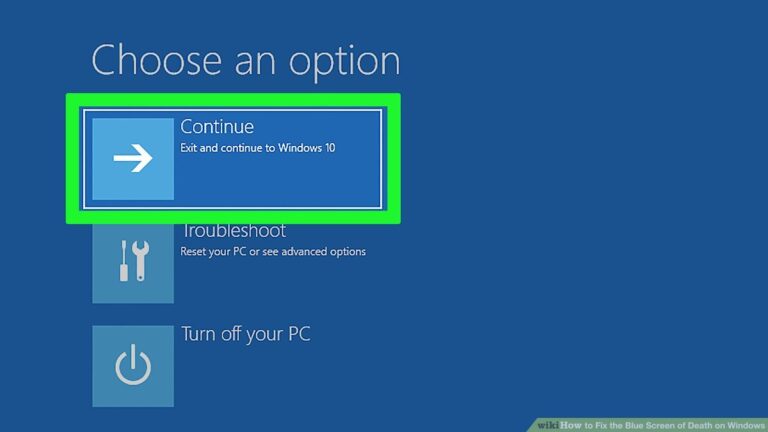
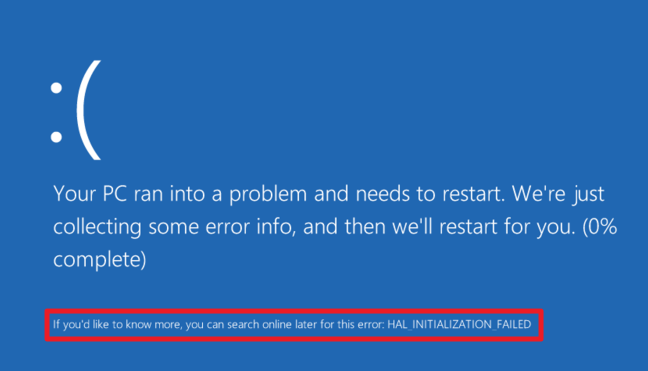
Hold down the power button for five seconds, and hopefully, it will restart without a problem. While the Windows “blue screen of death” (BSOD)…
Overheating: your computer may display the BSOD if it’s overheating due to dust, defective fans, or overburdened hardware. Can dust make your computer crash?…
Although a BSoD won’t damage your hardware, it can ruin your day. You’re busy working or playing, and suddenly everything stops. You’ll have to…
In my experience, at least 90% of BSODs become fixable simply based on this information. That’s because it will often be solved by disconnecting,…
The Bottom Line. Twenty years ago, the Blue Screen of Death could be very scary indeed. But with advanced technologies and the newest versions…