How do I stop Creative Cloud on startup?
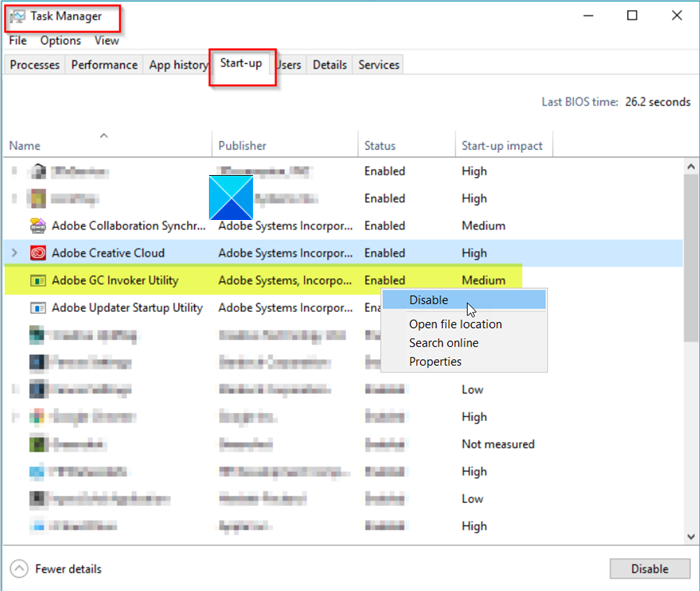
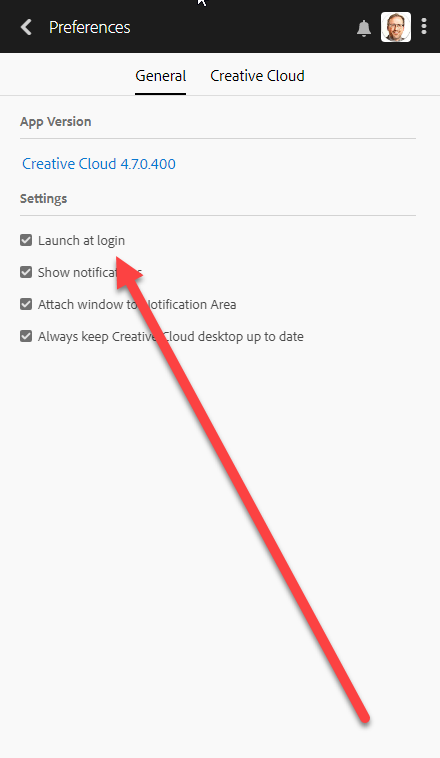
Right-click on the Taskbar and select Task Manager. Go to the Startup tab. Select Adobe Creative Cloud and click on the Disable button. Why…
Right-click on the Taskbar and select Task Manager. Go to the Startup tab. Select Adobe Creative Cloud and click on the Disable button. Why…
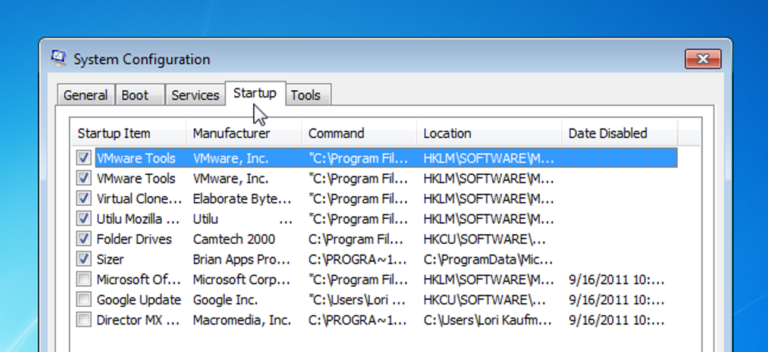
Startup programs are programs which run automatically when a system is booted. This is a good practice for programs which you use frequently. It…
This file is automatically attached to the startup files and whenever the system restarts, these files load in the memory. So, the user can…
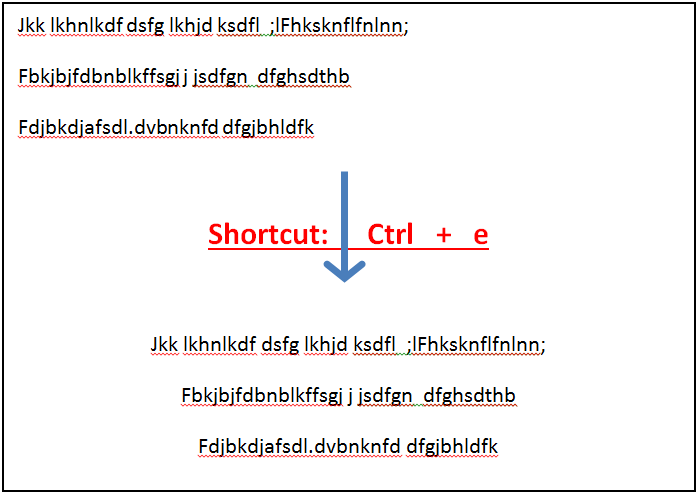
Ctrl+E in an Internet browser In Chrome, Edge, Firefox, Opera, and Internet Explorer, Ctrl + E focuses on the address bar, search bar, or…
The spinning blue screen occurs when there is many apps and programs running in the background. It’s mostly because of the performance issue. Method…
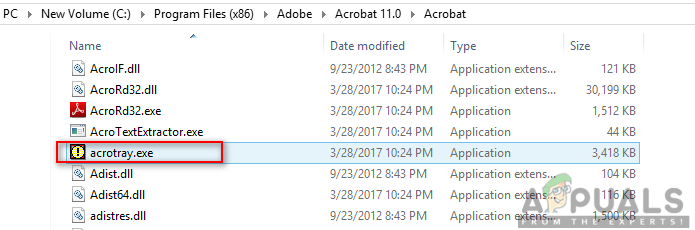
However, users will get a software component named AcroTray installed with Adobe Acrobat. This program will load automatically on startup without any need for…