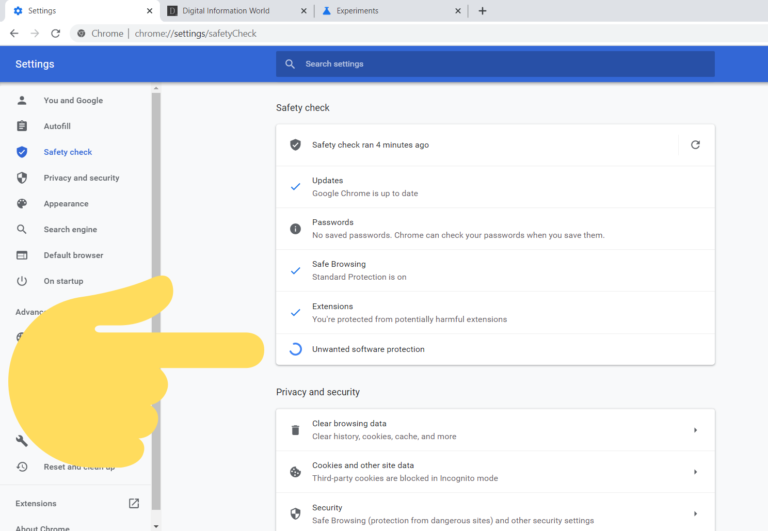
How long does Chrome clean up computer take?
Chrome generally takes two to five minutes to check for harmful software. You can speed up the process by clearing your cache first. If…
Chrome generally takes two to five minutes to check for harmful software. You can speed up the process by clearing your cache first. If…
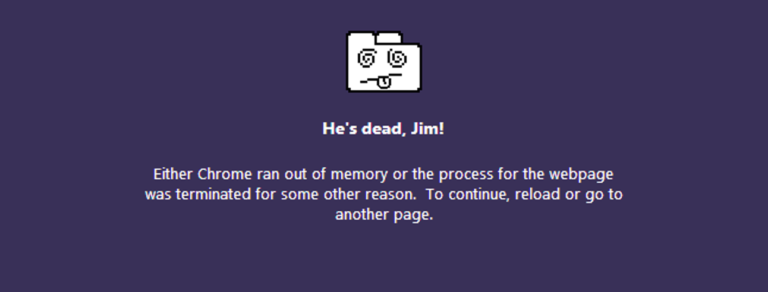
If your computer is low on RAM (which is often a problem due to Chrome’s high memory usage), it may cause websites to crash.…
Reboot a frozen Chromebook Simply hold down the Power button until the device shuts down. Then, press the Power button once more to reboot…
Factory Reset Chromebook Without Password Restart your device and on the login screen, press Ctrl + Alt + Shift + R keys at once.…
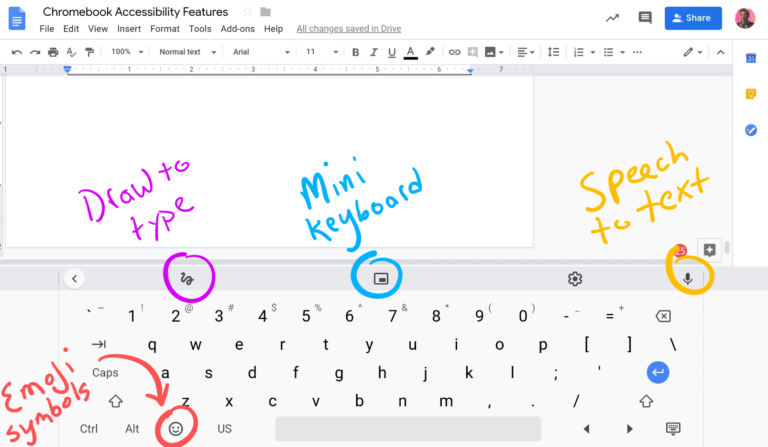
Sticky Keys can help people with dexterity impairments more easily use keyboard shortcuts. This feature makes it possible to press only one key at…
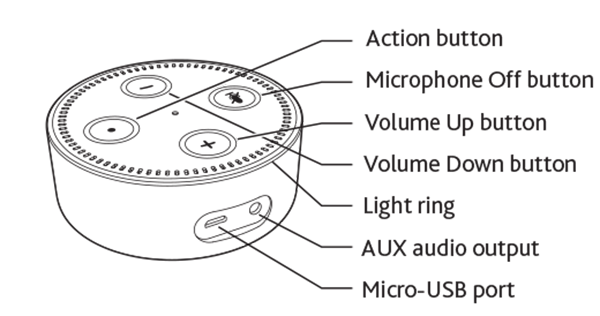
Slowly spinning teal and blue means that your device is starting up. If the device has not been set up, the light turns to…
The – and + are the volume controls, the circle is the action button, and the circle with the line through it is the…
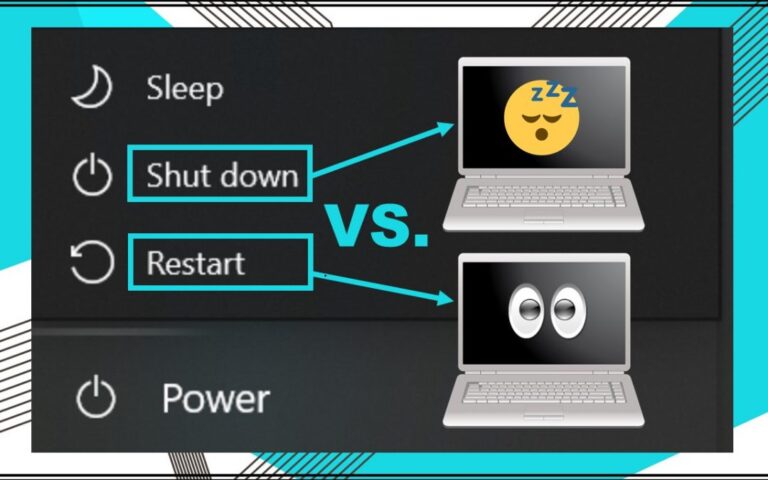
“A restart only momentarily turns the machine off to stop all processes, clear the RAM, and clear the processor cache. Thus, a shut down…
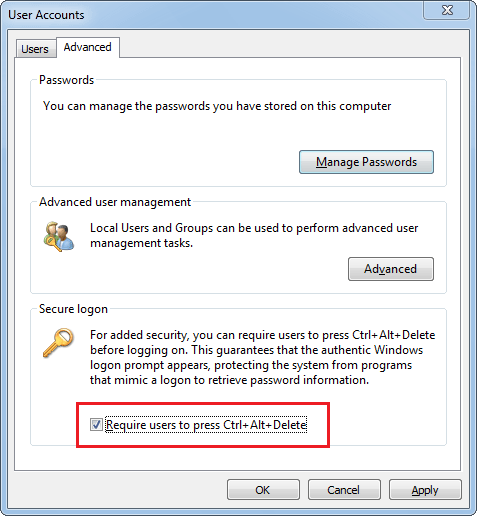
Option 1: Disable Secure Logon in the User Accounts Applet Press Windows key + R to bring up the Run box. Type netplwiz or…
Why does Google Chrome keep freezing my computer? Your Chrome may freeze your computer if the tabs you closed initially are not closed for…