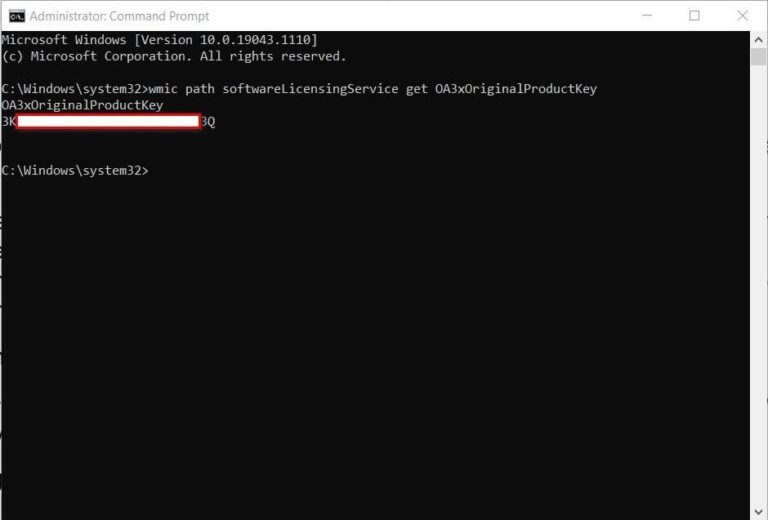
How do I find my Windows 10 product key?
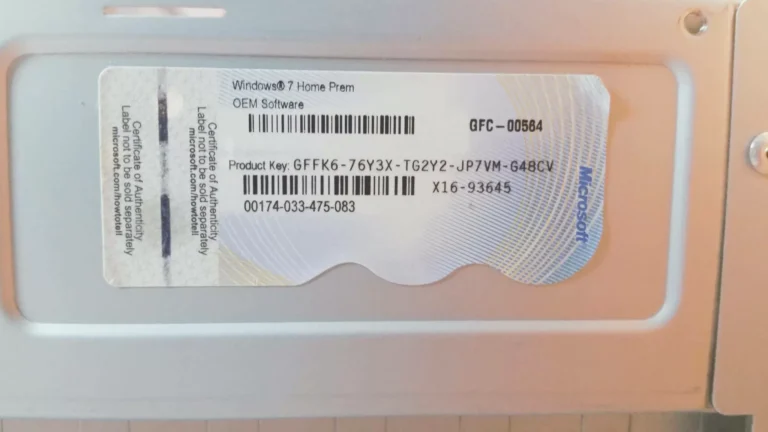
The product key is on a label or card inside the box that Windows came in. For more info, contact the retailer that sold…
The product key is on a label or card inside the box that Windows came in. For more info, contact the retailer that sold…
You’re allowed to reuse such a key on different computers. (However, you can’t use a single license on multiple computers simultaneously.) So if you…
You can only install it on one computer. If you need to upgrade an additional computer to Windows 10 Pro, you need an additional…
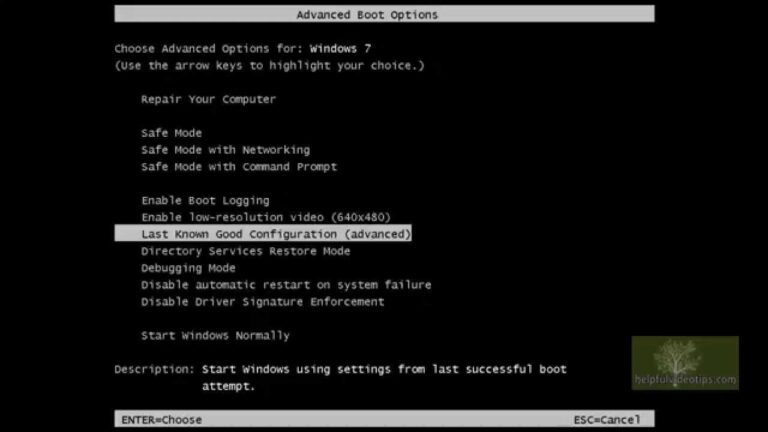
The Advanced Boot Options screen lets you start Windows in advanced troubleshooting modes. You can access the menu by turning on your computer and…
The Advanced Boot Options screen lets you start Windows in advanced troubleshooting modes. You can access the menu by turning on your computer and…
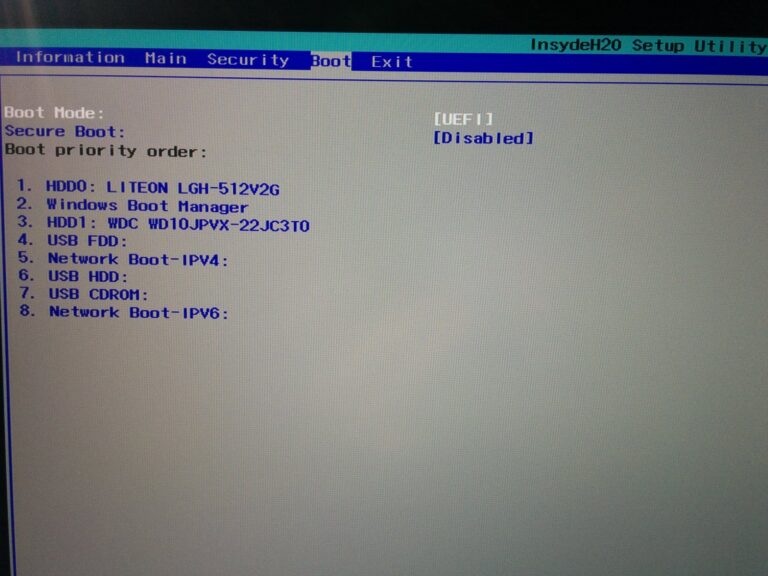
Windows Boot ManagerWindows Boot ManagerBoot Configuration Data (BCD) is a firmware-independent database for boot-time configuration data. It is used by Microsoft’s new Windows Boot…
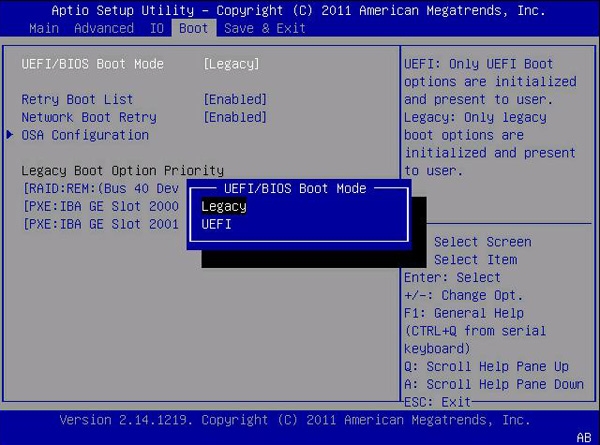
From the System Utilities screen, select System Configuration > BIOS/Platform Configuration (RBSU) > Boot Options > UEFI Boot Order and press Enter. Use the…
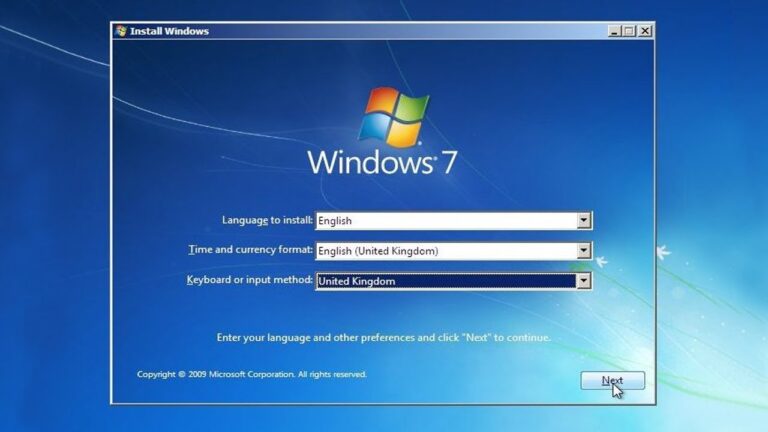
Press Shift+F10 in the installer, a command prompt window will open. In this window type diskpart and press enter. Once the diskpart utility loads,…
Microsoft only supports transferring OEM Windows 10 to new hard drive on the same computer, thus you cannot move OEM copies of Windows to…
The product key is on a label or card inside the box that Windows came in. For more info, contact the retailer that sold…