Is my Windows UEFI or Legacy?
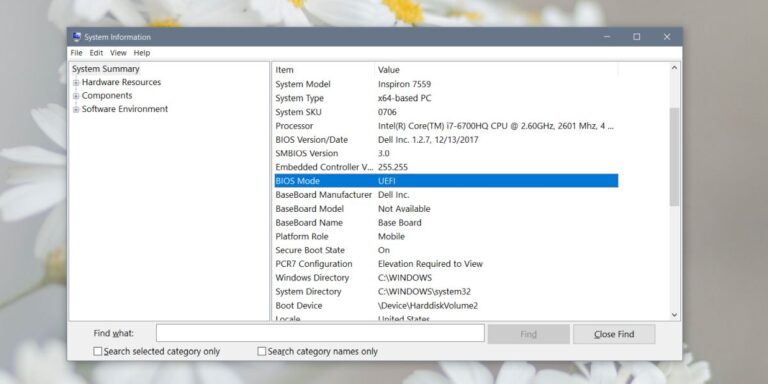
Click the Search icon on the Taskbar and type in msinfo32 , then press Enter. System Information window will open. Click on the System…
Click the Search icon on the Taskbar and type in msinfo32 , then press Enter. System Information window will open. Click on the System…
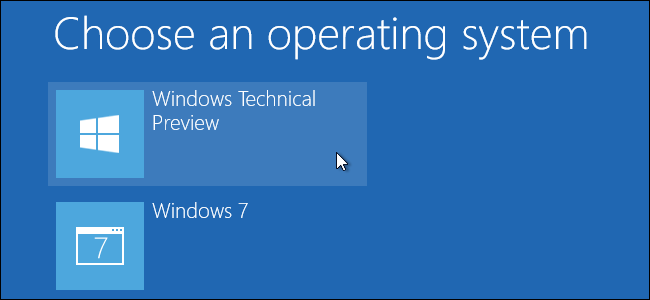
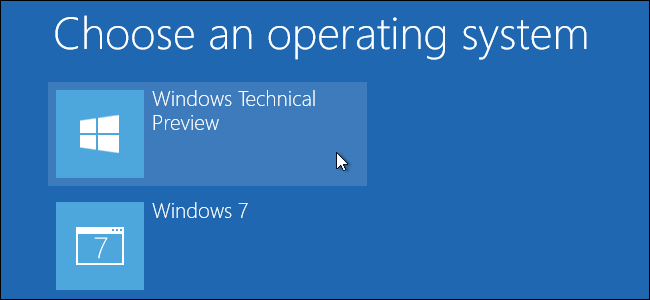
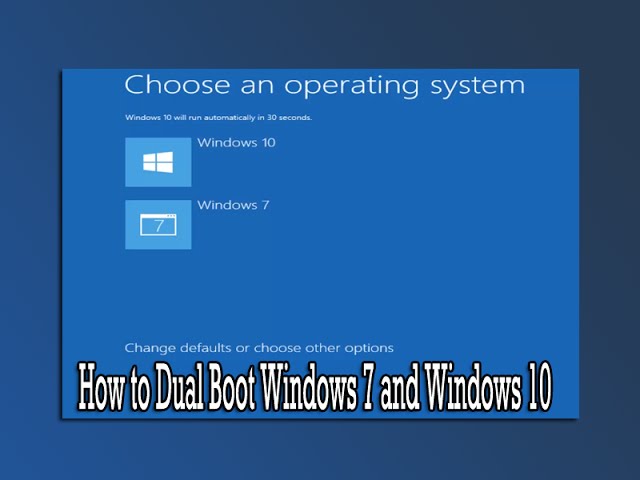
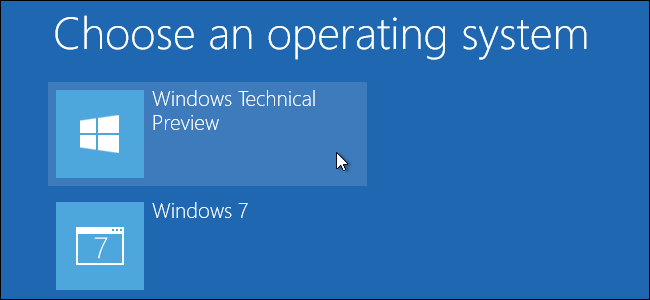
You’ll now be able to choose between Windows 10 and Windows 7 or 8 when you boot your computer. To switch between them, restart…
If you would rather not replace your current version of Windows with Windows 10, you can set up a dual boot configuration. All that…
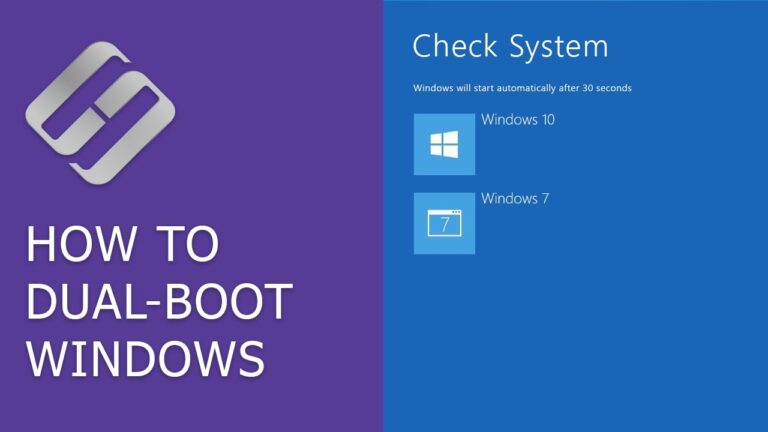
While most PCs have a single operating system (OS) built-in, it’s also possible to run two operating systems on one computer at the same…
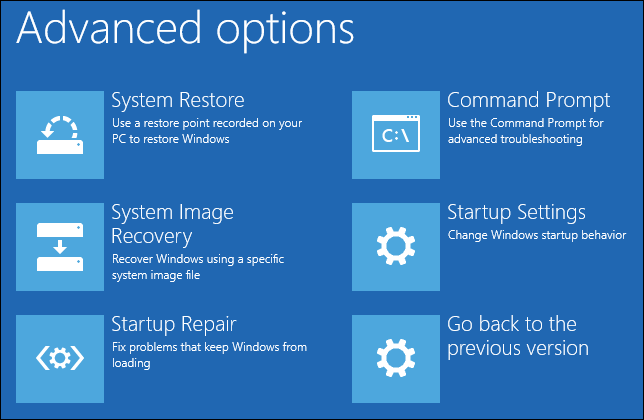
The Advanced Boot Options screen lets you start Windows in advanced troubleshooting modes. You can access the menu by turning on your computer and…
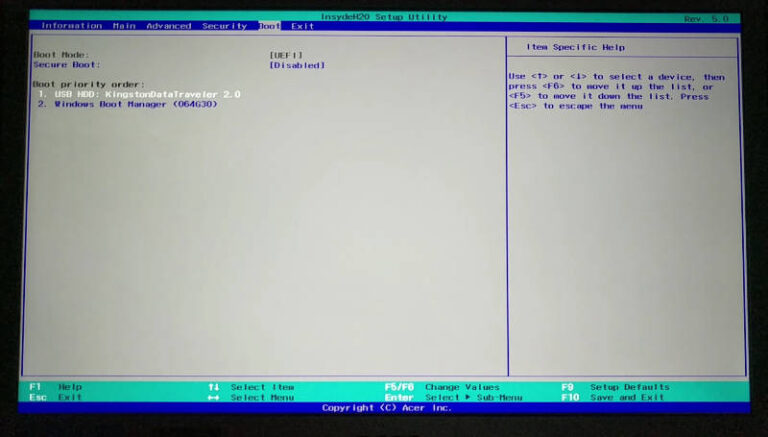
Use the arrow keys to switch to the Boot tab: There select the point UEFI NVME Drive BBS Priorities: In the following menu [Windows…
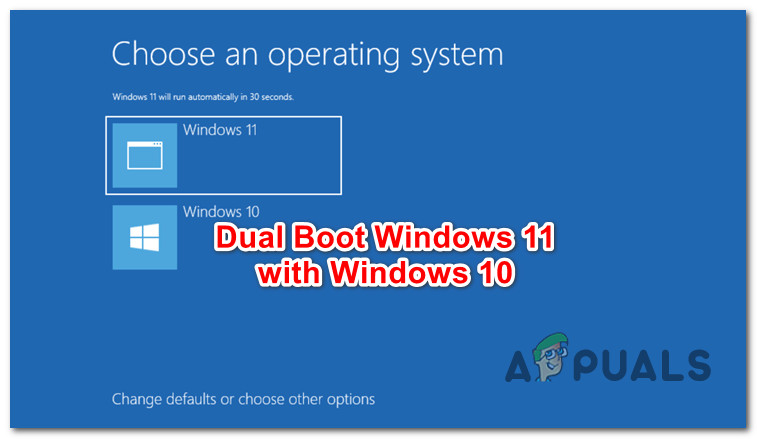
Once you finish installing Windows 11, your computer is ready to dual-boot. Whenever you start or restart your PC, you’ll be asked what operating…
Click the Start button, select the Power button, and then click Restart. After your PC reboots, the boot menu appears, giving you the choice…
You can dual-boot Microsoft’s new operating system on your existing Windows 10 machine and switch between them. Those of you who want to check…
Now, if you can’t find UEFI Firmware Settings in the BIOS menu, here are some common reasons for this issue: Your PC’s motherboard doesn’t…