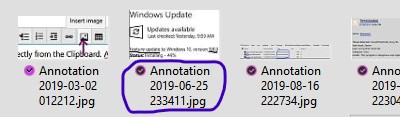
Where are Windows Shift S screenshots?
Windows + Shift + S File Save Location The new Windows 10 Snip & Sketch tool can not only copy the screenshots to the…
Windows + Shift + S File Save Location The new Windows 10 Snip & Sketch tool can not only copy the screenshots to the…
The Account lockout duration policy setting determines the number of minutes that a locked-out account remains locked out before automatically becoming unlocked. The available…
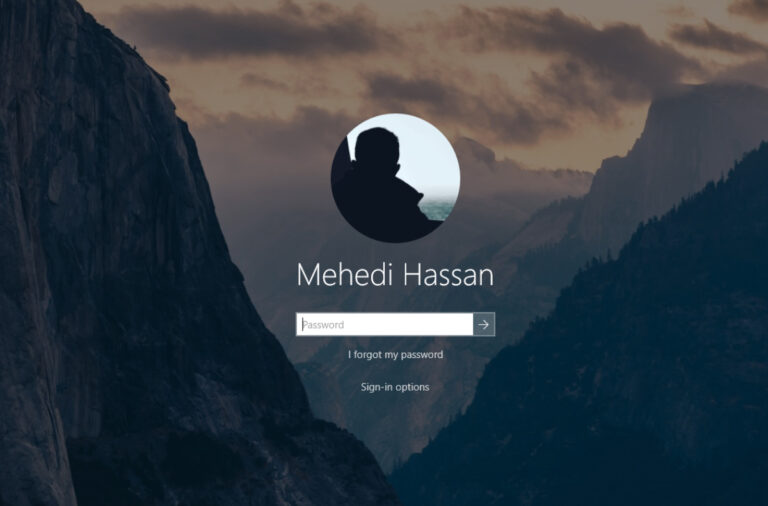
With Windows, the lock screen is a new feature introduced with Windows 8 and also available in Windows 8.1, Windows 10, and Windows 11.…
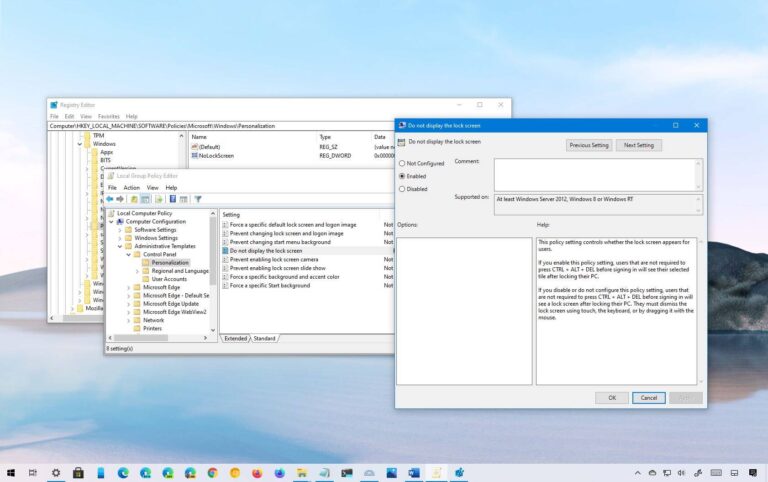
Remove the Lock Screen on Windows 10 Professional Select “Administrative Templates” and then double-click “Control Panel.” Now, double-click “Personalization.” Double-click “Do Not Display the…
Malware, outdated drivers, and corruption with system files are several reasons why your PC is freezing. Since you’ve tried some troubleshooting steps already but…
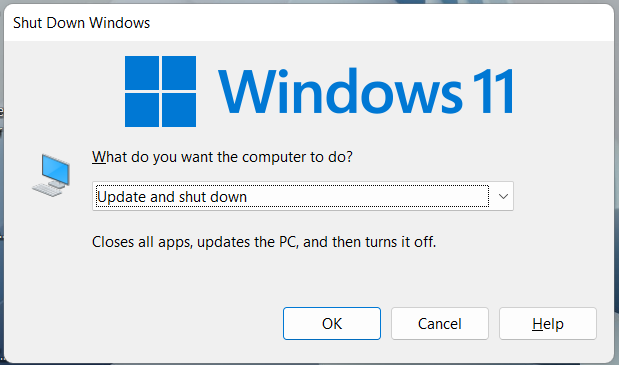
Press “Win + D” to get a dialog that asks you what you want to do. Select “Restart”. Press “Ctrl + Alt + Del”…
Malware, outdated drivers, and corruption with system files are several reasons why your PC is freezing. Since you’ve tried some troubleshooting steps already but…
The Windows 10 freezing problem can be caused by outdated drivers. So to fix the problem, you can try to update the drivers. If…
One of the top reasons for Windows 10 not responding can be insufficient storage space on your system’s RAM, or the RAM is corrupted.…
1) On your keyboard, press Ctrl+Alt+Delete together and then click the Power icon. If your cursor doesn’t work, you can press the Tab key…