What has happened to Google Chrome?
Why does my Google Chrome not working? Uninstall and reinstall Chrome. There could be something wrong with your Chrome profile that’s causing problems. Uninstall…
Why does my Google Chrome not working? Uninstall and reinstall Chrome. There could be something wrong with your Chrome profile that’s causing problems. Uninstall…
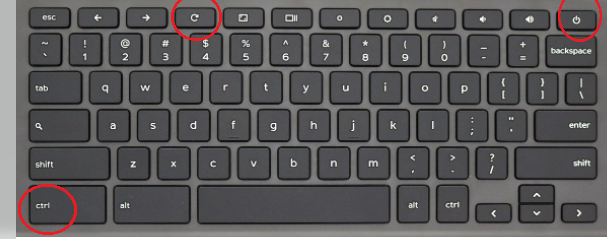
Note: If you’re using your Chromebook at work or school, you can’t reset it. Ask your administrator to wipe the data on your Chromebook…
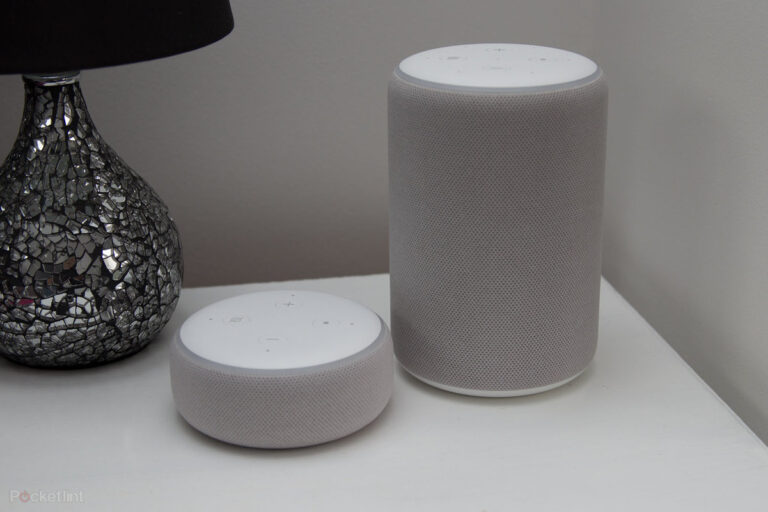
Open the Alexa app and tap Devices > Echo & Alexa > your echo device > Device Location. Enter your new address, then tap…
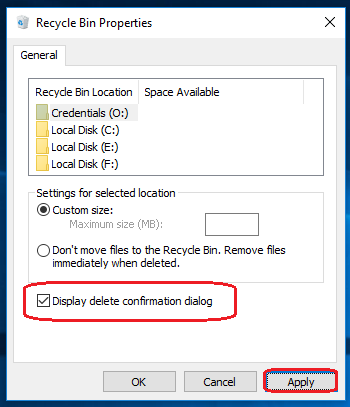
Right-click on the Recycle Bin folder and click on the “Properties” option. “Recycle Bin Properties” window will appear on the screen. Click (select) on…
The delete key is at the opposite end of the keyboard from the Ctrl and Alt keys. See Command-Option-Escape and Win Task Manager. End…
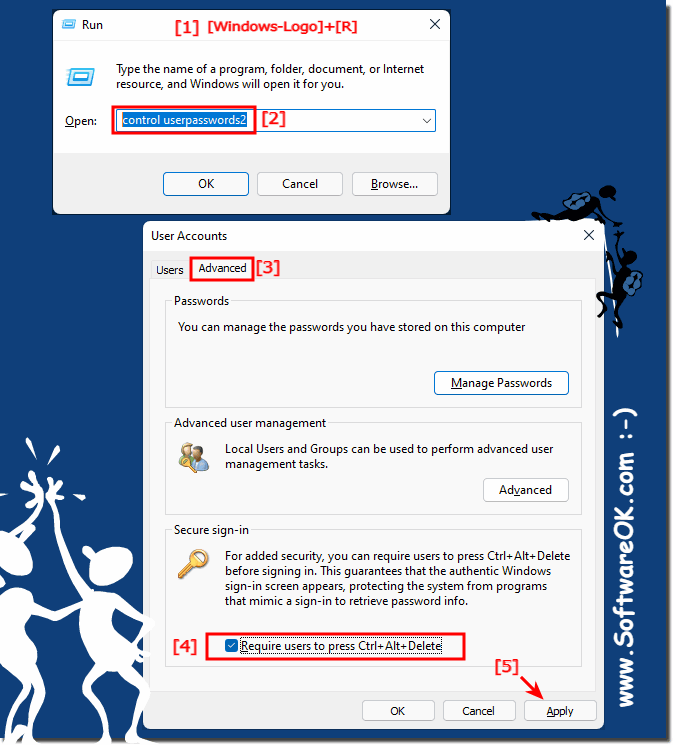
It is a good option, and Windows lets you enter into your PC quickly. However, the classic Ctrl+Alt+Del logon prompt is still part of…
Press Ctrl + Alt + Del to open the Windows Task Manager. If the Task Manager can open, highlight the program that is not…
Yes, it is a good idea to reset Windows 10 if you can, preferably every six months, when possible. Most users only resort to…
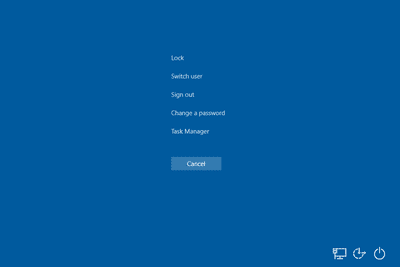
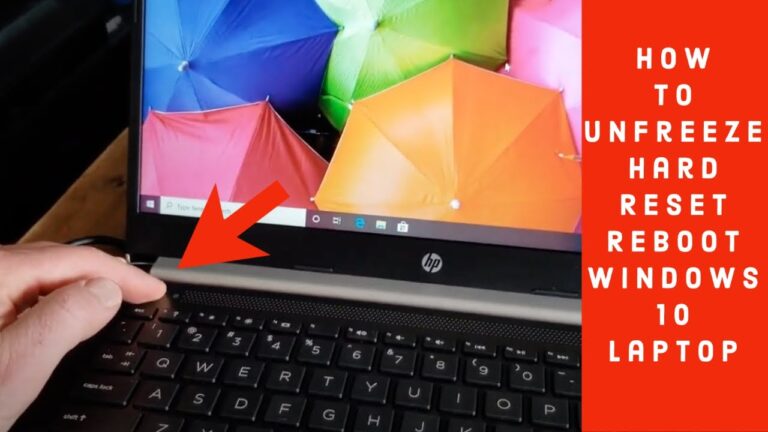
1) On your keyboard, press Ctrl+Alt+Delete together and then click the Power icon. If your cursor doesn’t work, you can press the Tab key…
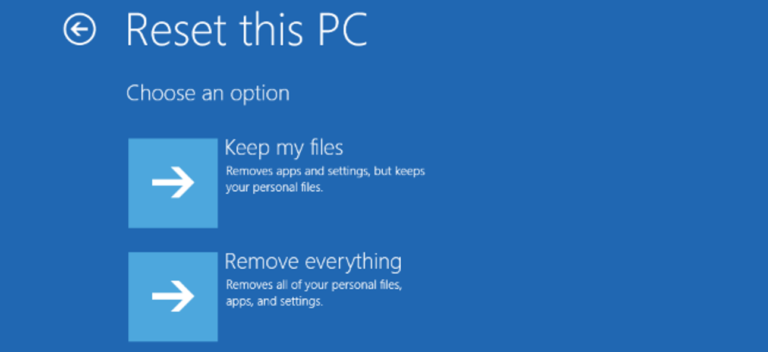
This is the most thorough reset (or recovery/reinstall/refresh) option as it replaces the current Windows configuration with a new one. All the contents will…