How do I get to repair mode in Windows 10?
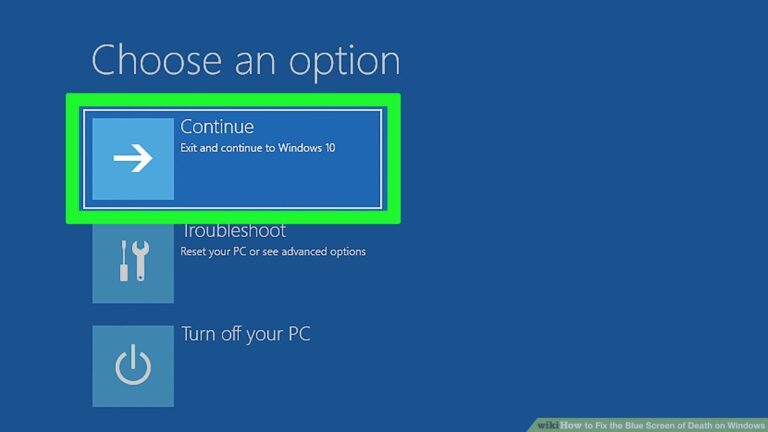
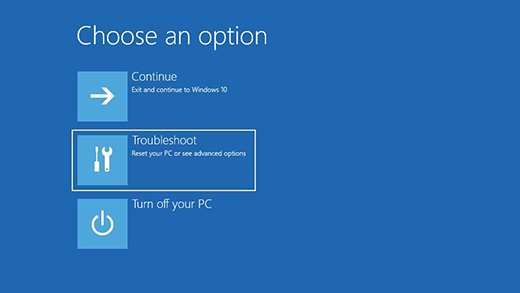
Navigate to the Windows 10 Advanced Startup Options menu. On many laptops, hitting F11 as soon as you power on will get you to…
Navigate to the Windows 10 Advanced Startup Options menu. On many laptops, hitting F11 as soon as you power on will get you to…
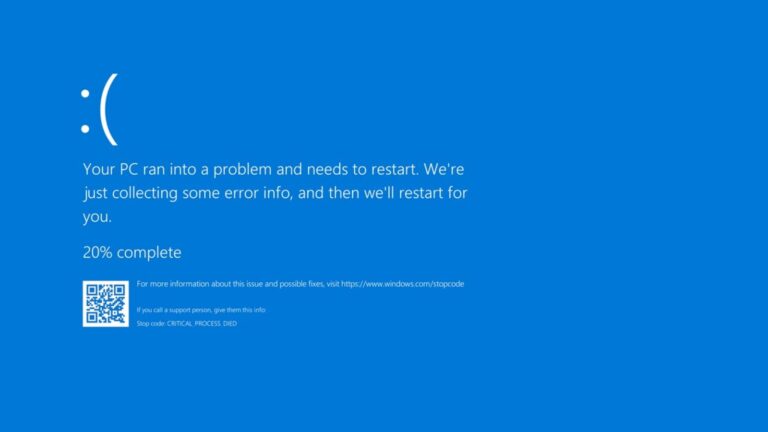
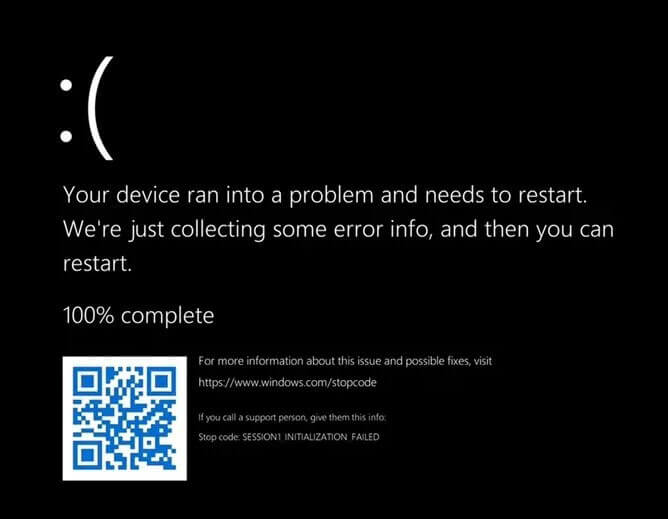
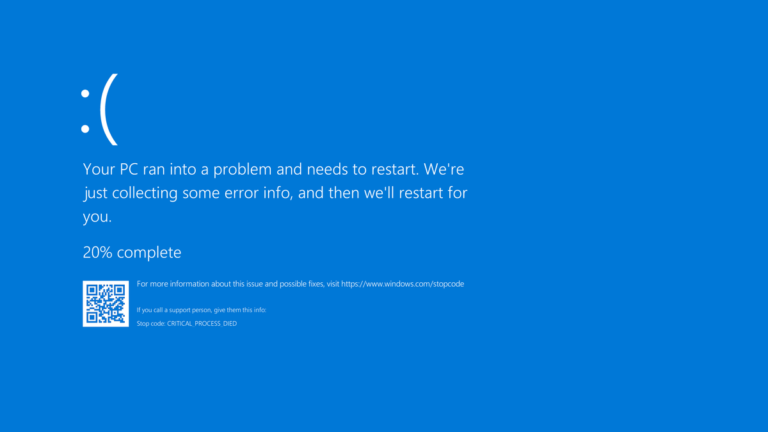
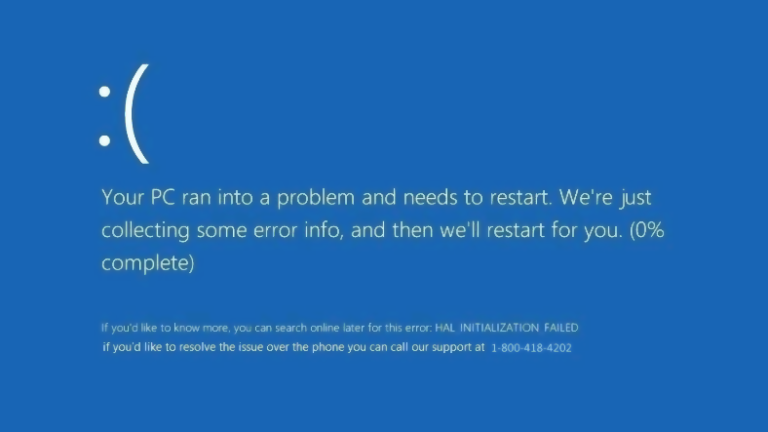
On Windows 11, a Blue Screen of Death error message may appear after connecting a new piece of hardware (for example, USB drive, graphics…
On Windows 11, a Blue Screen of Death error message may appear after connecting a new piece of hardware (for example, USB drive, graphics…
On Windows 10, you may also see a Blue Screen of Death message after connecting new hardware (for example, graphics card, USB device, etc.).…
Press and hold the volume-up button and the power button at the same time until the screen turns off (about 15 seconds), then release…
Typically, BSODs result from driver software or issues with hardware. Apps that crash sometimes cause blue screens of death if they’re broken or flawed.…
Blue screen of death (BSOD) If your PC crashes regularly, it’s usually either a technical problem with your system or a malware infection. You…
A throbber, also known as a loading icon, is an animated graphical control element used to show that a computer program is performing an…
Uninstall or disable Windows update. This spinning circle may be caused by updates, you may uninstall them or disable automatic update feature to see…
Many people who grew up in America are often calling the Italian sandwich, a panini. However, in Italy, the word for sandwich is panino.…