How do I close all windows?
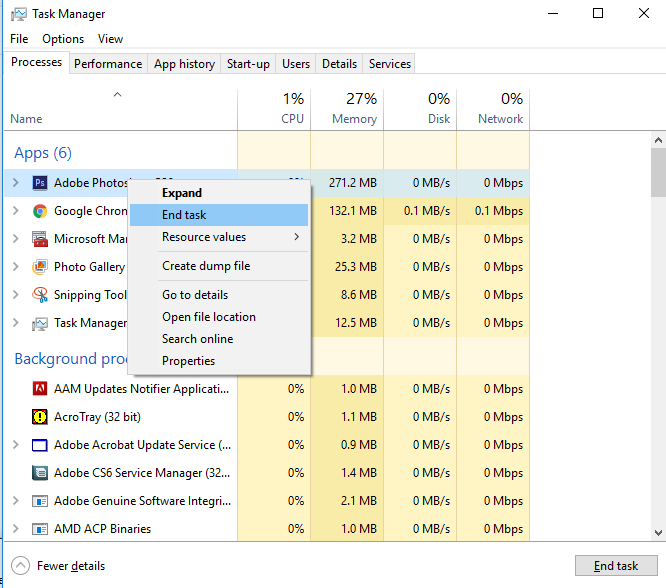
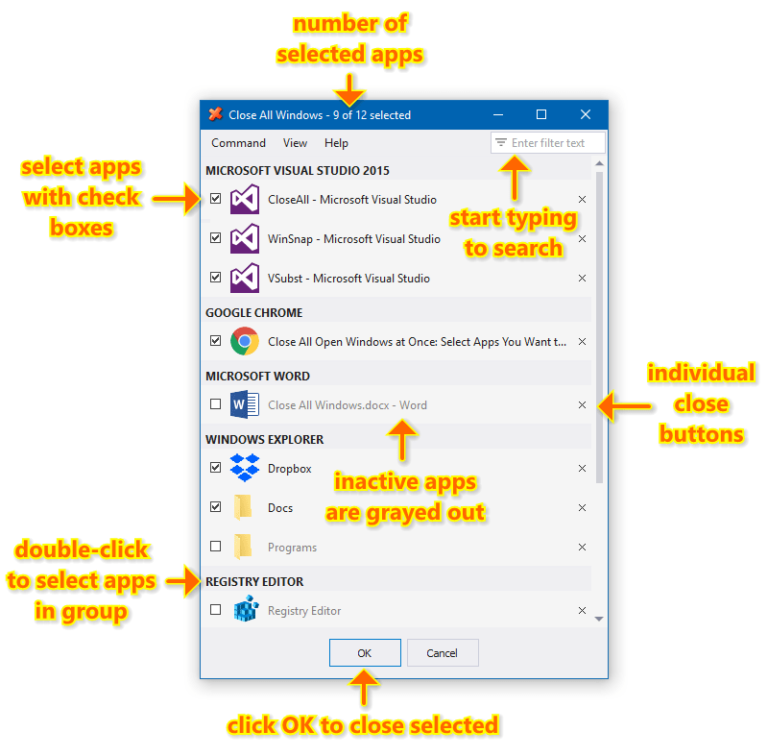
Press Alt + E to close all the programs. Finish off by closing the Windows Task Manager by clicking the X in the top…
Press Alt + E to close all the programs. Finish off by closing the Windows Task Manager by clicking the X in the top…
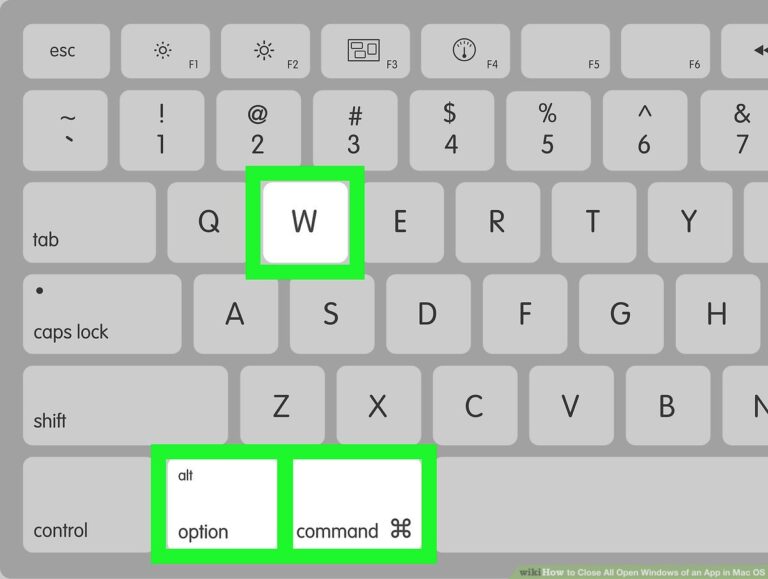
On your Mac, do any of the following: Close a single window: In a window, click the red Close button in the top-left corner…
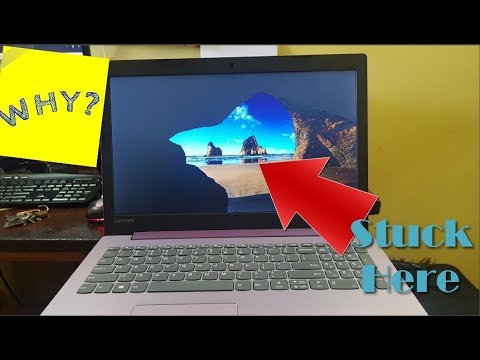
“Windows 10 stuck on loading screen” issue may also happen if the computer RAM is loose. Under this circumstance, you should cut off the…
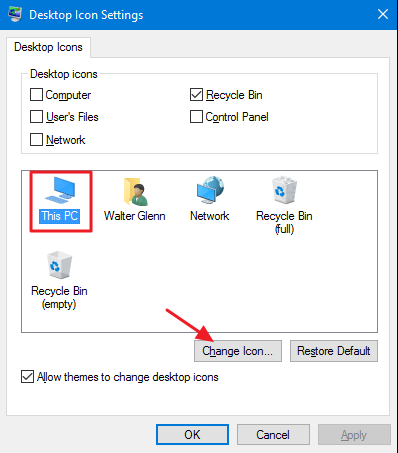
Go to Settings > Personalization > Themes and on the right side of the window, select Desktop icon settings. This will launch a new…
So, unless there is a mission-critical reason for you to hang on to old messages, deleting them automatically can free up tons of space…
Right-click an empty space on your desktop and choose New > Shortcut. This command is simple to understand when you break it down: taskkill…
Outdated, broken or incompatible drivers also often cause the problem. After your upgrade to Windows 10, the device drivers may not be installed properly…
In some cases, the “Windows stuck on loading screen” issue is caused by Windows updates or other problems. At this time, you can enter…
The Windows wait cursor, informally the Blue circle of death (known as the hourglass cursor until Windows Vista) is a cursor that indicates that…
Well adobe shockwave player is required for your games and other multimedia content, however if you are getting the pop up from the website…