How do I restart a frozen Windows 10?
Press Ctrl + Alt + Del to open the Windows Task Manager. If the Task Manager can open, highlight the program that is not…
Press Ctrl + Alt + Del to open the Windows Task Manager. If the Task Manager can open, highlight the program that is not…
Update or Reinstall the Graphics Driver A user may see a transparent box on the screen if the graphics driver of his system is…
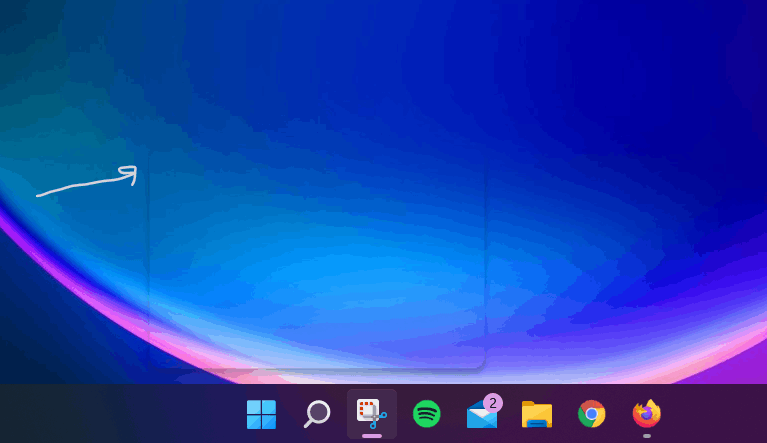
In Windows 11, the search widget sometimes gets stuck and fails, causing a small “ghost” window to appear above the taskbar. When the ghost…
To fix translucent ghost boxes on Windows 11, launch the Task Manager and restart the Windows Explorer process. Additionally, disable the MiniSearchHost process. Then,…
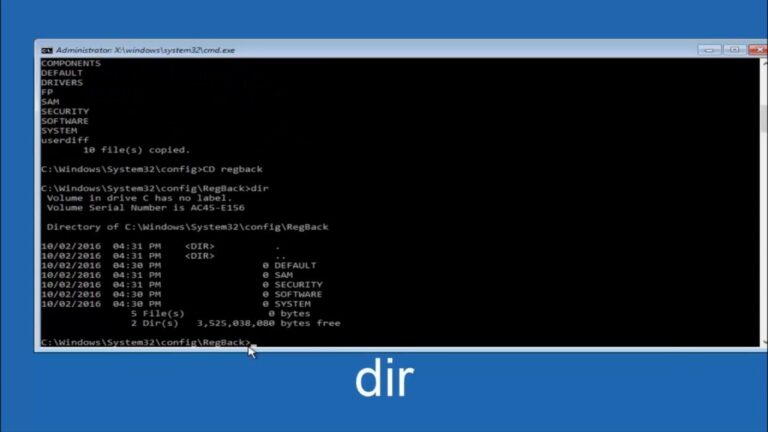
Open Start. Search for Command Prompt, right-click the top result, and select the Run as administrator option. Type the following command to repair the…
After you select an option, click Reset to begin. The Just Remove My Files option will take somewhere in the neighborhood of two hours,…
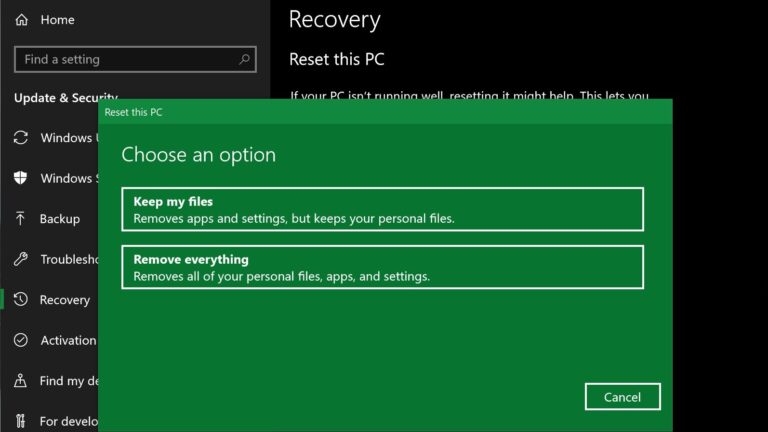
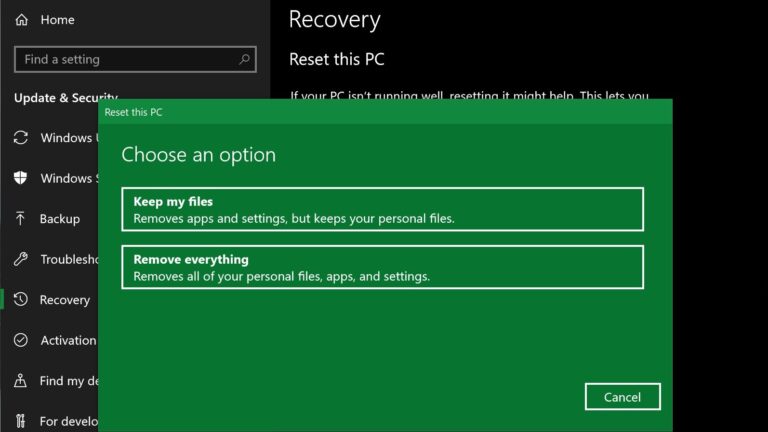
To access this Windows reinstall option on Windows 10, head to Settings > Update & Security > Recovery. You’ll see a Reset this PC…
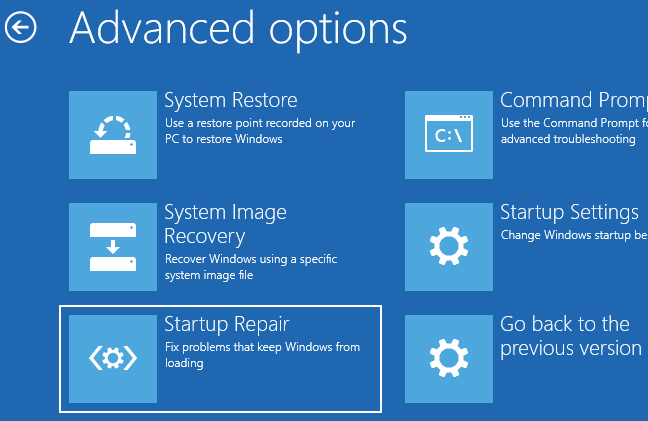
Answer: Press the ”F11” or ”F12” key when you restart the system. Select the option to reset to factory settings. The system will then…
Related links. To reset your PC, go to Start > SettingsSettingsWindows Settings (formerly PC settings) is a component of Microsoft Windows. It allows users…
How Long Does it Take to Complete a System Restore? It usually takes about 30-45 minutes to complete a system restore. And it can…