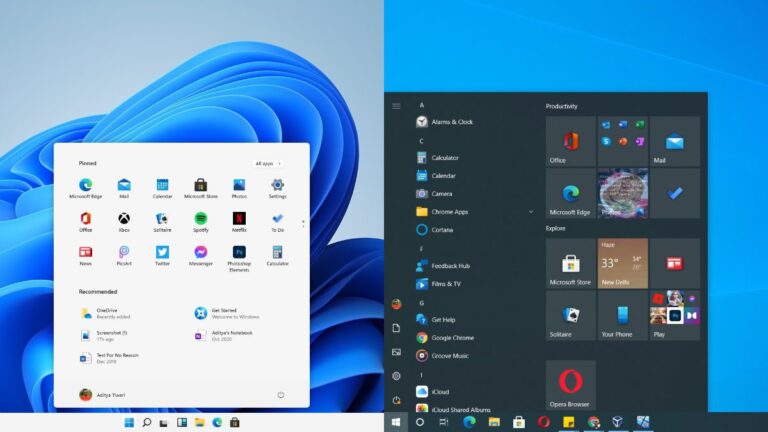
Is Windows 10 or 11 better?
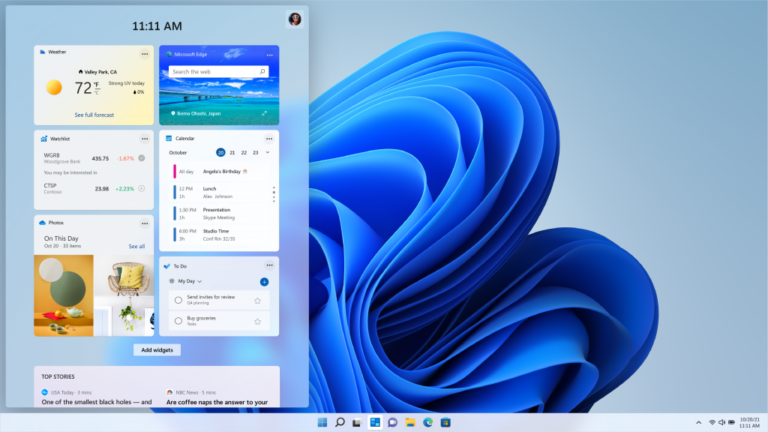
Windows 11 is worth the update for most people. It comes with a wide range of new features, performance improvements, and design changes. As…
Windows 11 is worth the update for most people. It comes with a wide range of new features, performance improvements, and design changes. As…
To start installing Windows 11, visit Microsoft’s Download Windows 11 website. Click the “Download Now” button under the Windows 11 Installation Assistant heading. Run…
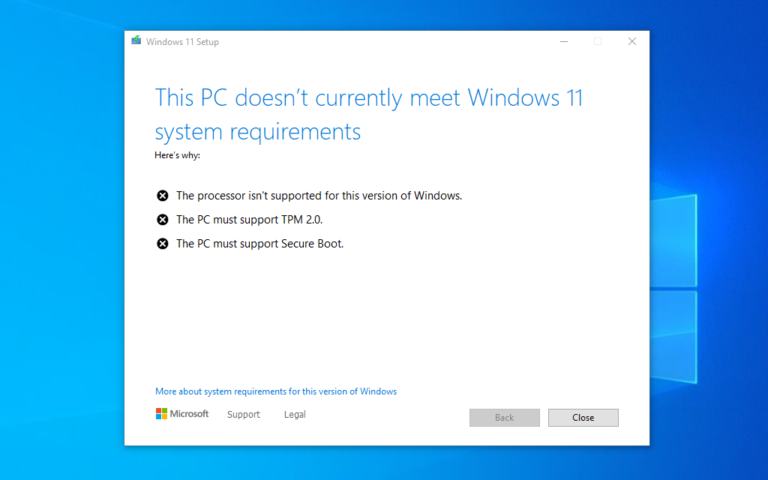
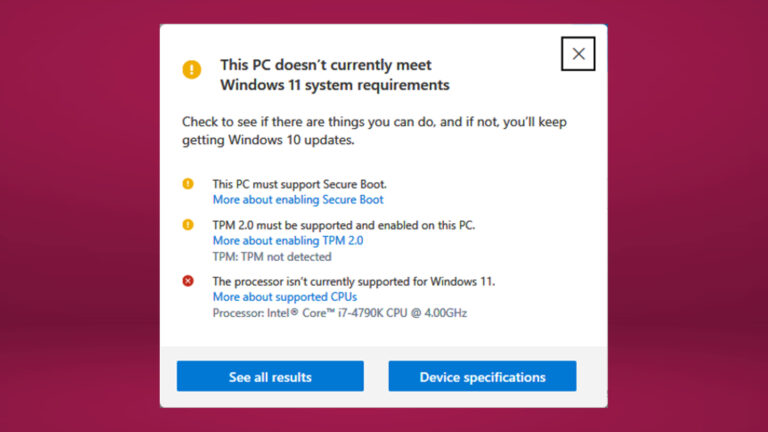
Hardware requirements Processor: 1 gigahertz (GHz) or faster with two or more cores on a compatible 64-bit processor or system on a chip (SoC).…
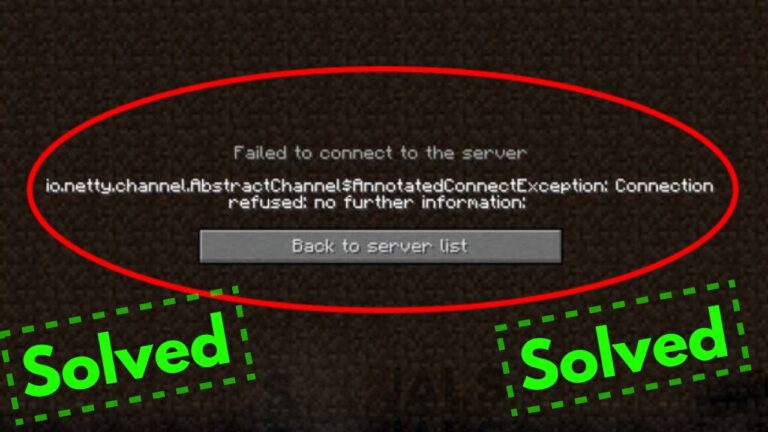
If you experience the connection refused error on a modded server, then what could be happening is a mismatched mod list issue. Double-check that…
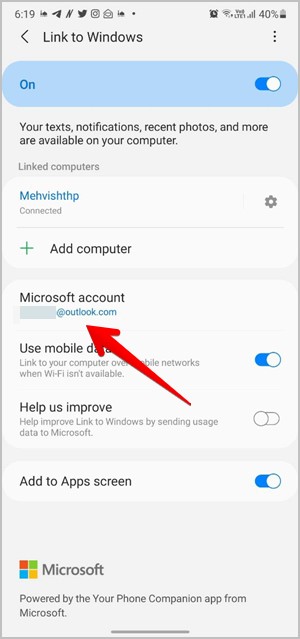
Check Microsoft Account If the accounts are different or there are multiple accounts, the Link to Windows will not function correctly. Start by checking…
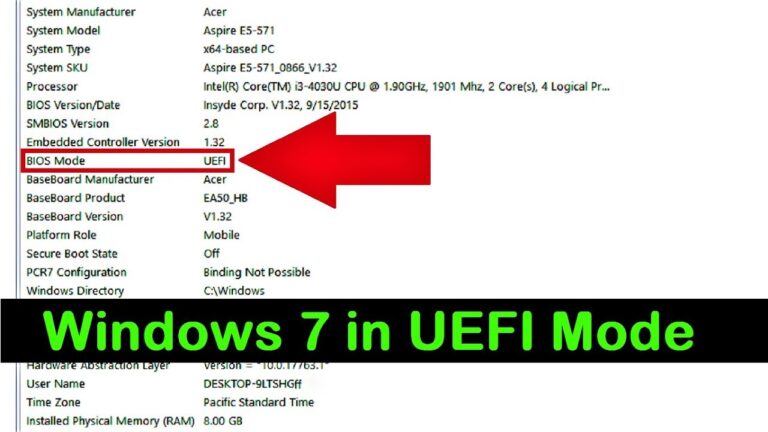
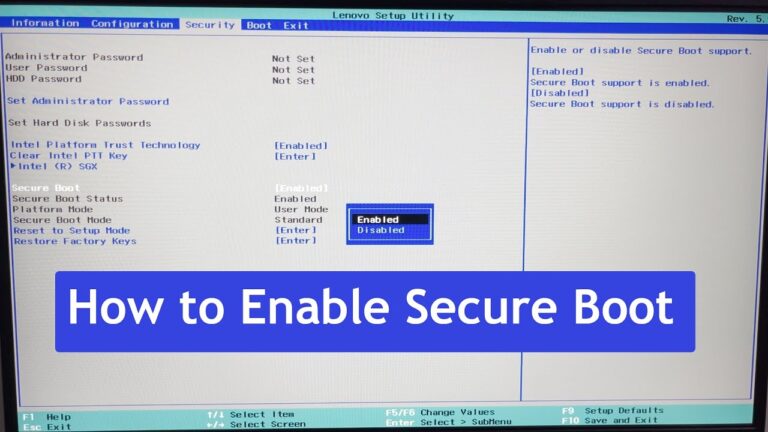
Only Windows 8 and Windows 10 have Secure Boot certificates, for example – if you needed to install Windows 7 on a Secure Boot-enabled…
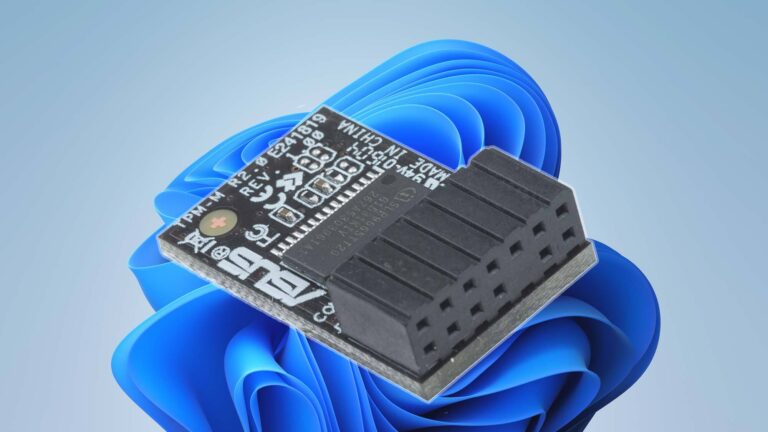
TPM 2.0 is required to run Windows 11, as an important building block for security-related features. TPM 2.0 is used in Windows 11 for…
Important: An image install of Windows 11 will not check for the following requirements: TPM 2.0 (at least TPM 1.2 is required) and CPU…
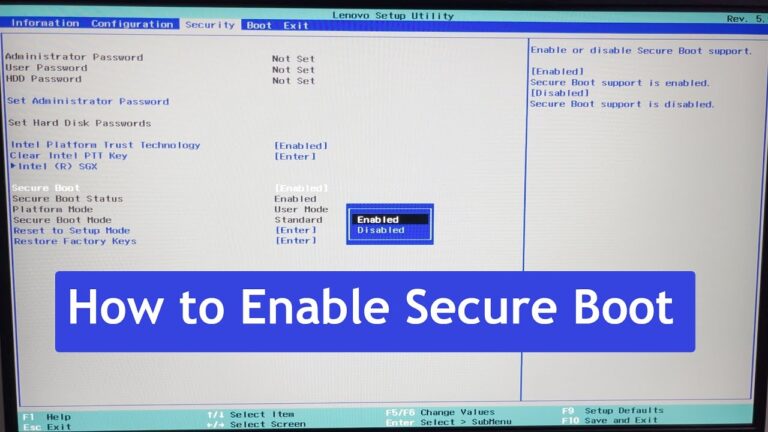
Disabling Secure Boot unlocks some advanced capabilities on Windows PCs. Only Secure Boot-disabled computers can install Linux, boot from non-trusted devices, and use certain…
Yes, you can disable TPM and Secure Boot after installing Windows 11. You will have to go into UEFI and turn Secure Boot and…