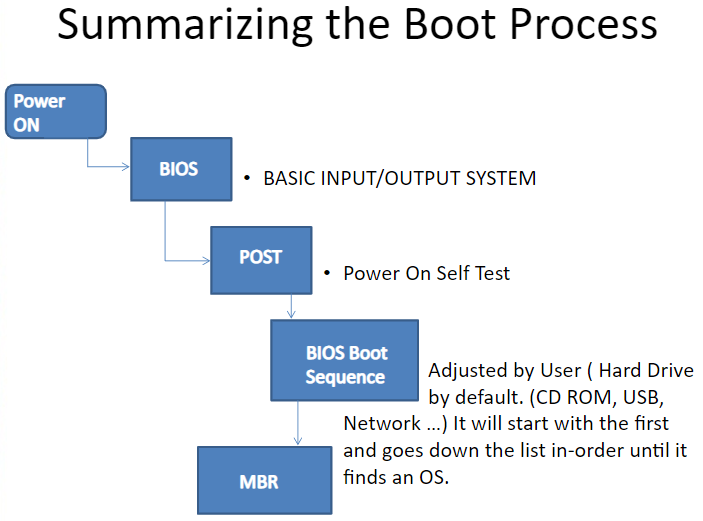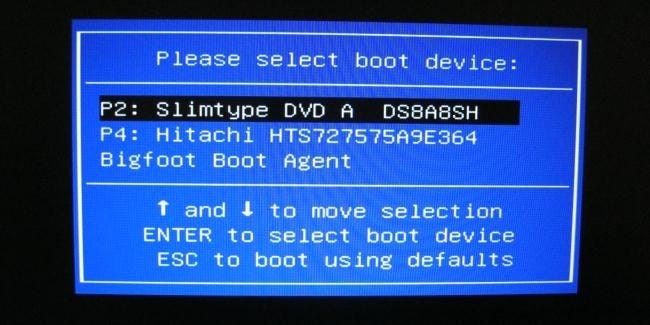
How do I choose a boot drive?
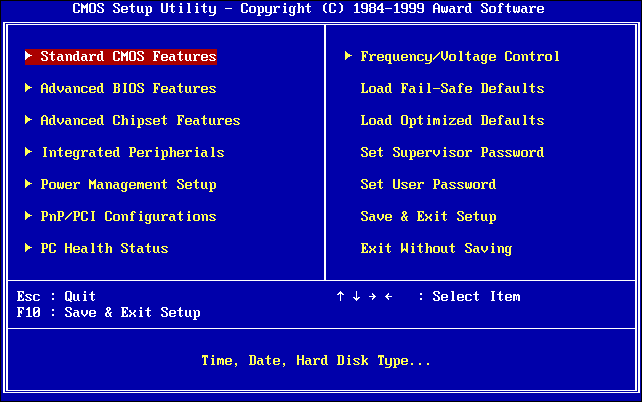
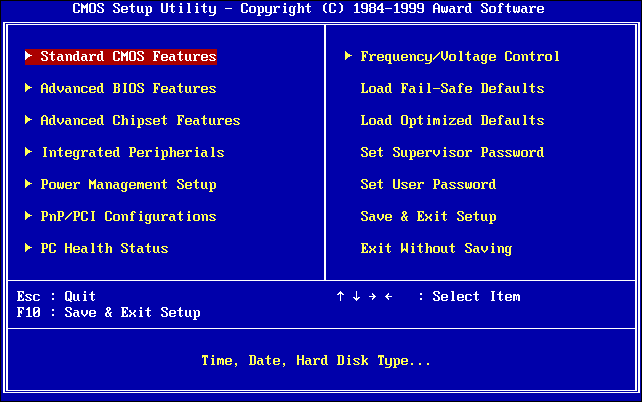
From within Windows, press and hold the Shift key and click the “Restart” option in the Start menu or on the sign-in screen. Your…
 Author
From within Windows, press and hold the Shift key and click the “Restart” option in the Start menu or on the sign-in screen. Your…
UEFI functions via special firmware installed on a computer’s motherboard. Like BIOS, UEFI is installed at the time of manufacturing and is the first…
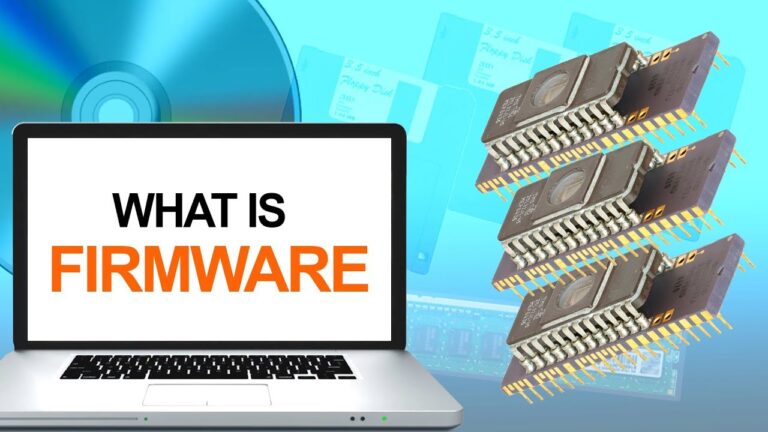
Firmware is software that provides basic machine instructions that allow the hardware to function and communicate with other software running on a device. Firmware…
There’s no difference between BIOS and Firmware. BIOS is a classic example of a Firmware which is connected to the Motherboard. The Firmware is…
UEFI (Unified Extensible Firmware Interface) is a newer system that replaces BIOS that comes with its own boot manager, delivers faster startup times, improves…
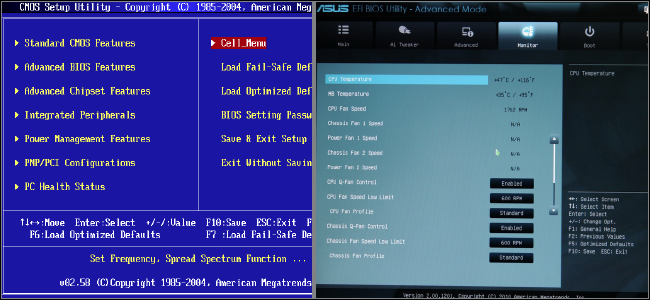
The Unified Extensible Firmware Interface (UEFI), like BIOS (Basic Input Output System), is a firmware that runs when the computer is booted. Is UEFI…
Unified Extensible Firmware Interface (UEFI) is a specification for a software program that connects a computer’s firmware to its operating system (OS). UEFI is…
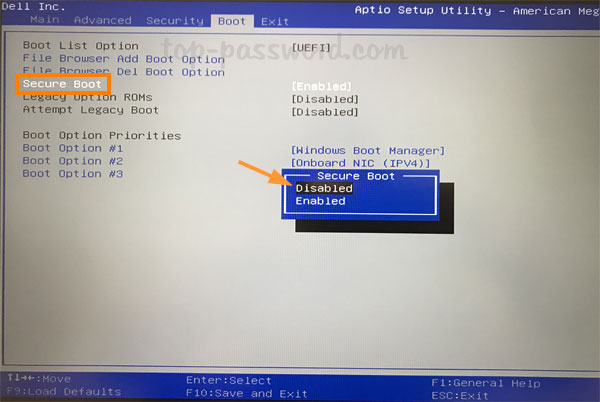
Secure Boot is one feature of the latest Unified Extensible Firmware Interface (UEFI) 2.3. 1 specification (Errata C). The feature defines an entirely new…
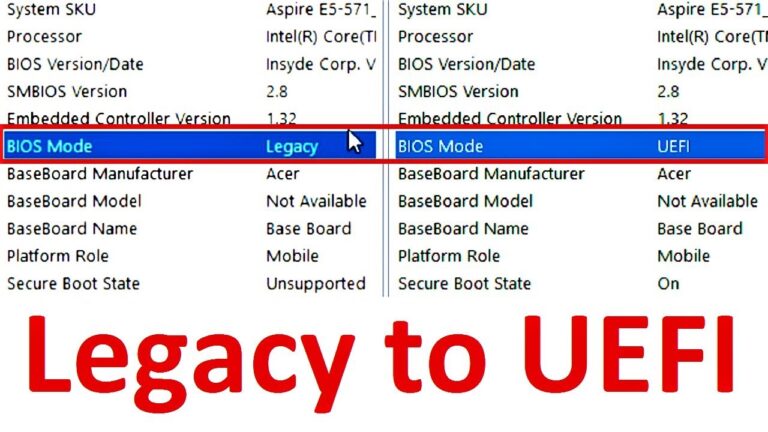
Normally, you can find the Legacy/UEFI boot mode configuration under the Boot tab. Under the Boot tab, you should disable Legacy and enable UEFI.…
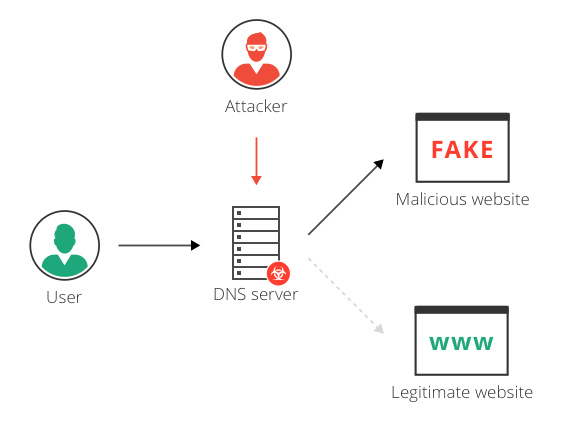
DNS hijacking can be used for pharming (in this context, attackers typically display unwanted ads to generate revenue) or for phishing (displaying fake versions…
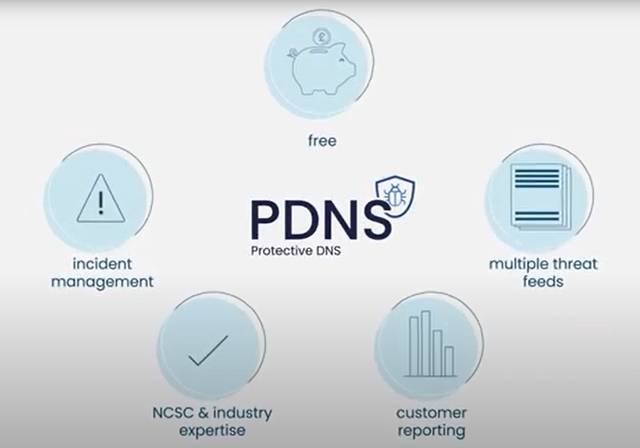
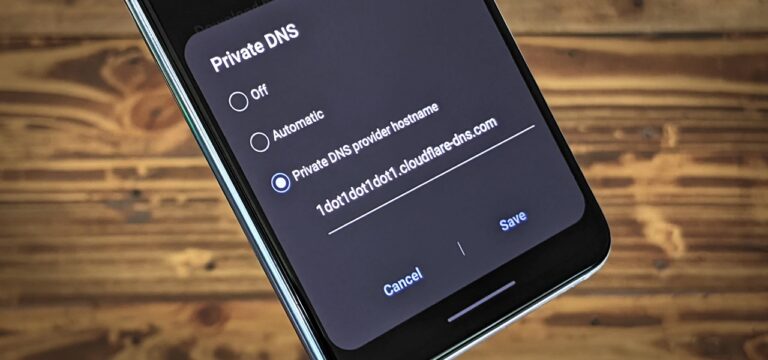
A “Protective DNS Service” is a security service and software/hardware that analyzes DNS queries and takes action to mitigate threats. The capture usually takes…
DNS protection provides an additional layer of protection between an employee and the internet by blacklisting dangerous sites and filtering out unwanted content. By…