How do I enable Android on Windows?
Navigate to the Platform Tools folder, right-click, and select Open in Terminal. Open Windows Subsystem for Android, go to Developer, and turn on Developer…
 Author
Navigate to the Platform Tools folder, right-click, and select Open in Terminal. Open Windows Subsystem for Android, go to Developer, and turn on Developer…
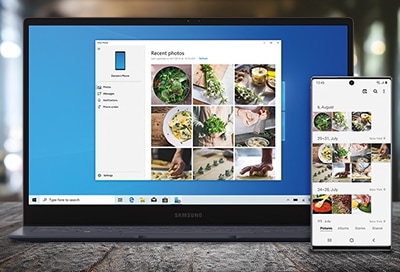
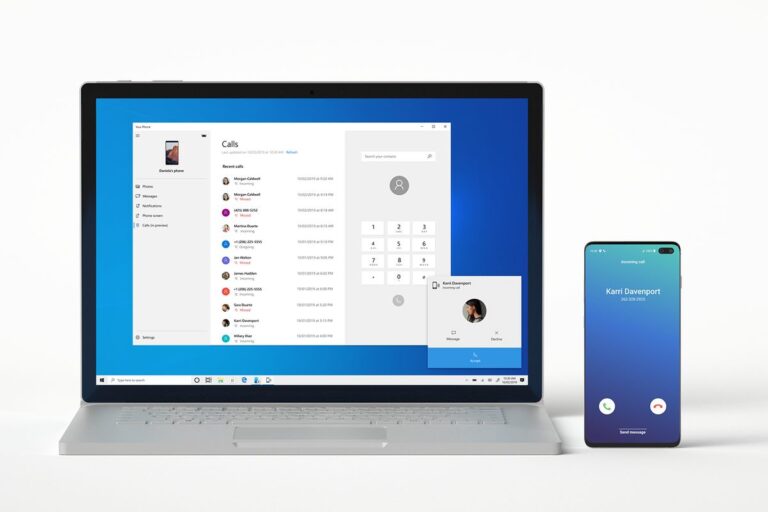
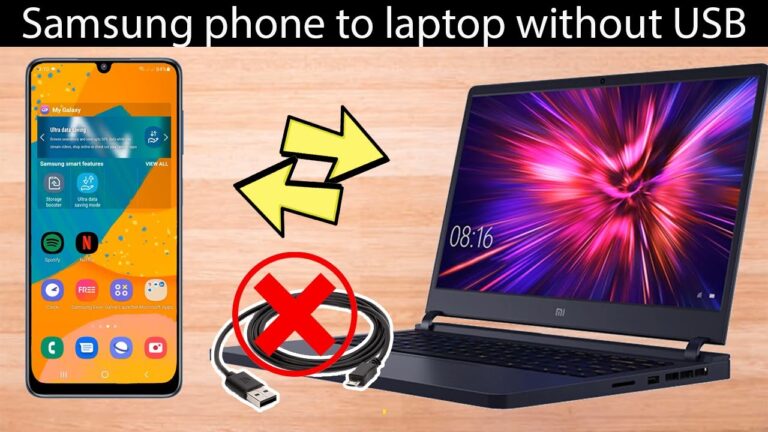
On Android, open the Your Phone app and select Link your phone and PC. Open the Your Phone Windows 10 app to complete the…
Step 1: Download and install Samsung Kies on your PC. Step 2: Connect your Samsung phone to your computer using USB cable. Step 3:…
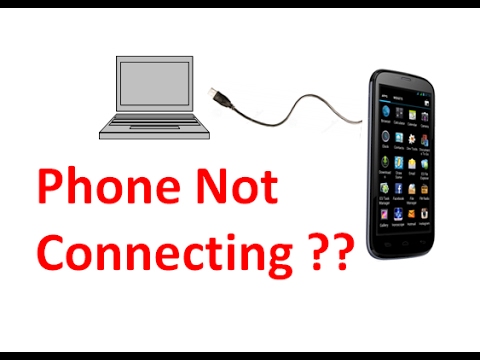
Use a Different USB Port and USB Cable (Windows/Mac) Luckily, most computers have multiple USB ports. Try another port on your machine to see…
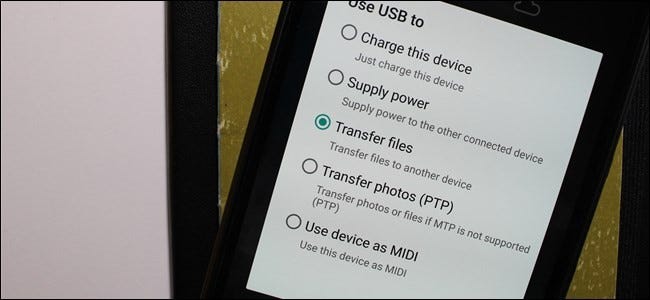
Check USB Connection Settings If you don’t have your Android device set as a media device (MTP) your computer is not going to recognize…
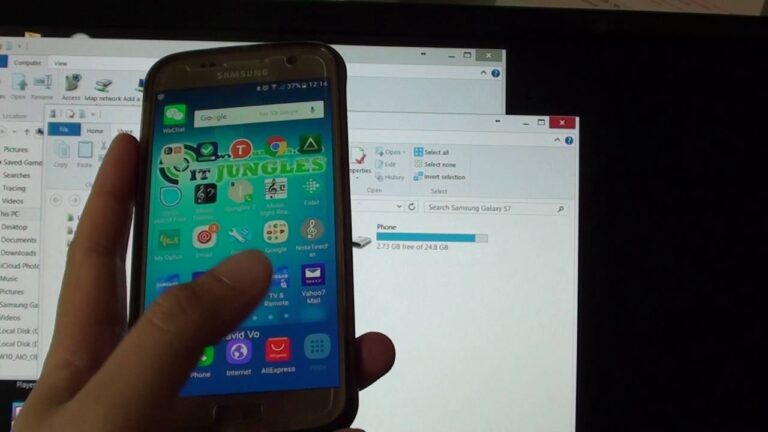
On your PC, open Windows File Explorer, choose the drive that represents your phone, and double click it to open it. Step 4. Then,…
Wirelessly, with email, messages, or AirDrop: You can use email, messages, and AirDrop to send files to yourself from one device and download them…
Tap Link your phone and PC on your phone’s screen, and then tap Continue. Scan the QR code that is displayed on your PC’s…
How can I access my mobile from PC to Windows 10? In the search box on the taskbar, type your phone, and then select…
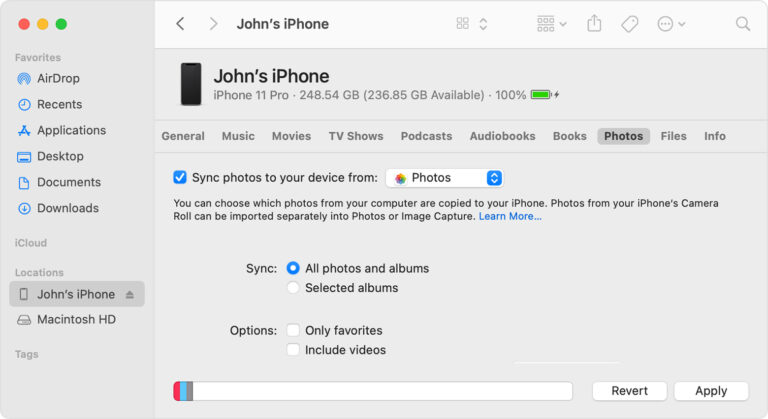
Transfer photos and videos from your iPhone, iPad, or iPod touch to your Mac or PC. With the Photos app and a USB cable,…
Navigate to and open Settings, then tap Advanced features, and then tap the switch next to Link to Windows. Follow any on-screen instructions if…