A Pro’s Guide: Connecting Your iPhone to a Computer (PC & Mac)
You plug your iPhone into your computer, expecting your photos or files to show up, and… nothing. Or maybe you’re trying to connect wirelessly…
You plug your iPhone into your computer, expecting your photos or files to show up, and… nothing. Or maybe you’re trying to connect wirelessly…
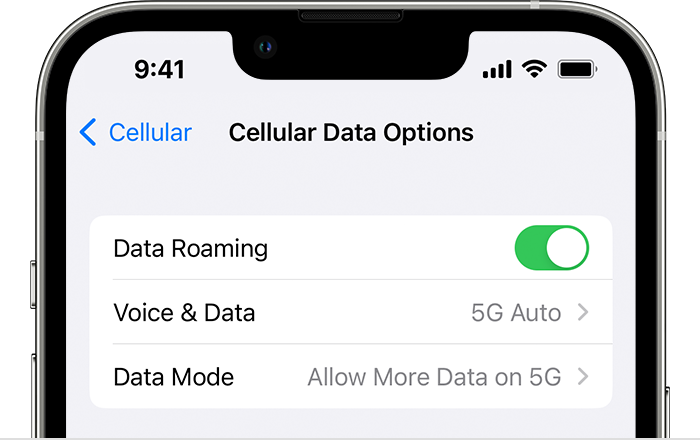
That dreaded “No Service” message staring back at you from the top corner of your iPhone. It’s incredibly frustrating, cutting you off from calls,…
Once set, offline status is shown as a white circle with a grey edge (Figure 2). It’s the same visual indicator shown when Teams…
Apple has admitted that some iPhones have been recording their owners’ interactions with voice assistant Siri, even if instructed not to. This state of…
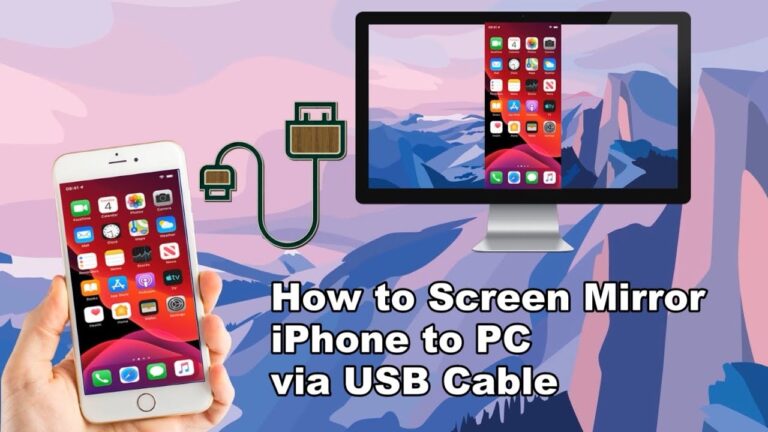
Connect the iPhone and PC using a lightning Cable. Then open QuickTime on your PC. Open the File Menu from the top of the…
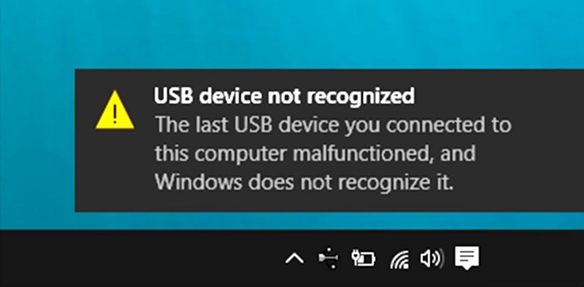
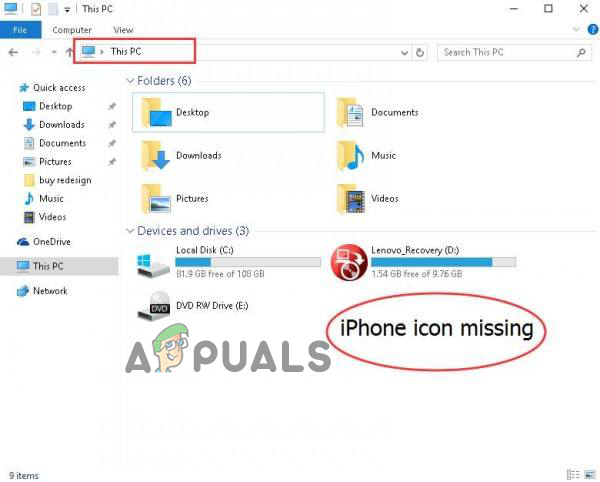
Windows computers require iOS drivers to correctly recognize iPhone, iPad, and iPod touch devices. If your iPhone is still not detected, chances are that…
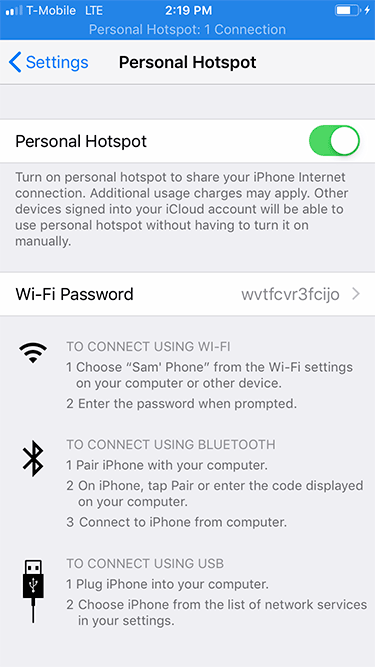
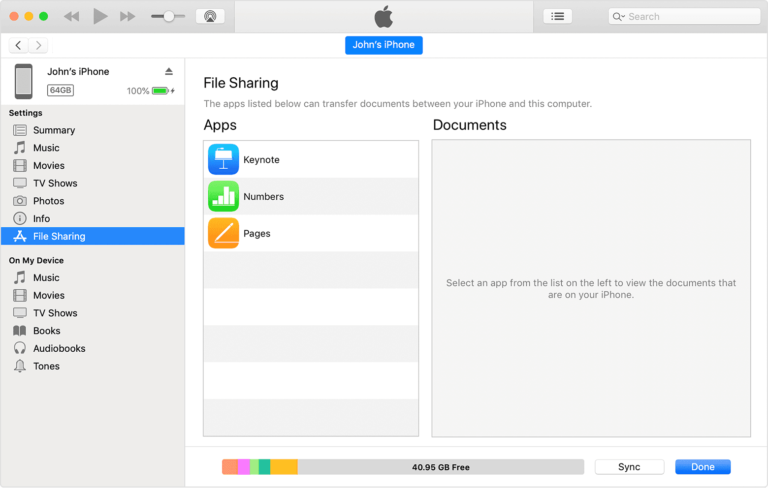
Using a USB cable or adapter, you can directly connect iPhone and a Mac or Windows PC. Make sure you have one of the…
Make sure your iOS or iPadOS device is turned on, unlocked and on the Home Screen. Check that you have the latest software on…
Transfer photos and videos from your iPhone, iPad, or iPod touch to your Mac or PC. With the Photos app and a USB cable,…