How do I completely remove Adobe products?
Click on the “Apps” tab, then “Installed Apps”, then scroll down to the installed app and click the little down arrow next to “Open”…
Click on the “Apps” tab, then “Installed Apps”, then scroll down to the installed app and click the little down arrow next to “Open”…
It might not be possible to remove the Adobe Creative Cloud Static Software Application without uninstalling everything else that is produced by the Adobe…
Although not recommended, you can disable the process by opening the Task Manager and right-clicking on each process to end it. Alternatively, you can…
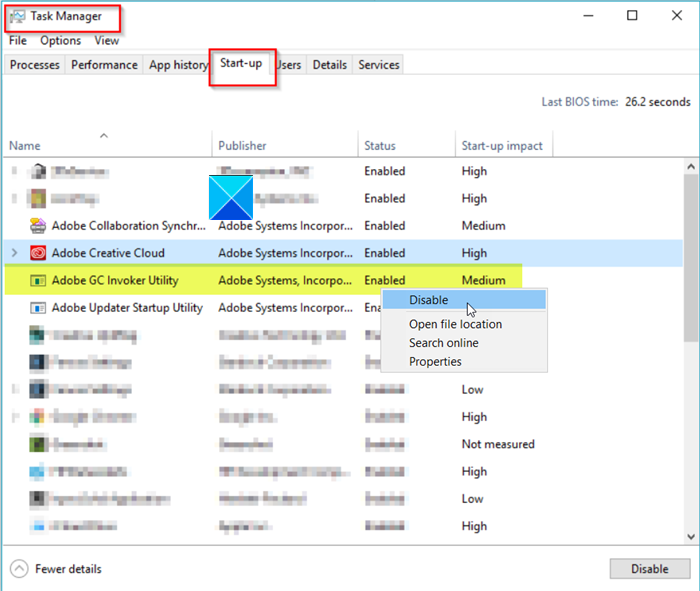
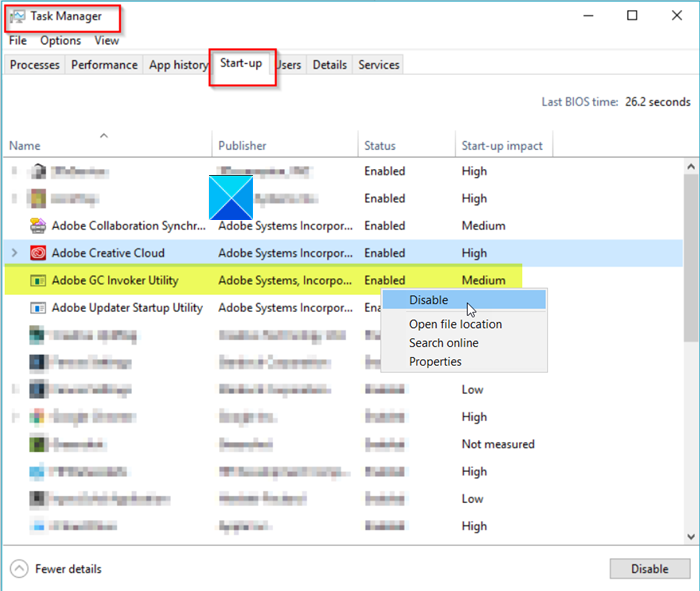
Can I remove Adobe GC Invoker Utility? Yes, you can, but it will keep reappearing since it’s a process inherent to almost any Adobe…
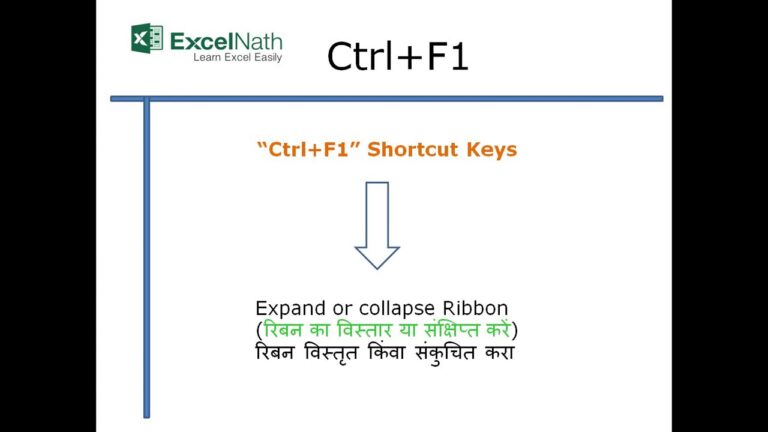
Shortcut Description Ctrl F1 Select all items on screen. Ctrl F2 Deselect all items on screen. Ctrl F3 Start/end of block. What is Ctrl…
Since both iPads and iPhones use the iOS operating system, neither type of device needs antivirus software. However, Macs use a different operating system,…
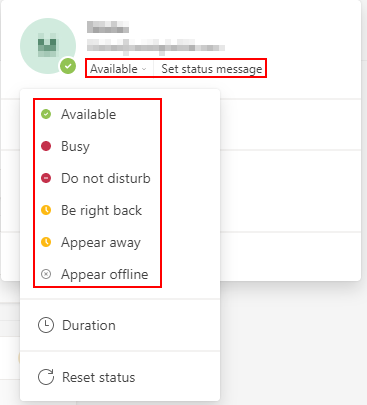
What is this? Open the Microsoft Teams application. On the right of your screen, select your profile icon. Locate the availability status and choose…
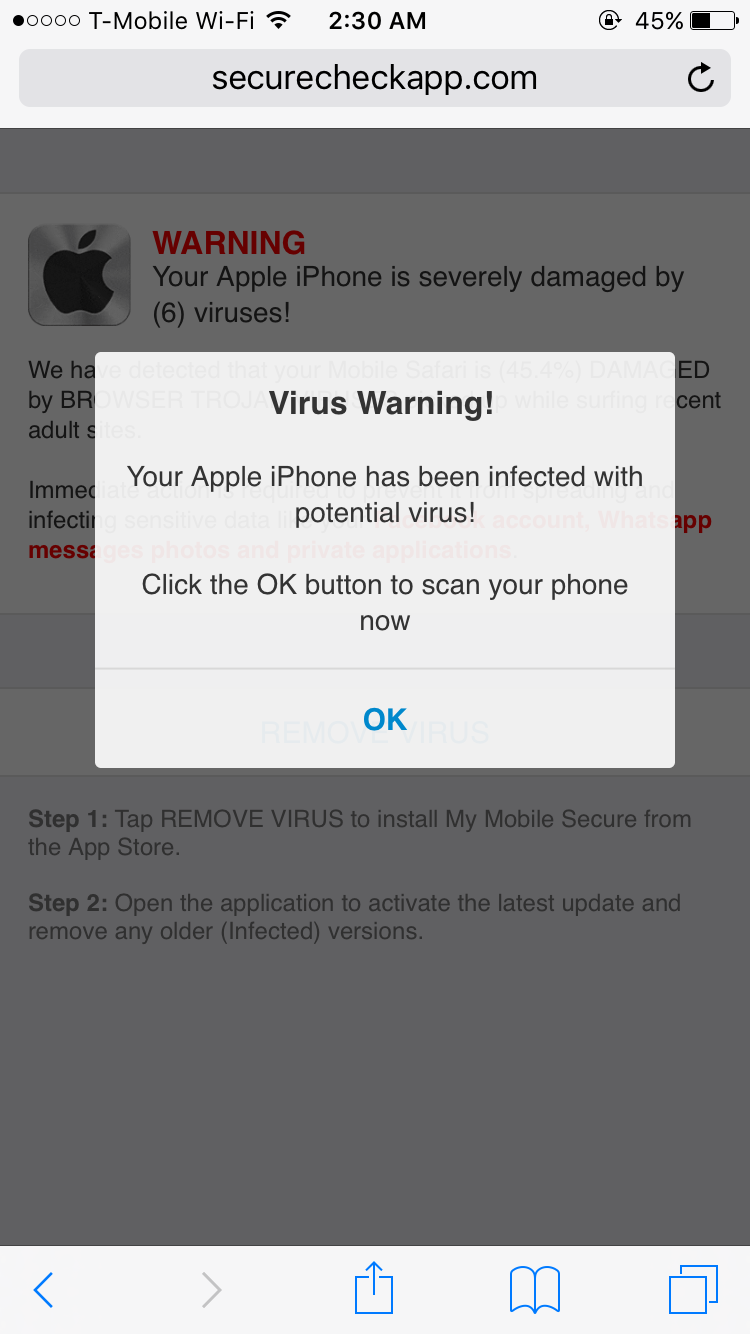
It’s important to mention that Apple doesn’t send security warnings and this alert is fake. If you receive one, you should neither click on…
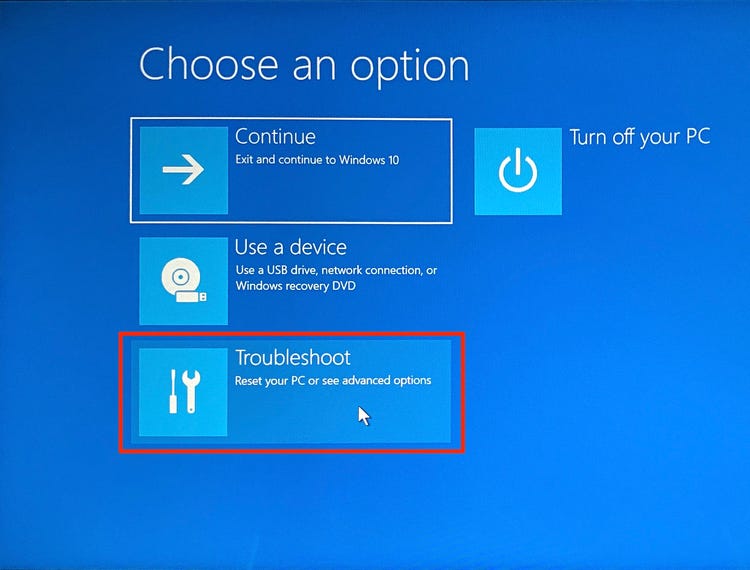
Turn on the laptop and immediately press the F11 key repeatedly until System Recovery starts. On the Choose an option screen, click “Troubleshoot.” Click…
Windows 10 has a built-in performance troubleshooter that can help you find and fix any problems that might be affecting your PC’s speed. To…