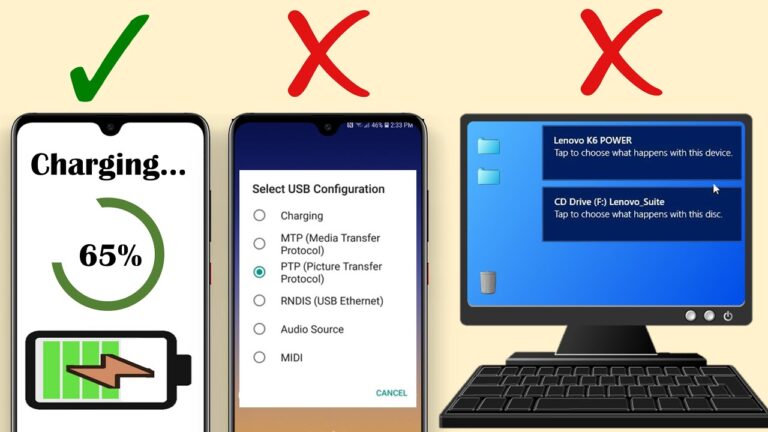
Why my Samsung phone is not connecting to PC via USB cable?
Check Your Phone’s USB Cable Steps to check that it is not the cable causing the problem include; Check that the cable is free…
Check Your Phone’s USB Cable Steps to check that it is not the cable causing the problem include; Check that the cable is free…
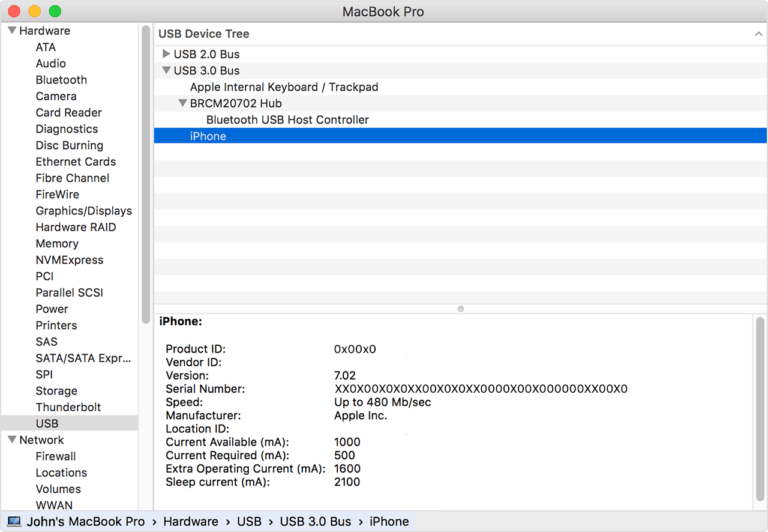
Make sure that your iOS or iPadOS device is turned on, unlocked, and on the Home screen. Check that you have the latest software…
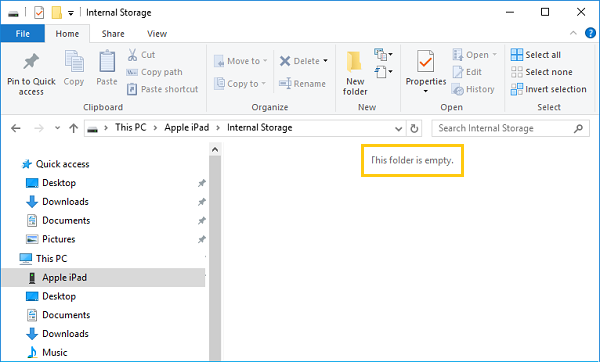
Make sure your iDevice allows your PC to access it It’s possible your PC doesn’t have permission to view the DCIM folder on your…
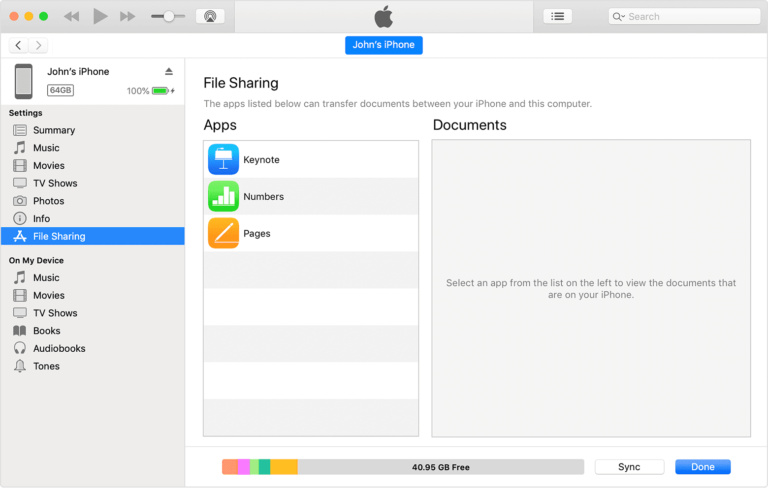
Transfer Files from PC to iPhone without iTunes via iCloud You can transfer data from your iPhone to a PC without iTunes via iCloud.…
Wirelessly, with email, messages, or AirDrop: You can use email, messages, and AirDrop to send files to yourself from one device and download them…
What does “Server Unreachable” Mean on your Phone? Your phone may pop up a “server unreachable” message on the screen because it has a…
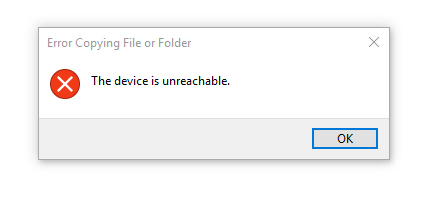
Try A Different USB Cable and Connect Your iPhone Again. If the device is unreachable for iPhone to Windows 10 connection, the USB cable…
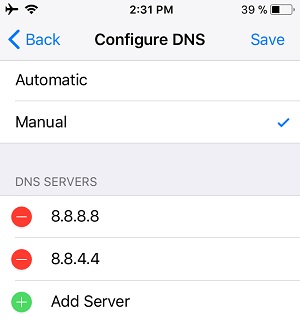
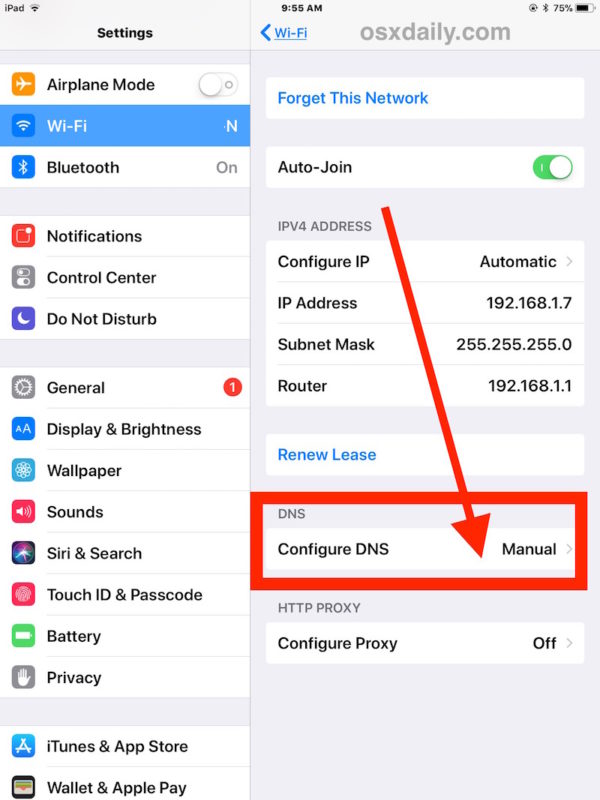
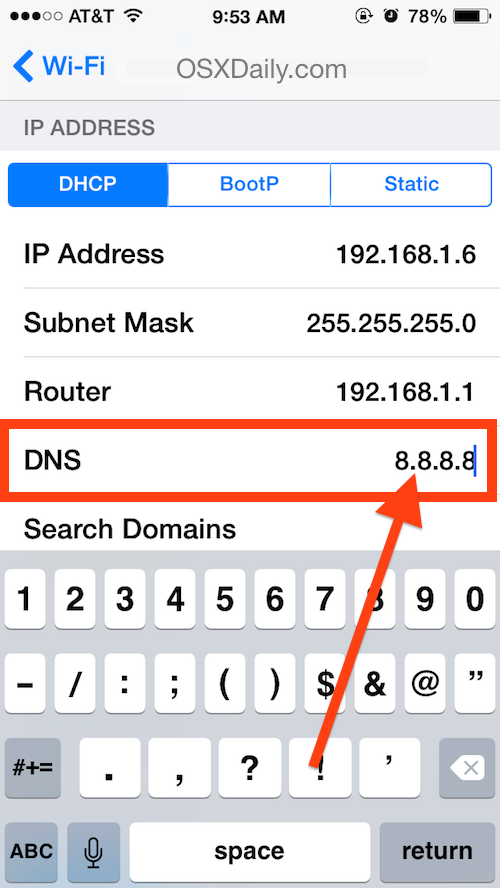
Tap the “Settings” icon and select “Wifi.” Tap the blue arrow next to the connection you want to modify to enter the network’s settings.…
Open Settings and then go to Connections. Select More connection settings. Select Private DNS. You can use the automatic setting, or choose a custom…
Answer: A: Answer: A: DNS (Domain Name Service) is the Internet “address book” of web sites. Whenever you go to a site such as…