How do I enable tethering on my iPhone?
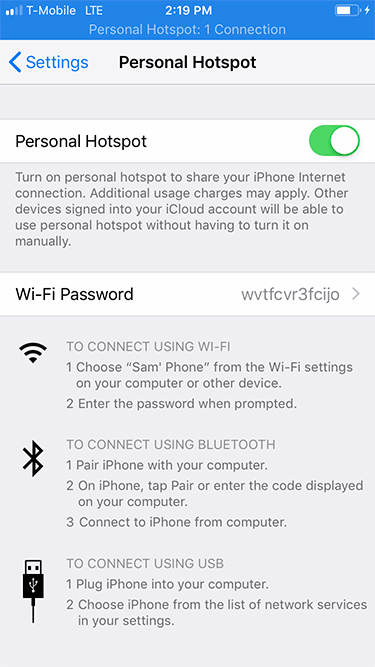
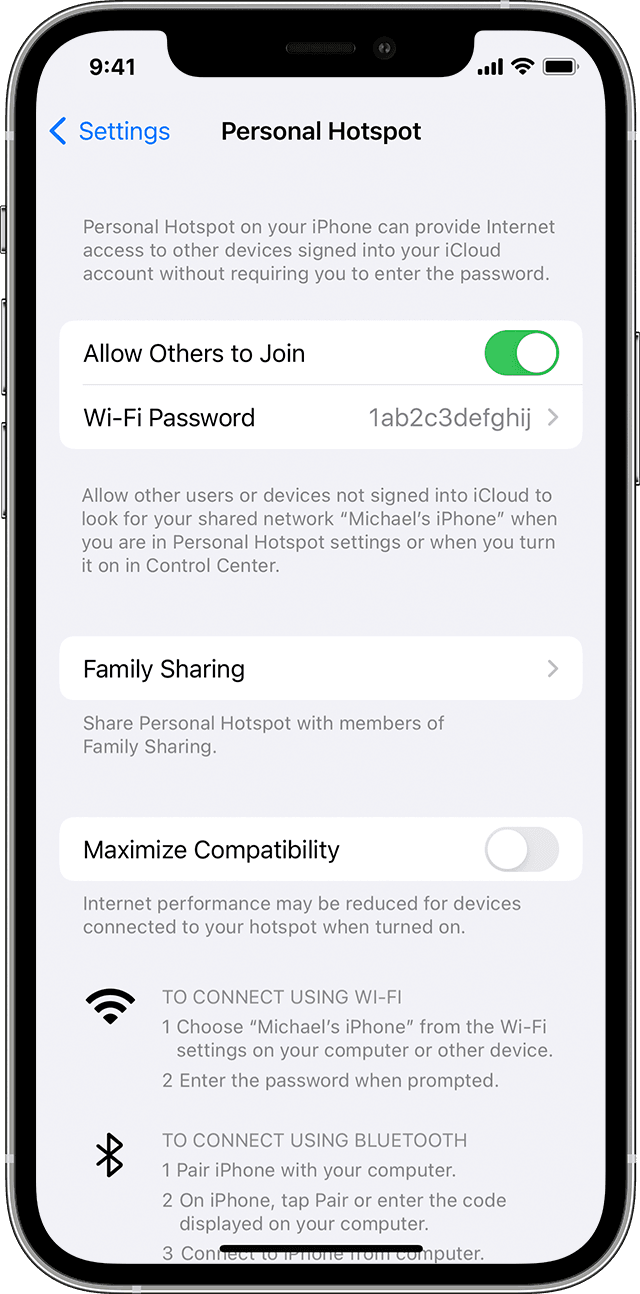
On the device that you want to connect to, go to Settings > Cellular > Personal Hotspot or Settings > Personal Hotspot and make…
On the device that you want to connect to, go to Settings > Cellular > Personal Hotspot or Settings > Personal Hotspot and make…
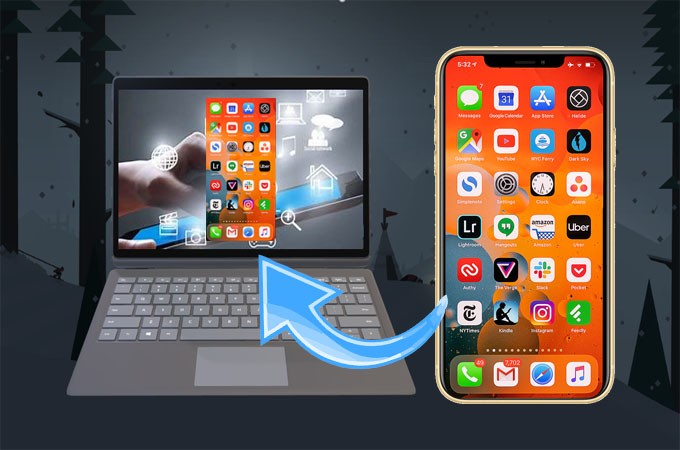
To mirror iPhone to Windows 10 PC, you can use any screen mirroring apps such as AirDroid Cast, LonelyScreen, or LetsView app. To do…
Use Wi-Fi to connect from a PC: In the Wi-Fi settings on your PC, choose your iPhone, then enter the password shown in Settings…
Signs That Someone Has Remote Access to Your Phone The battery drains quickly even when not in use. Higher data usage than usual. Noises…
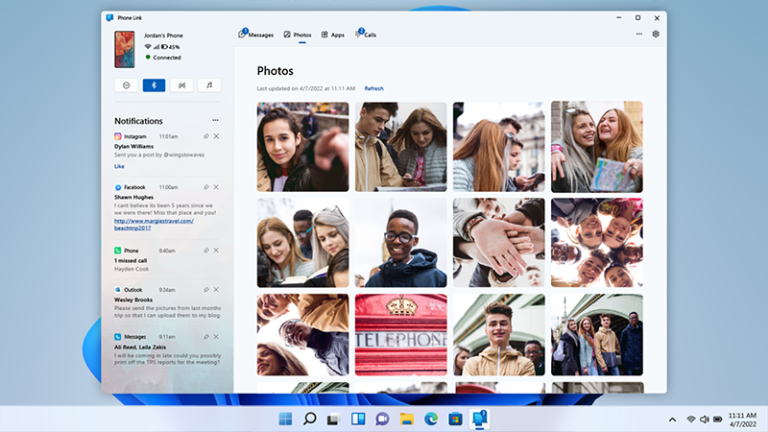
Select the option to Link Phone and PC, then Enter your Phone number and hit Send. Then, you will need to download the application…
Wirelessly, with email, messages, or AirDrop: You can use email, messages, and AirDrop to send files to yourself from one device and download them…
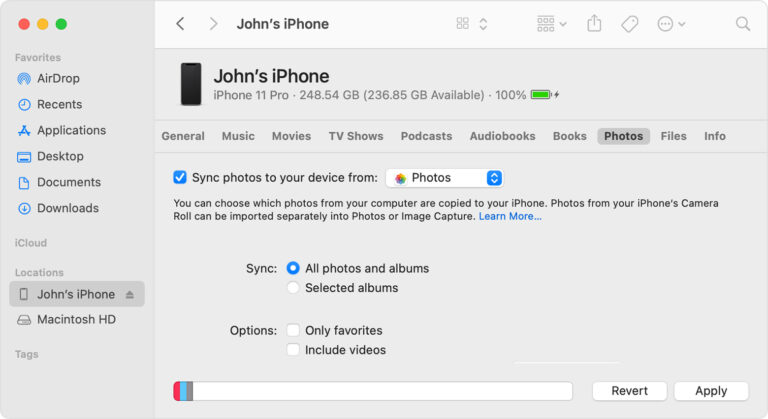
Transfer photos and videos from your iPhone, iPad, or iPod touch to your Mac or PC. With the Photos app and a USB cable,…
All you need to do is enable iCloud on both your devices and select the content you want to remain in sync. When you…
Using a USB cable or adapter, you can directly connect iPhone and a Mac or Windows PC. Make sure you have one of the…