How do I turn off the Typing sound on my iPhone?
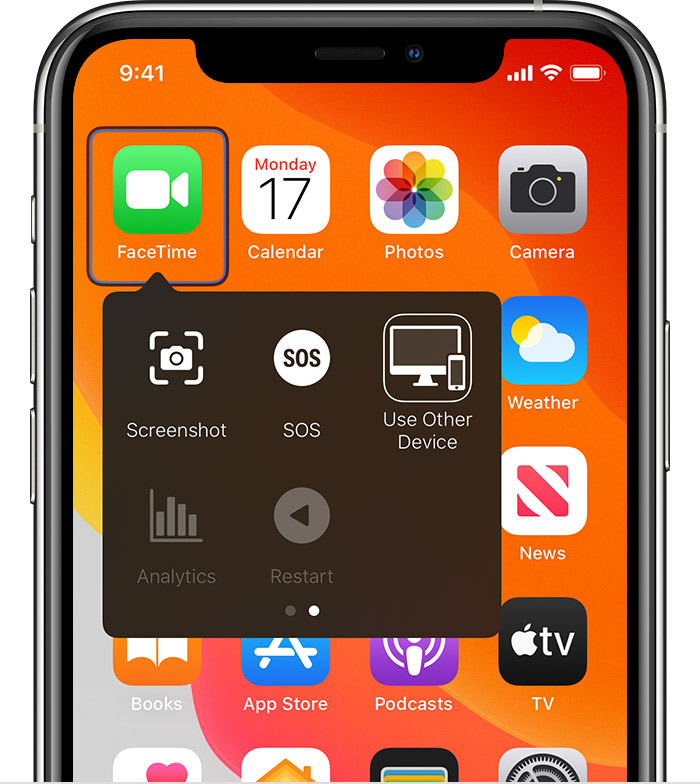
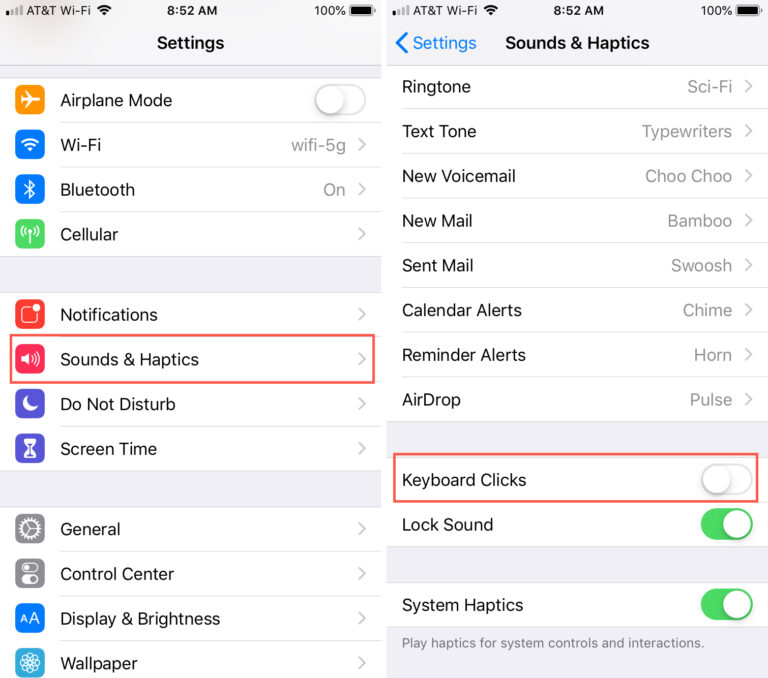
Disable the keyboard sounds on iPhone or iPad Open the Settings app. Tap Sounds & Haptics. Scroll down to Keyboard Clicks and turn it…
Disable the keyboard sounds on iPhone or iPad Open the Settings app. Tap Sounds & Haptics. Scroll down to Keyboard Clicks and turn it…
Green area: Added trees to the hillside. Magenta Zone: Added flat terrain curves. Sky Blue Zones: Added cover for areas that lack cover. What’s…
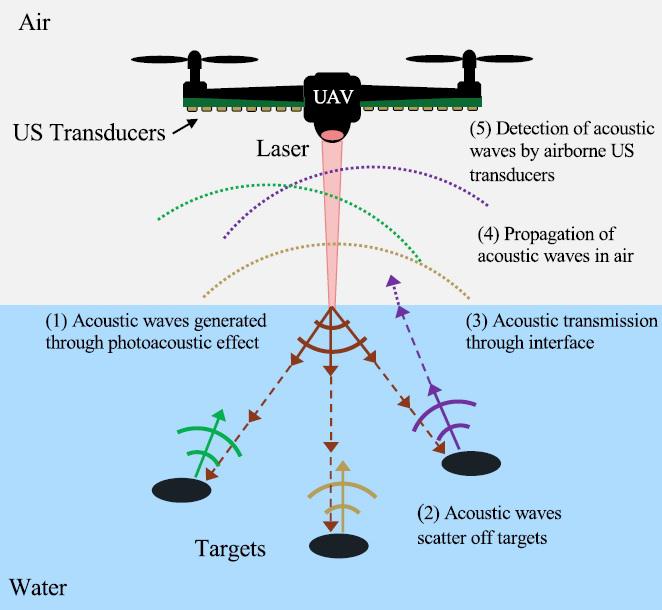
Although these sonar devices were firstly used for underwater measurements, they have subsequently been used for in-air measurements (i.e., in-air sonar sensors). These sensors…
Turn on spatial audio on your iPhone or iPad Open Control Center on your iPhone or on your iPad. Touch and hold the volume…
Turn on spatial audio on your iPhone or iPad Open Control Center on your iPhone or on your iPad. Touch and hold the volume…
Automatic: Plays Dolby Atmos whenever iPhone is connected to compatible headphones such as AirPods (3rd generation), AirPods Pro, or AirPods Max, or to speakers…
In Gliding Cursor (Point Mode in iOS 12 and earlier) a vertical bar comes panning left to right and when you press your switch…
Apple introduced Dynamic Head Tracking alongside Spatial Audio on the iPhone to create a more immersive audio experience. Essentially, it uses sensors in your…
Is it possible to hack an iPhone remotely? It might surprise you, but yes, it is possible to remotely hack an iOS device. On…
iPhone cannot be turned on remotely. How do I turn on my Lost iPhone? Mark your device as lost or turn on Lost Mode…