How do I turn off VoiceOver on my iPhone when its locked?
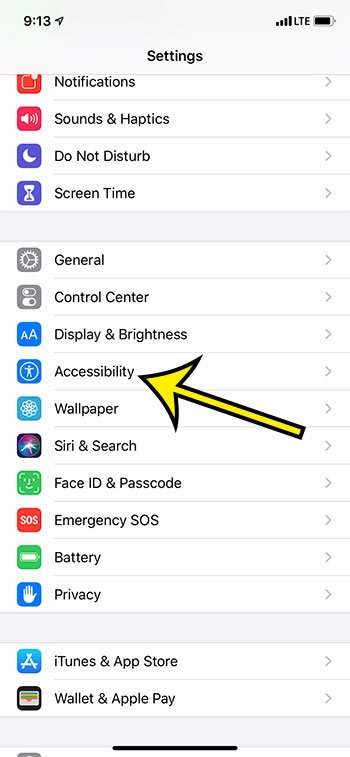
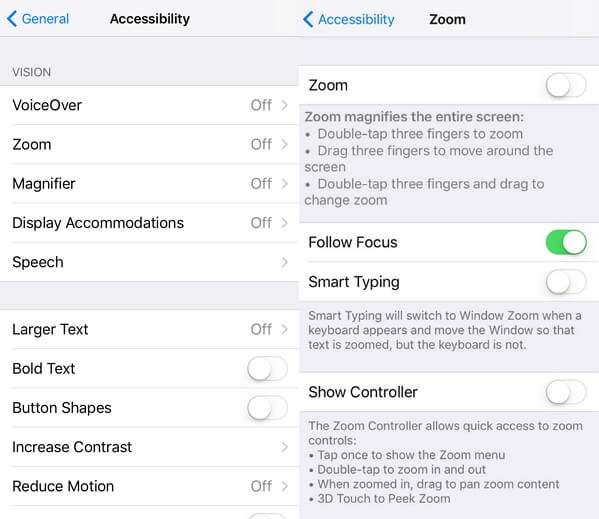
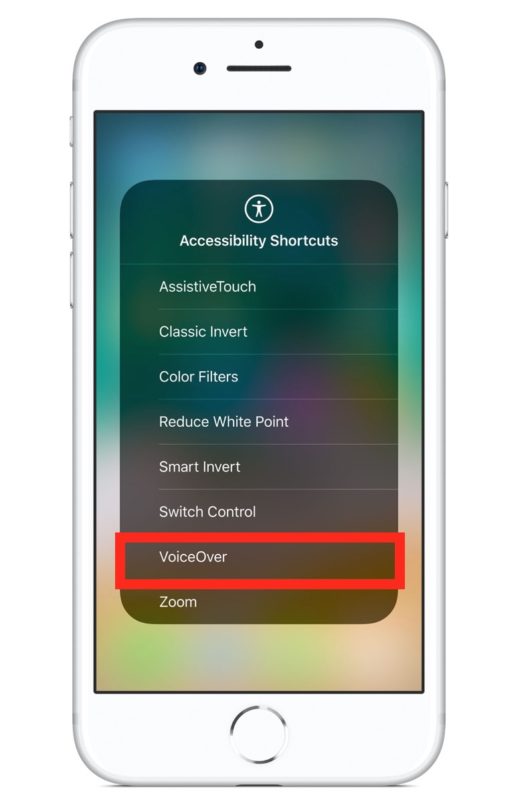
Use Control Center. Go to Settings > Accessibility > VoiceOver, then turn the setting on or off. How do I turn off VoiceOver on…
Use Control Center. Go to Settings > Accessibility > VoiceOver, then turn the setting on or off. How do I turn off VoiceOver on…
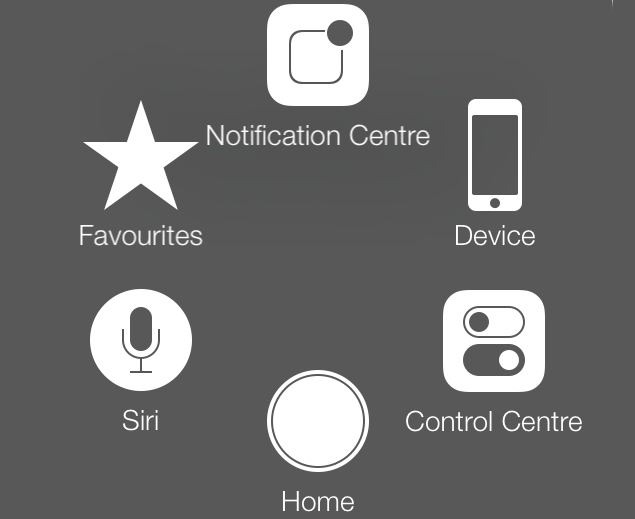
You can follow these simple steps to turn off or remove assistive touch on your iPhone or iPad device: Tap Settings > General >…
‘AssistiveTouch’ helps you adapt your iOS device if you have difficulty touching the screen or you use an adaptive device. With ‘AssistiveTouch enabled’ you…
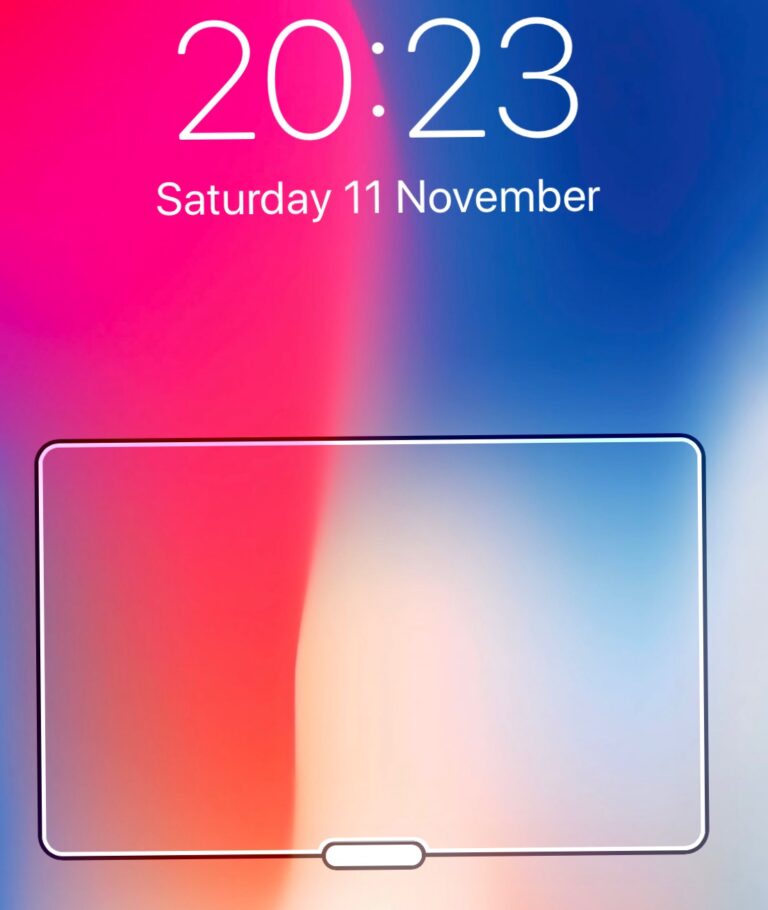
This rectangle actually has a purpose. It’s called “Zoom” and is used to magnify certain parts of the screen. If it’s active, the rectangle…
This box appears when you accidentally activate the Zoom Accessibility function. You can get rid of it by turning off the Zoom function in…
Rather, you just need to go into your Settings, hit Display & Brightness, and then switch between day and night mode, which should get…
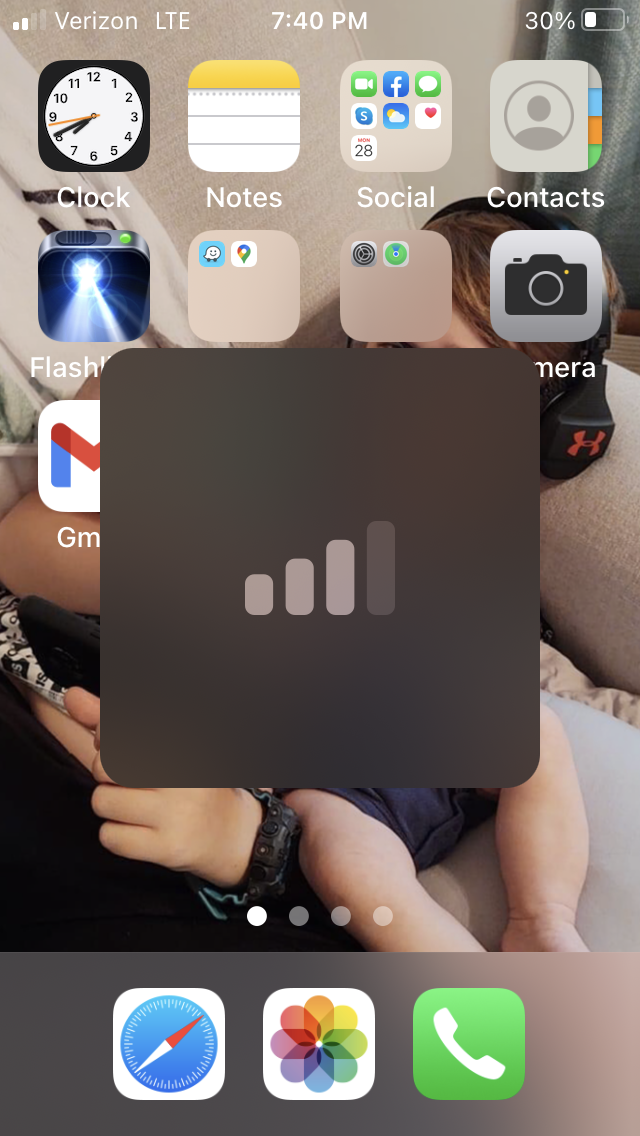
One of the most common causes of a transparent square box on iPhone screen is the Zoom feature. No matter what you do, you…
Tap the App Store icon on your iPhone, iPad, or iPod. Tap the search icon (magnifying glass) in the navigation bar > search for…
Go to the Settings app on your iPhone screen. Tap on Accessibility and go to Display and Text Size. Now, tap on Larger Text.…
Open the Settings app on Your iPhone. Go to General > Accessibility. Now scroll to Switch Control and tap on it. To turn it…