Why does a small dot appear on my iPhone?
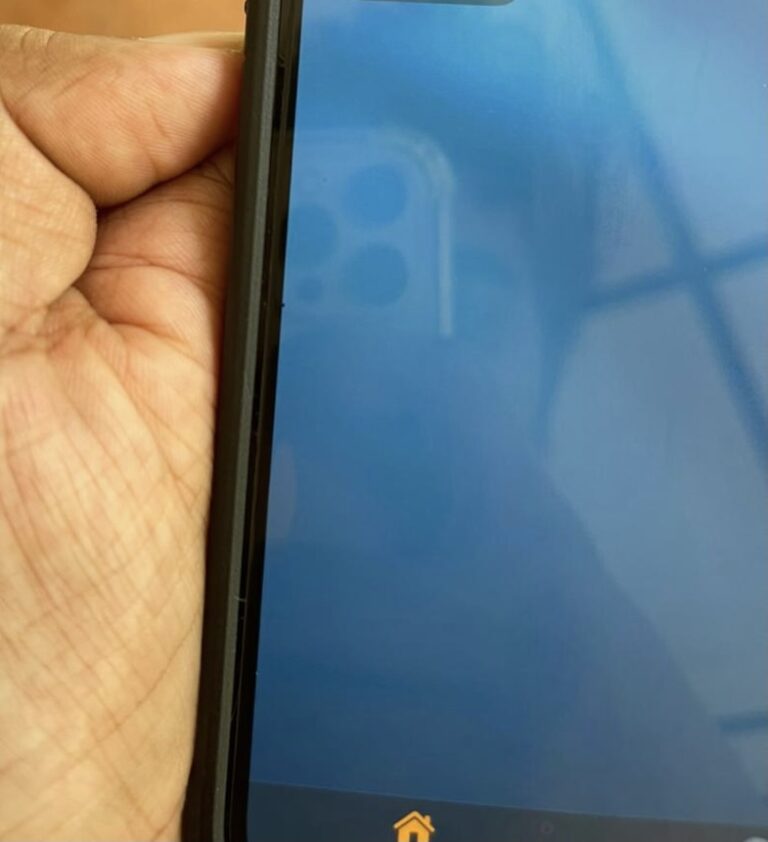
If you’re an iPhone user, you may have noticed that an orange dot and a green dot now occasionally appear in the top corner…
If you’re an iPhone user, you may have noticed that an orange dot and a green dot now occasionally appear in the top corner…
Yes. Cell phones, including smartphones, can be tapped when someone accesses your device without permission. Cell phones and smartphones are usually compromised via spy…
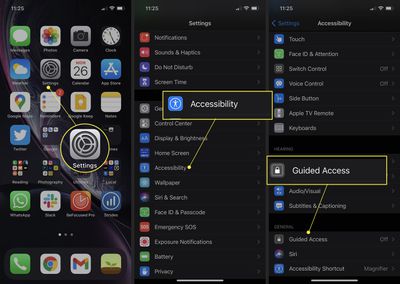
Unfortunately, Apple doesn’t include a setting to disable the grey bar. But, you can use the “Guided Access” setting to remove the grey bar…
Apple’s iPhone 12 and iPhone 13 lineups feature the best water resistance rating on an iPhone to date with an IP68 rating. This means…
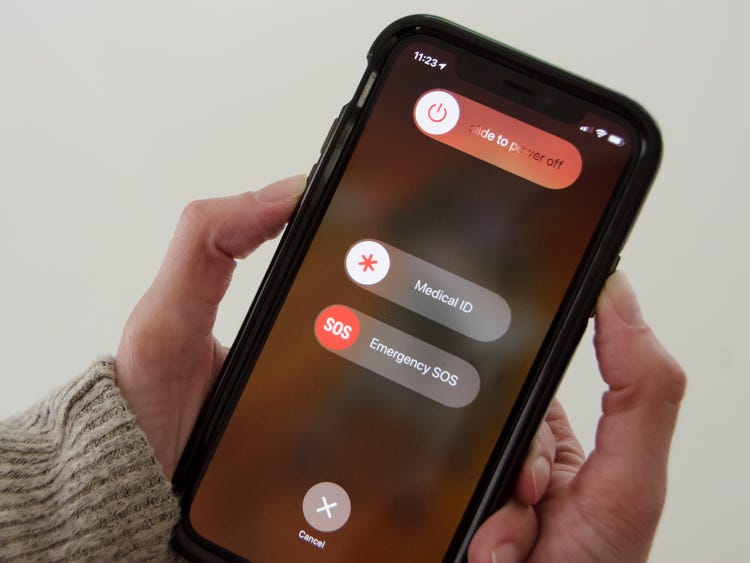
Press and hold the side button until the power-off slider appears. Drag the slider, then wait 30 seconds for your device to turn off.…
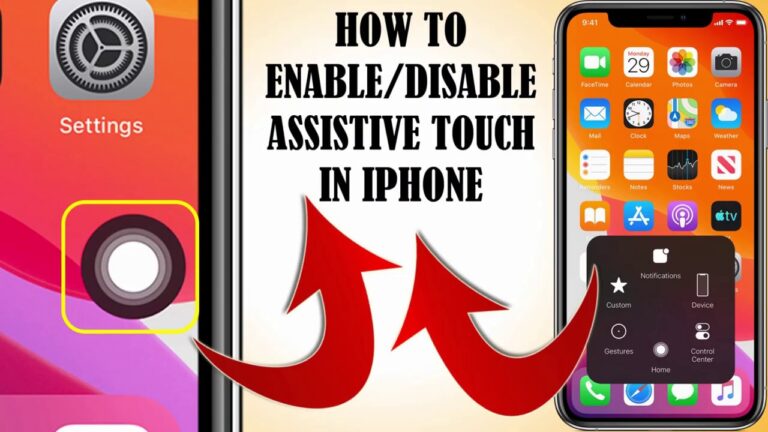
AssistiveTouch helps you use iPhone if you have difficulty touching the screen or pressing the buttons. You can use AssistiveTouch without any accessory to…
If you have a blue box moving around your iPhone screen, that is because you accidentally turned on the “VoiceOver” feature on iOS. There…
There are a few ways to turn on AssistiveTouch. You can: Go to Settings > Accessibility > Touch > AssistiveTouch, then turn on AssistiveTouch.…
This box appears when you accidentally activate the Zoom Accessibility function. You can get rid of it by turning off the Zoom function in…
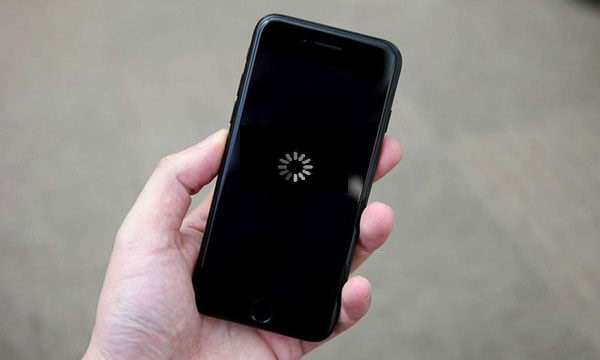
A black screen with a white spinning wheel means iOS is working on itself. For example, an iOS update may include configuration changes, or…