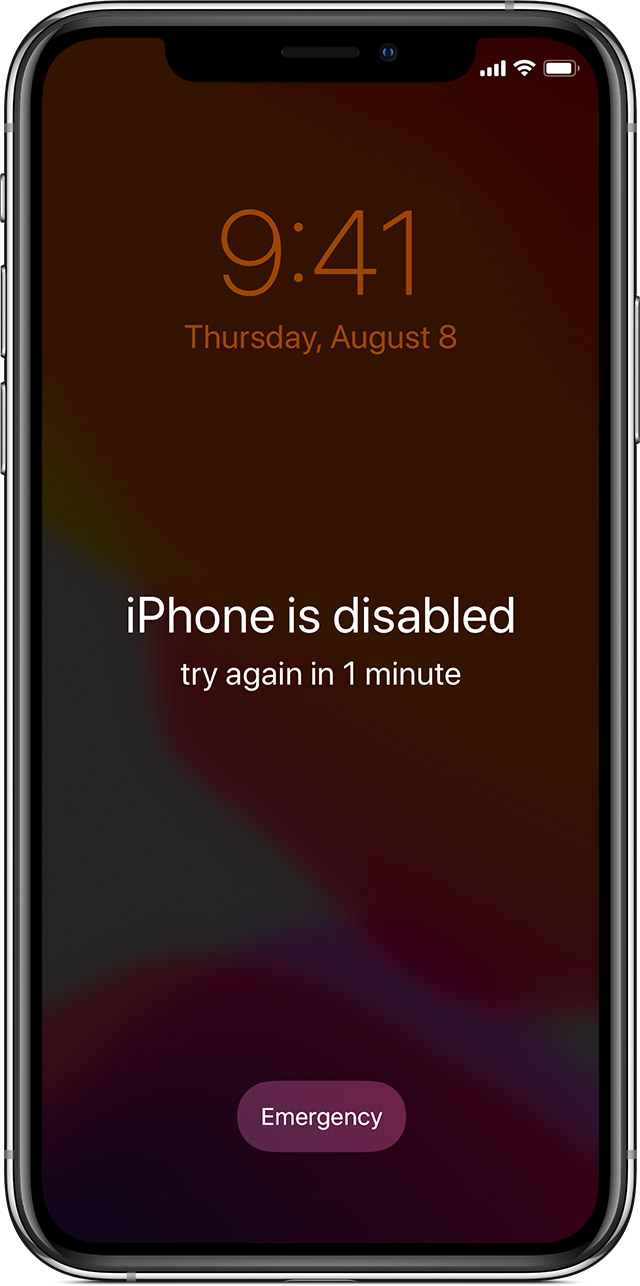
How do you unlock a locked iPhone?
Press and hold the correct button for your iPhone while immediately connecting your iPhone to the computer. Don’t let go of the button. Keep…
Press and hold the correct button for your iPhone while immediately connecting your iPhone to the computer. Don’t let go of the button. Keep…
An iPhone screen can go black due to software as well as hardware issues. If any important software crashes suddenly, the screen can become…
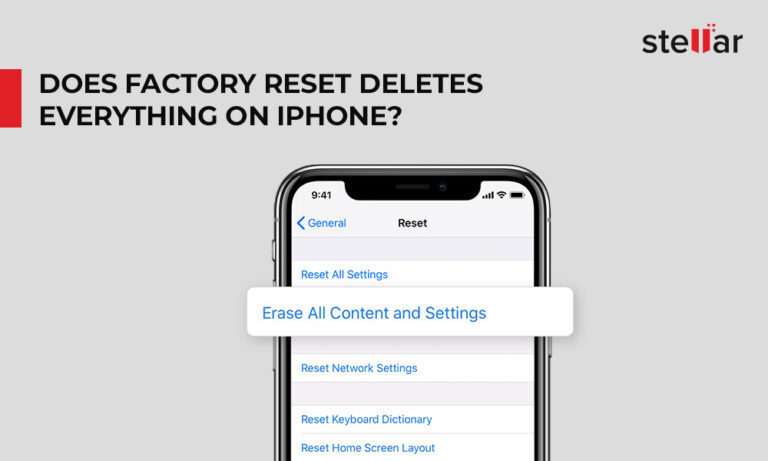
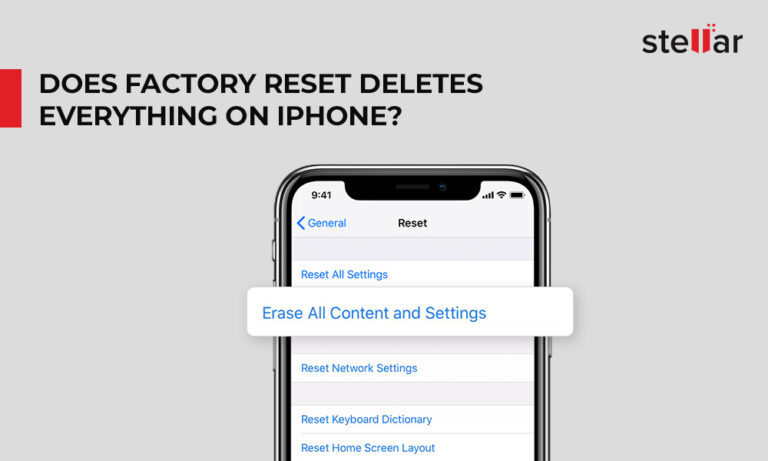
Factory reset or hard reset deletes complete data and settings from your iPhone. All your photos, videos, contacts, call logs, passwords, messages, browsing history,…
All models of iPhone store your personal data, app settings and work documents in nonvolatile memory. If you shut the phone off, if its…
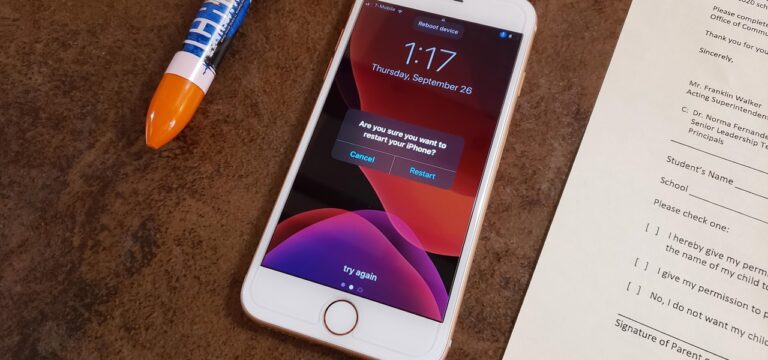
Say, “Hey Siri,” and then say, “Turn on Voice Control.” Then, you can use the “Reboot Device” command with Voice Control and tap Restart.…
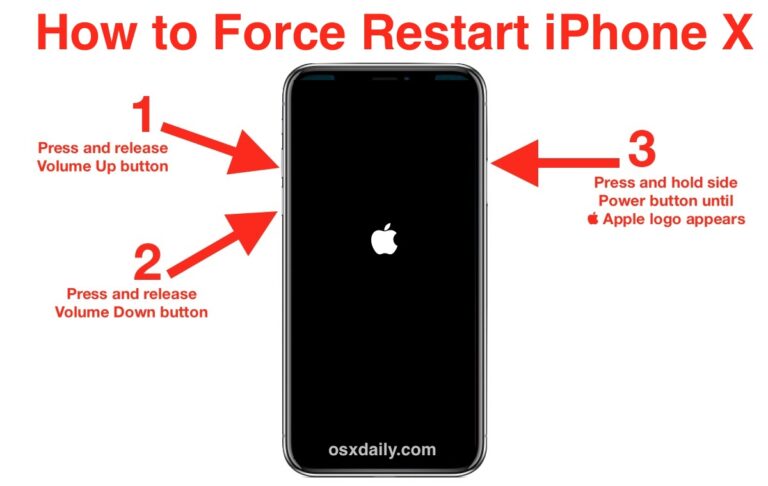
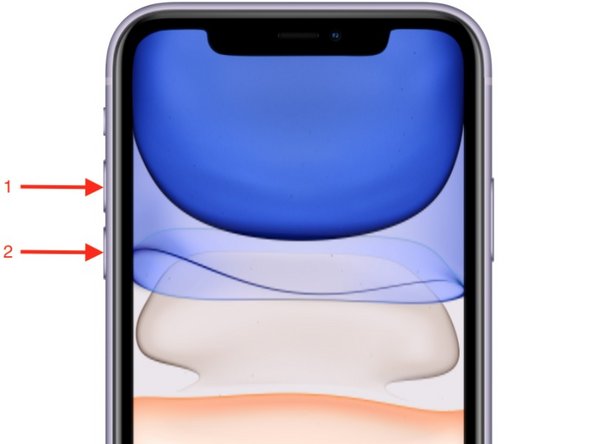
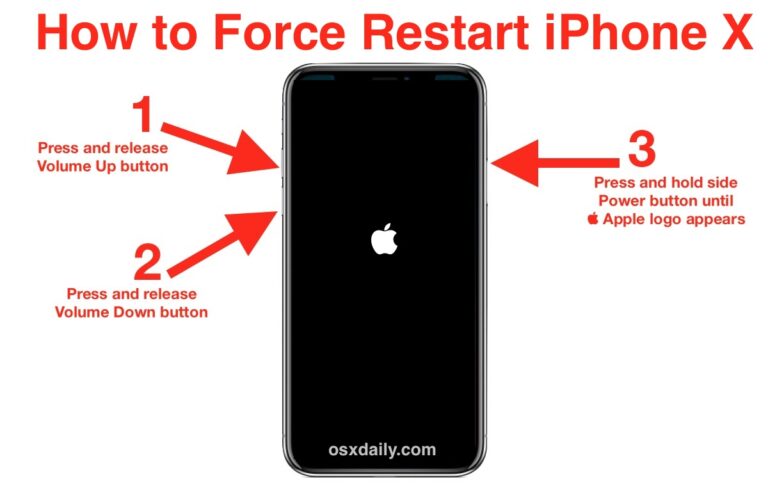
First, press and release the “Volume Up” button. Then, press and release the “Volume Down” button. Finally, press and hold the “Side” button until…
A reset, as Apple calls it (hard restart as you call it), will not harm your iPhone at all. It’s the equivalent of rebooting…
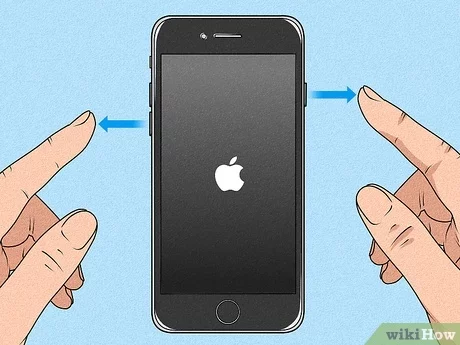
Press and hold the Sleep/Wake and Home buttons simultaneously for at least 10 seconds, or until the Apple logo appears. After the Apple logo…
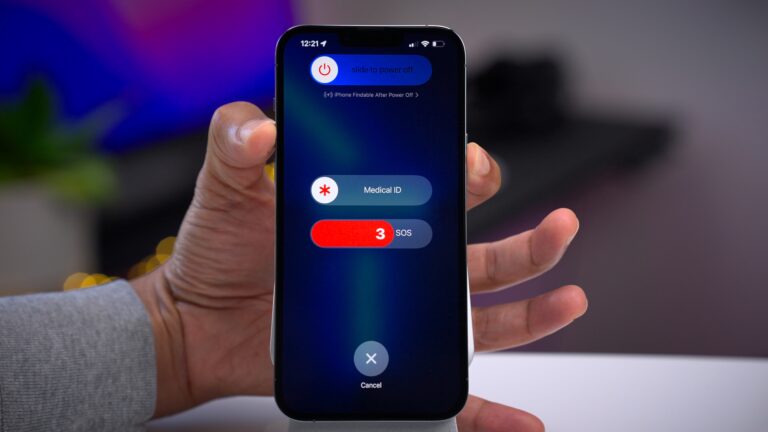
In those cases, you need to force quit your iPhone. Instructions are similar for each model, but differ slightly. iPhone X, Xs, Xr, 11,…
Force restarting your iPhone will cut off the power and force it to reboot. When it turns on, your phone will boot up all…