What is the little circle on my iPhone screen?
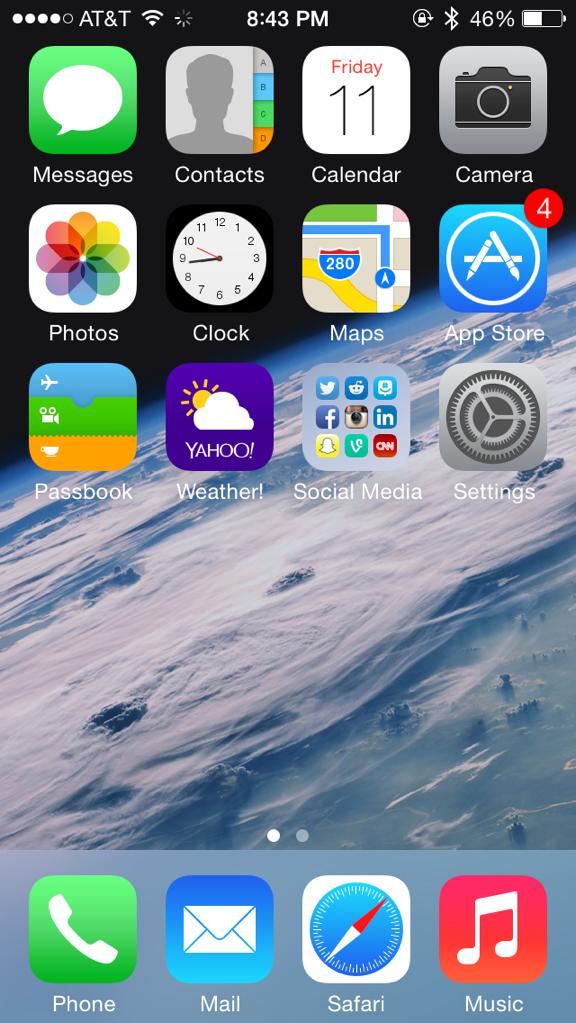
If the circle you notice appears in your iPhone status bar, it is an indication that your phone is out of reach of a…
If the circle you notice appears in your iPhone status bar, it is an indication that your phone is out of reach of a…
Press and hold the side button until the power-off slider appears. Drag the slider, then wait 30 seconds for your device to turn off.…
It’s also a common misconception that a phone can be hacked or that someone can listen to your phone calls just by knowing your…
Turn on Back Tap Check that you have the latest version of iOS on your iPhone 8 or later. Go to Settings > Accessibility…
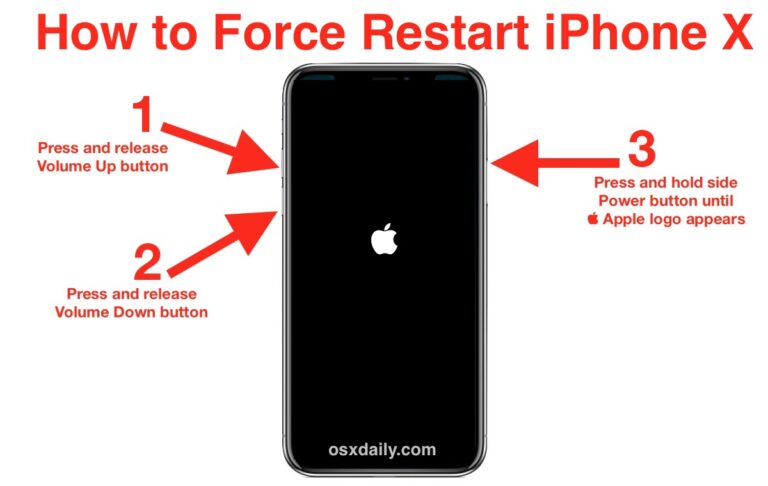
Press the Power and the Volume Down keys at the same time for at least 10 seconds. Keep holding them and let go as…
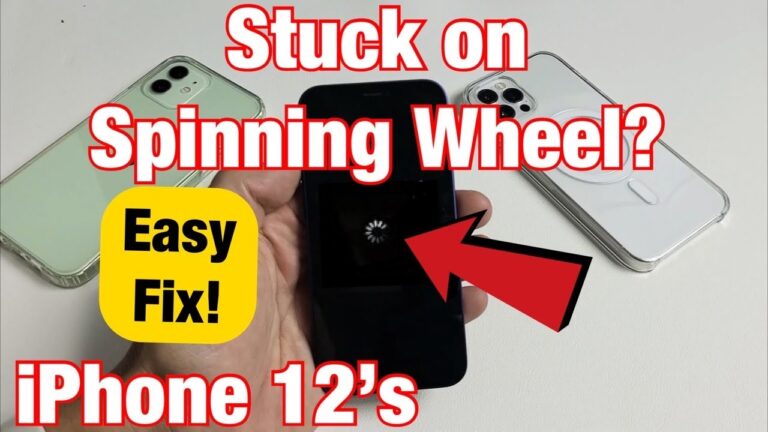
The spinning wheel issue means that some network activity is going on in the background, which would drain your battery power. The wheel will…
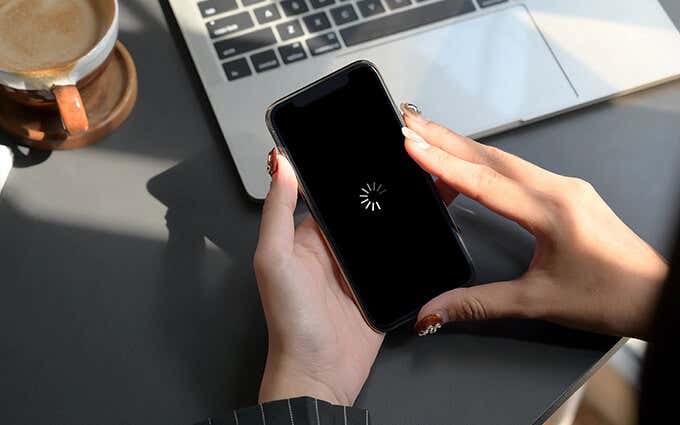
A black screen with a white spinning wheel means iOS is working on itself. For example, an iOS update may include configuration changes, or…
Spinning Ball: What It Means When you see the spinning colored beach ball, it means the Mac is slowing down due to low resources,…
Troubleshooting the iPhone black screen A black screen with a white spinning wheel means iOS is working on itself. For example, an iOS update…
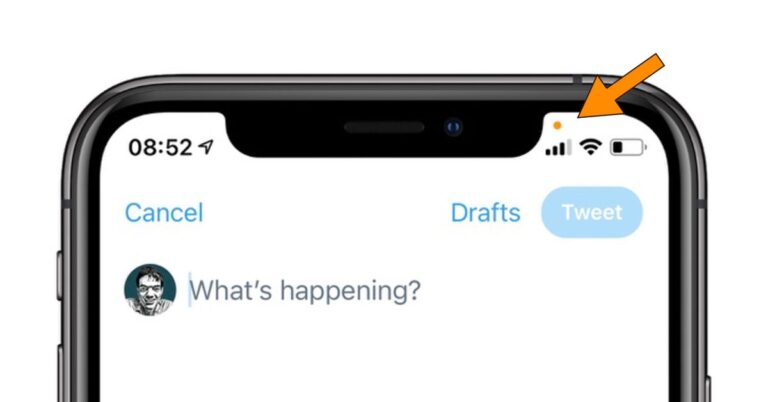
The orange light dot on iPhone means an app is using your microphone. When an orange dot appears in the top-right corner of your…