Where is CleanMyMac on my Mac?
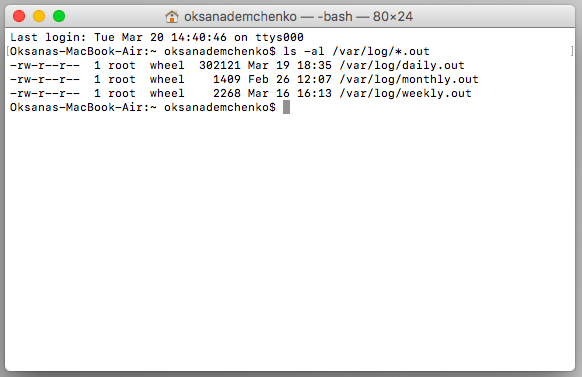
Go to: Users/Home/library/Logs. A CleanMyMac doc will be in one of the folders located in users/library/Logs. How do I open my Mac clean? Nothing…
Go to: Users/Home/library/Logs. A CleanMyMac doc will be in one of the folders located in users/library/Logs. How do I open my Mac clean? Nothing…
Although Macs don’t require a lot of maintenance for cleaning, those temporary files, app leftovers, and system cache do accumulate. These files may slow…
MacCleaner Pro is a tool from the Nektony creators. This one also offers a free Mac cleaning software trial that allows you to speed…
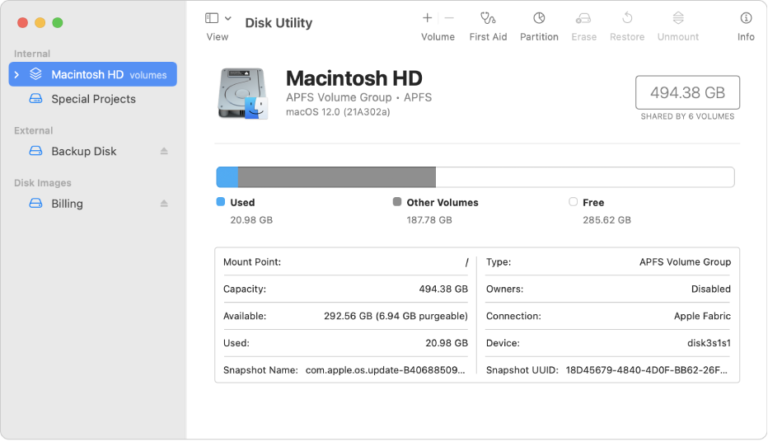
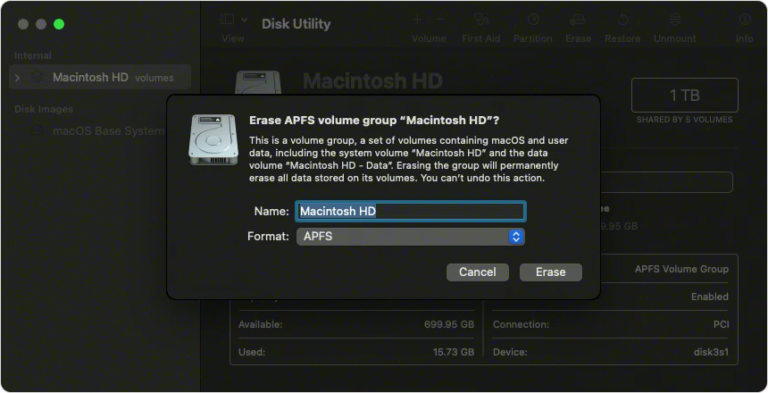
Run Disk Utility The Disk Utility tool can be used for repairing disk permissions and it is important to run it once every 2-3…
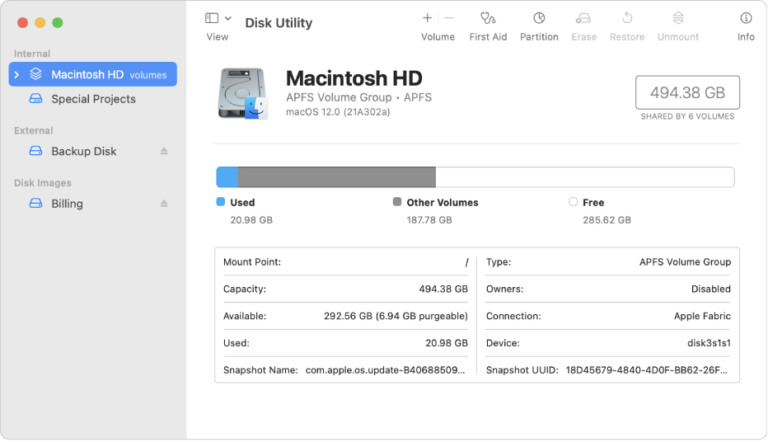
You can use Disk Utility on your Mac to manage internal and external storage devices. Using Disk Utility, you can: Format and manage volumes…
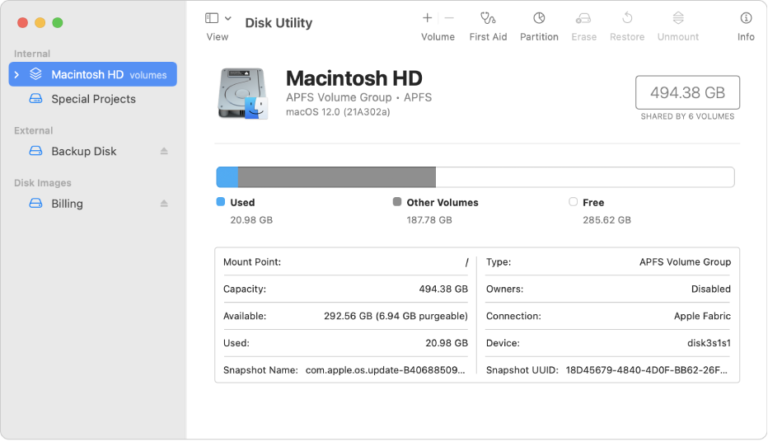
Run Disk Utility The Disk Utility tool can be used for repairing disk permissions and it is important to run it once every 2-3…
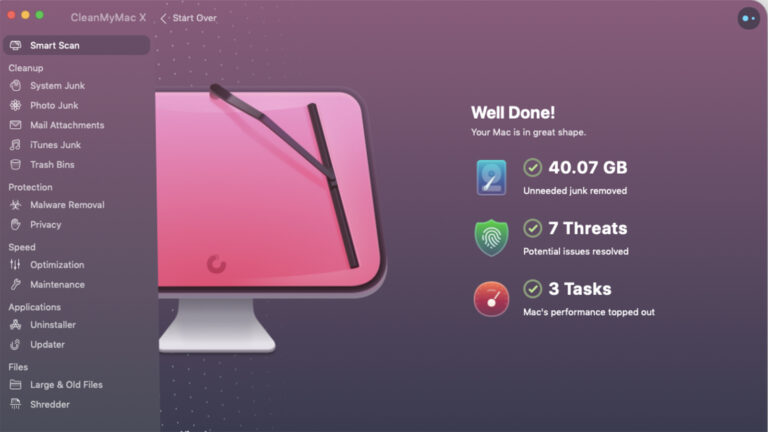
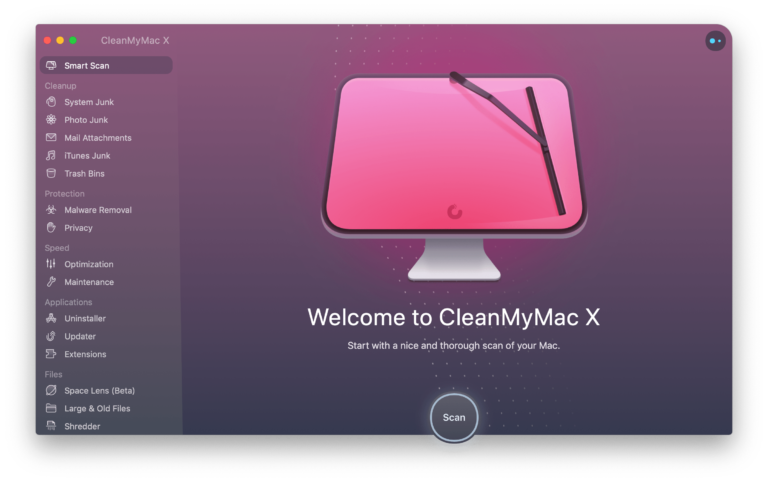
From an icon in the Apple menu bar, you can use the CleanMyMac X Menu to perform maintenance tasks such as RAM and Trash…
macOS doesn’t come with a utility for defragmentation and there’s no Terminal command for doing this either. But, if your Mac is really old…
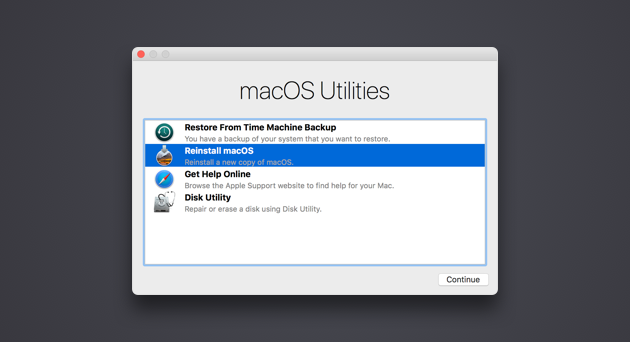
Quit macOS Recovery Restart your Mac: Choose Apple menu > Restart. Choose a different startup disk before restarting your Mac: Choose Apple menu >…
No, Recovery Mode does not delete everything on Mac – at least by itself. It is just a state or mode that lets users…