What is the spinning colored ball on my Mac?
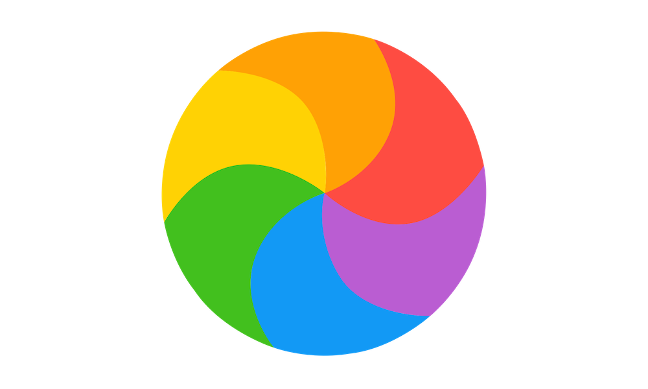
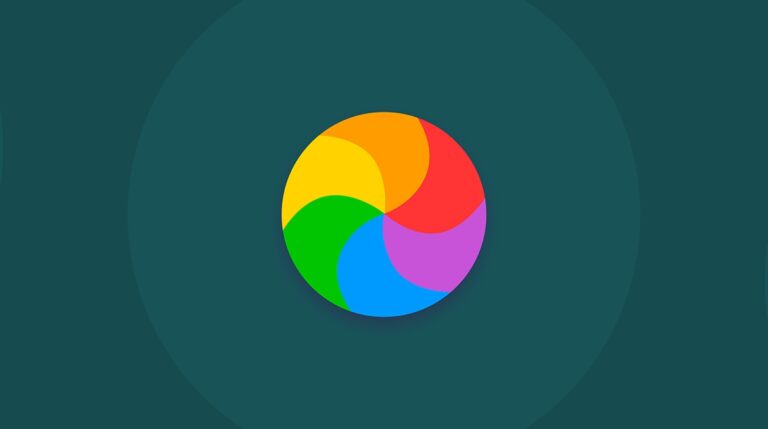
Spinning Ball: What It Means When you see the spinning colored beach ball, it means the Mac is slowing down due to low resources,…
Spinning Ball: What It Means When you see the spinning colored beach ball, it means the Mac is slowing down due to low resources,…
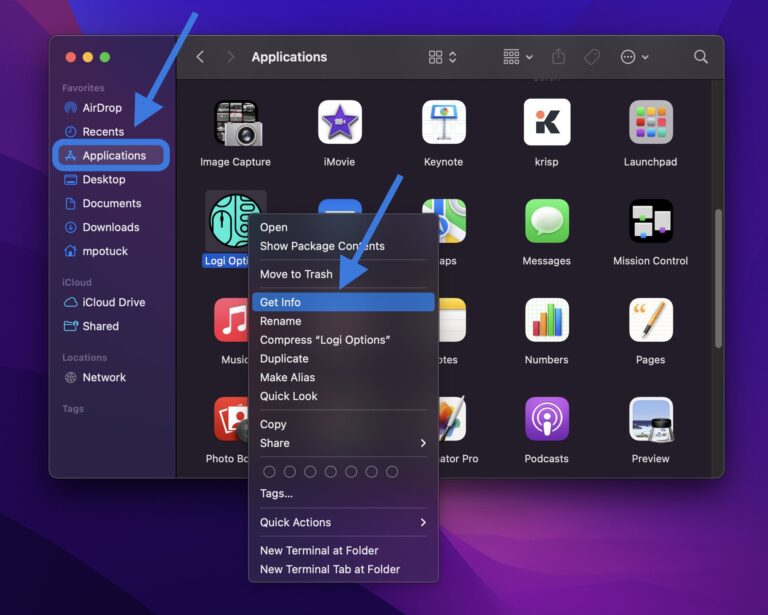
On your Mac, select the file or folder. Choose File > Get Info in the menu bar. At the top of the Info window,…
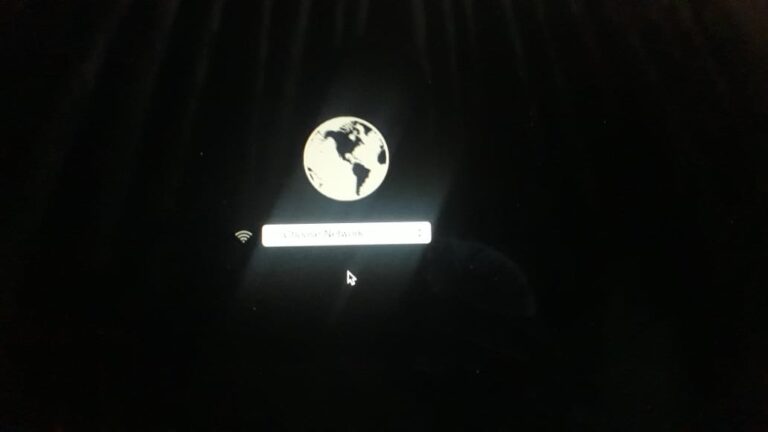
If you see a spinning globe instead of an Apple logo, it means your Mac is starting from a network-based startup disk like Netboot…
Force shutdown your Mac You can force a shut down by holding down the power button for about 10 seconds, or by simultaneously pressing…
From the Apple menu in the corner of your screen, choose System Preferences. From the System Preferences menu in the menu bar, choose…
The spinning wait cursor or spinning disc pointer — where your mouse pointer becomes the rotating color wheel or “spinning beach ball” seen above…
The spinning wait cursor or spinning disc pointer — where your mouse pointer becomes the rotating color wheel or “spinning beach ball” seen above…
Your Mac may be slow due to an outdated macOS or an overloaded cache. Malware can also infect your Mac and slow it down…
The answer is yes, CleanMyMac is a good, polished application for overall Mac optimization. I personally have used many other paid and free alternatives…
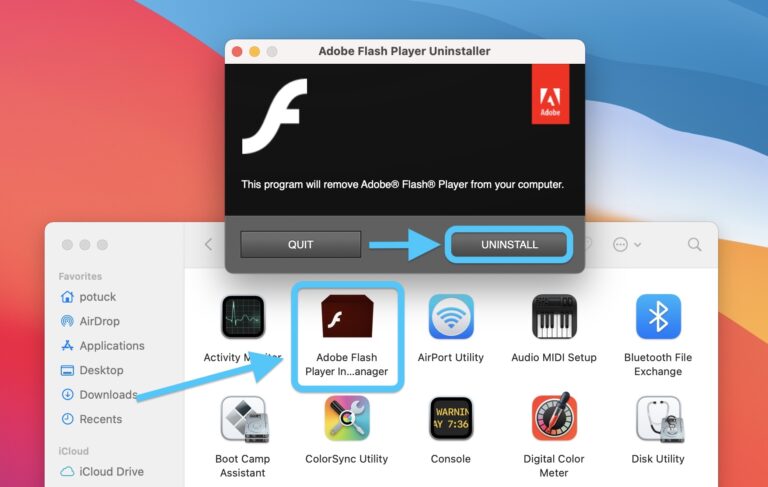
“Uninstalling Flash Player will help to secure your system since Adobe does not intend to issue Flash Player updates or security patches after the…