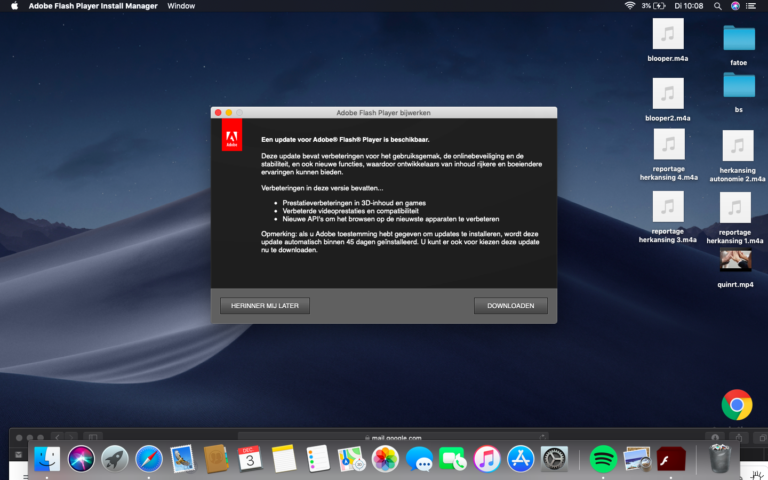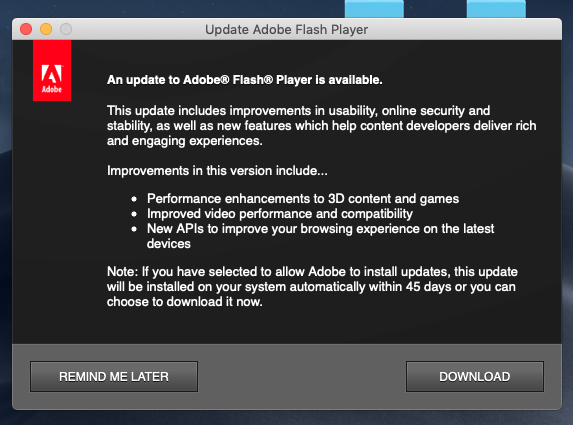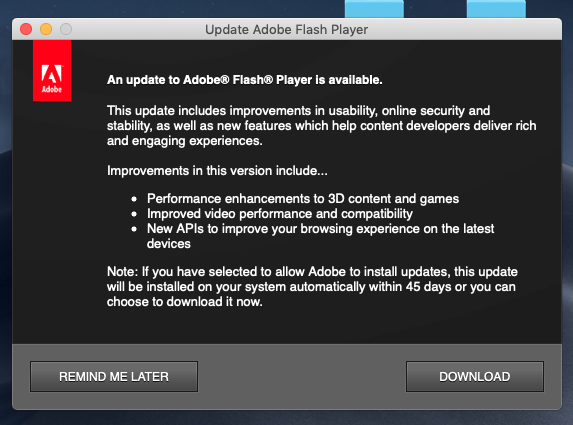
How do I stop Adobe Flash update pop up on Mac?
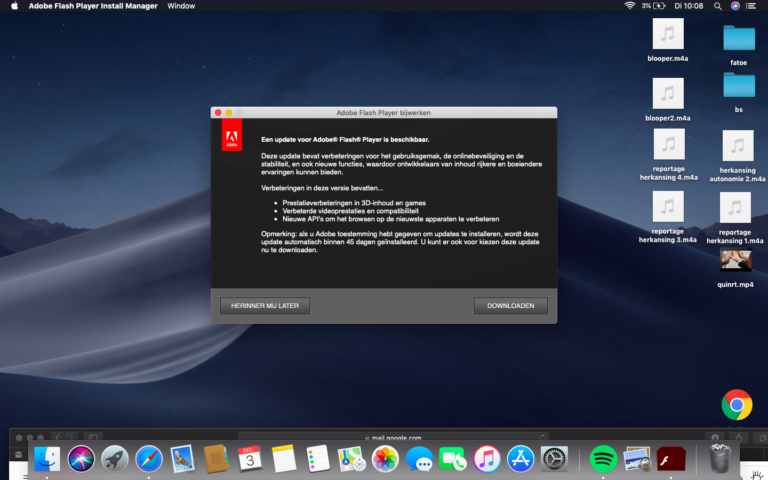
Go to the Finder and select System Preferences. Click the Flash Player icon. When on the Flash Player screen, hit the Updates tab in…
Go to the Finder and select System Preferences. Click the Flash Player icon. When on the Flash Player screen, hit the Updates tab in…
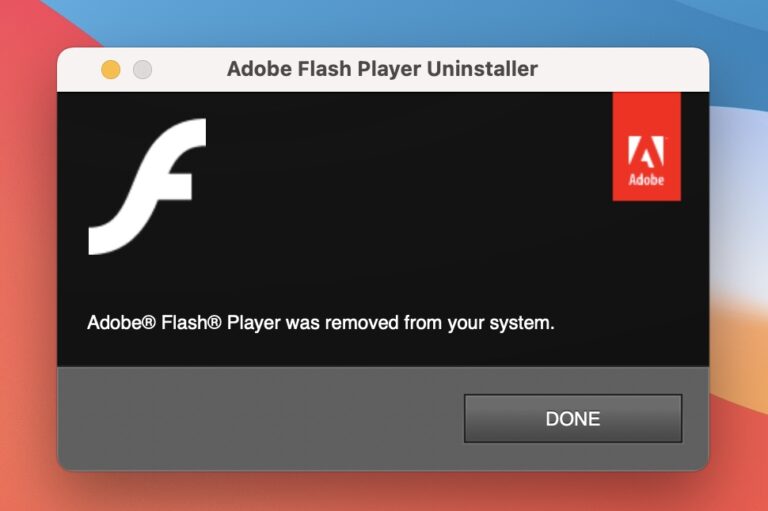
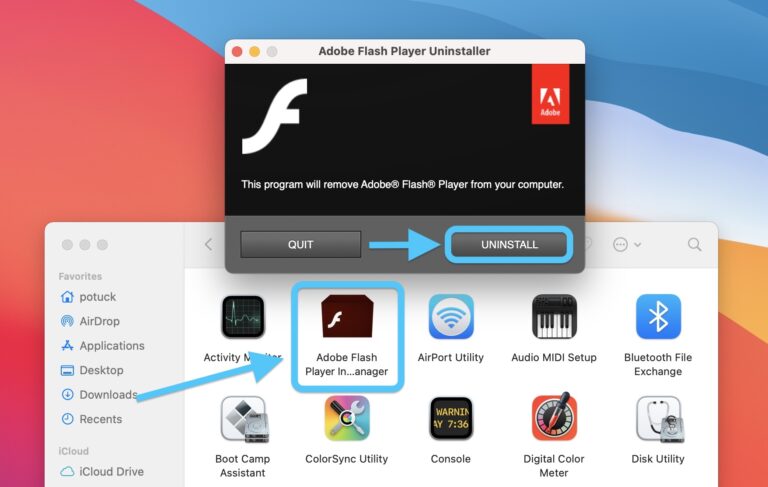
If an Adobe Flash Player Uninstaller notification pops up on a Mac, it could be either a legitimate dialog or a knock-off one obfuscating…
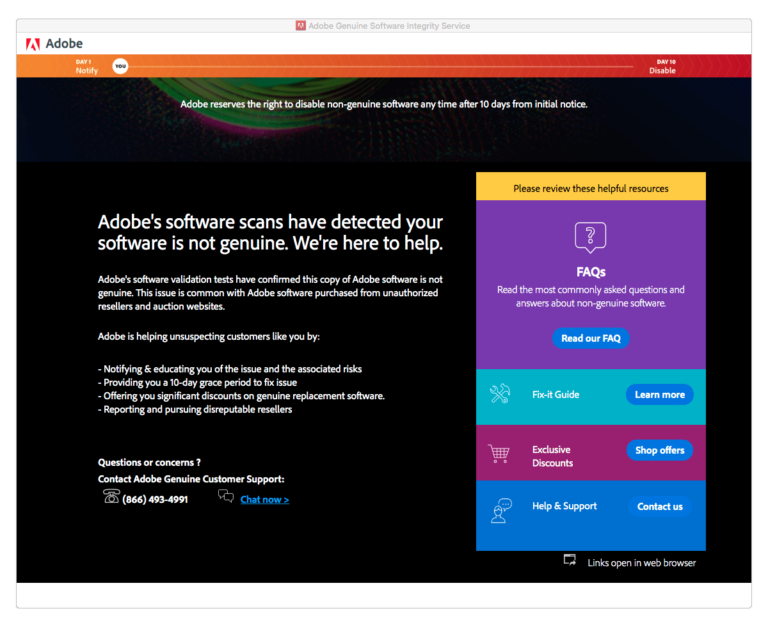
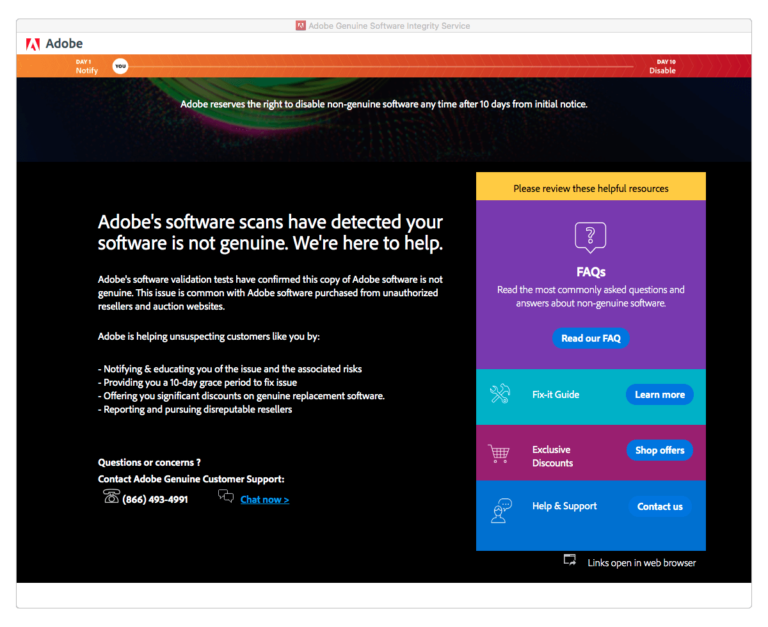
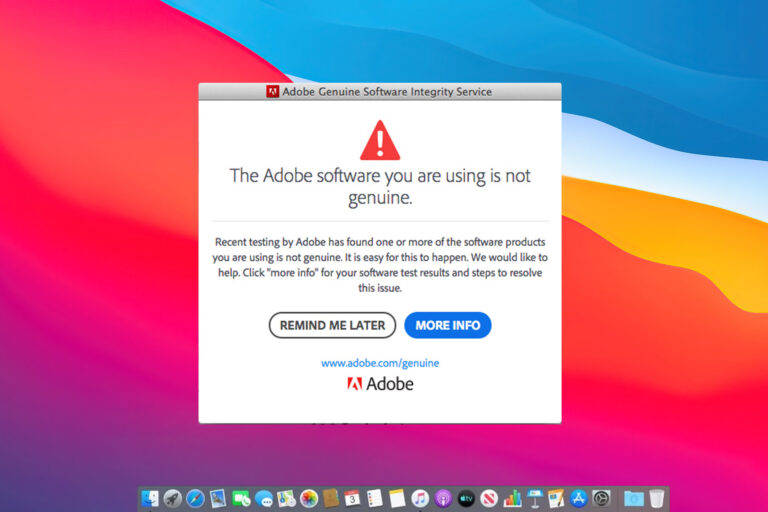
How do I turn off Adobe genuine service alert on Mac? To complete the procedure, expand the “Go” menu in your Mac’s menu bar,…
To complete the procedure, expand the “Go” menu in your Mac’s menu bar, select “Go to Folder”, enter “~/Library/Application Support”, and click the “Go”…
Here are the steps to manually remove Flash Player from your Mac: Go to the Apple menu and open System Preferences. You will find…
Adobe strongly recommends all users immediately uninstall Flash Player to help protect their systems. Some users may continue to see reminders from Adobe to…
If an Adobe Flash Player Uninstaller notification pops up on a Mac, it could be either a legitimate dialog or a knock-off one obfuscating…
Go to the Finder and select System Preferences. Click the Flash Player icon. When on the Flash Player screen, hit the Updates tab in…
How do I bypass Adobe genuine software verification failure? To fix Adobe Genuine Software Verification Failure, you need to delete all previously installer products’…
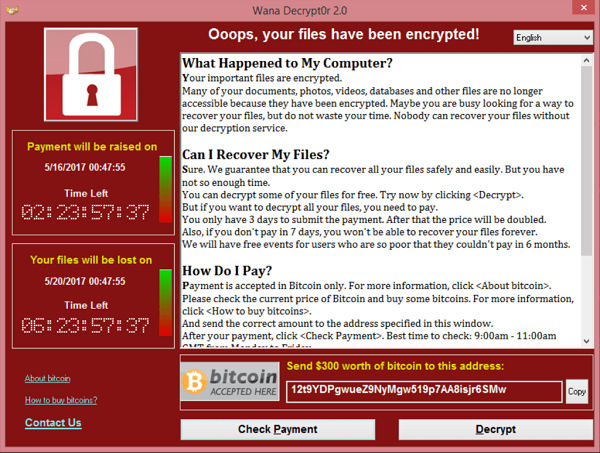
Despite what you may think, Apple’s exclusive OS X operating system is not naturally safe from new mac ransomware threats. A new ransomware variant…