Does Creative Cloud need startup?
By default, the Adobe Creative Cloud desktop application will automatically open as part of the computer’s startup process. However, by completing the following steps,…
By default, the Adobe Creative Cloud desktop application will automatically open as part of the computer’s startup process. However, by completing the following steps,…
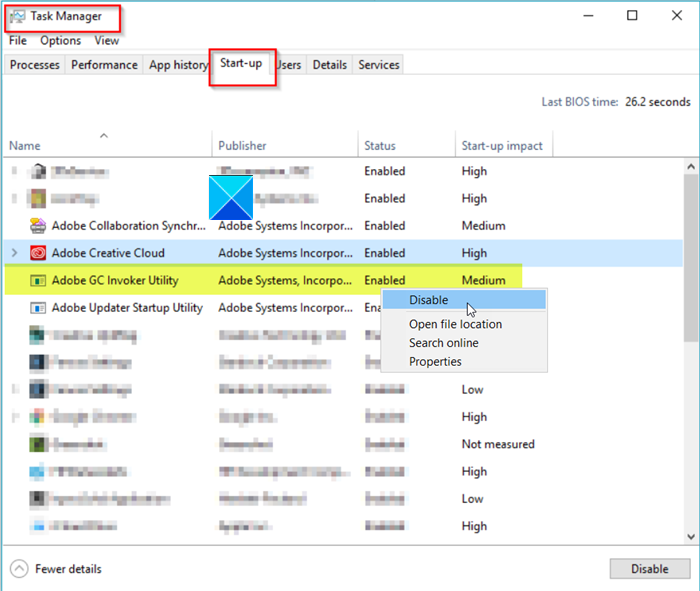
Pressing Ctrl+Shift+Esc to open the Task Manager. Switch to the Processes tab. Scroll down to find Adobe GC Invoker Utility. When found, right-click it…
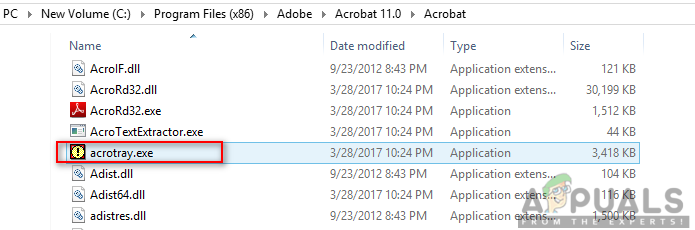
However, users will get a software component named AcroTray installed with Adobe Acrobat. This program will load automatically on startup without any need for…
The persistence module can cause problems with your other display calibration software, however. Remove the persistence module from startup and stop the “Igfxpers” process…
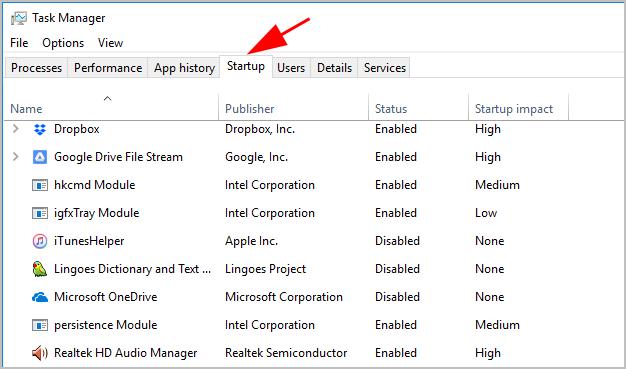
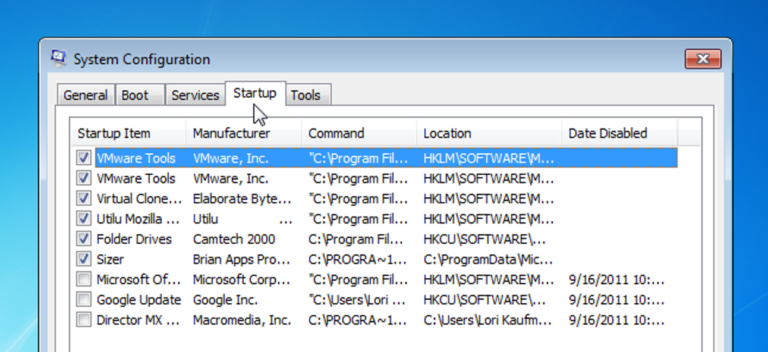
On most Windows computers, you can access the Task Manager by pressing Ctrl+Shift+Esc, then clicking the Startup tab. Select any program in the list…
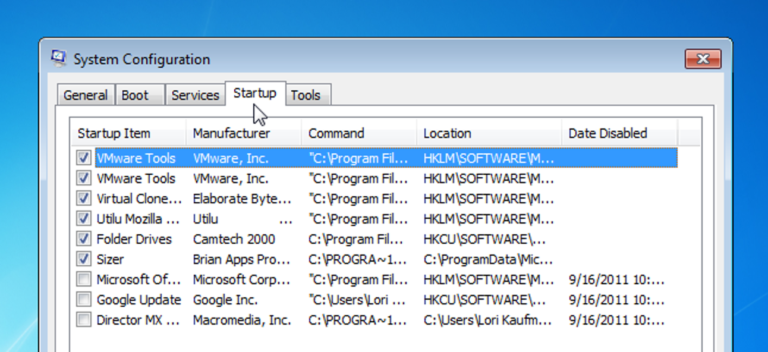
As a general rule, it’s safe to remove any startup program. If a program starts automatically, it usually provides a service that works best…
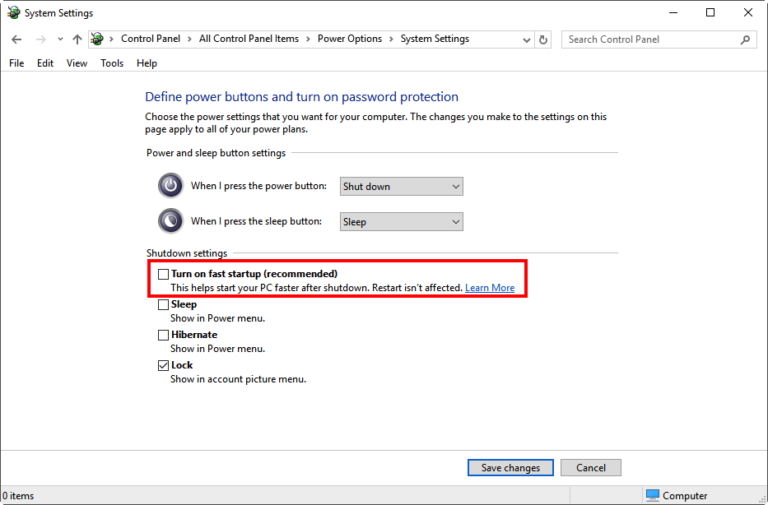
Leaving fast startup enabled shouldn’t harm anything on your PC — it’s a feature built into Windows — but there are a few reasons…
Go to PC Settings, using the PC Settings tile in the Start menu, or swipe in from the right edge of the screen, select…
Go to PC Settings, using the PC Settings tile in the Start menu, or swipe in from the right edge of the screen, select…
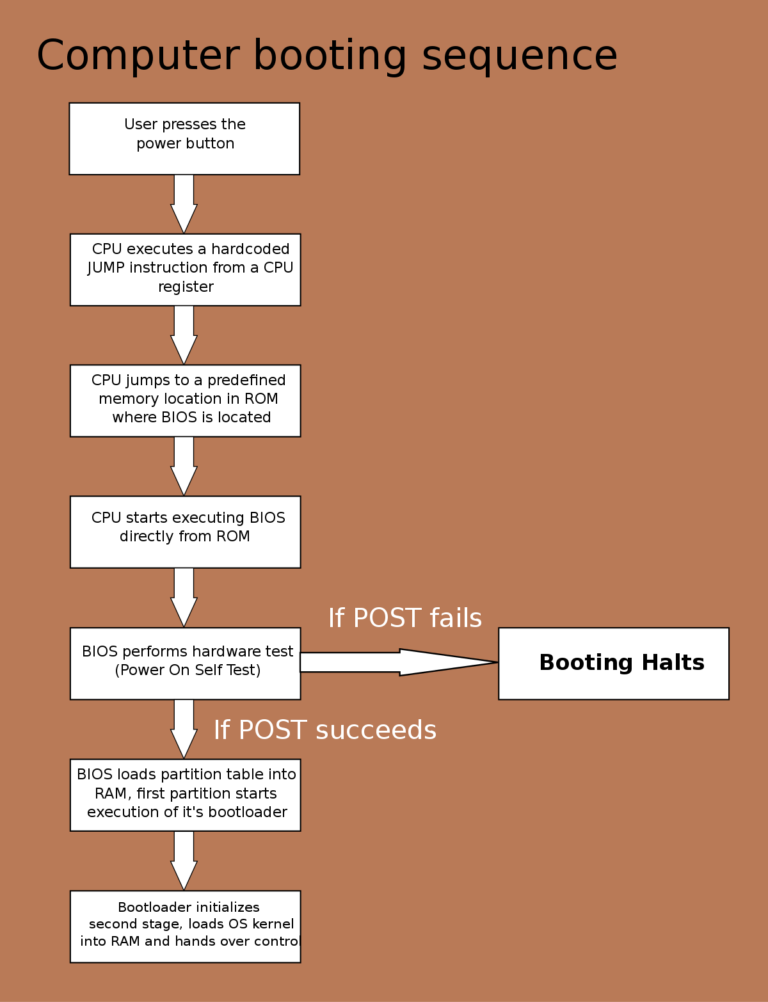
Startup is a general term used to describe the process of preparing the computer, operating system, hardware, or software for operation. This action is…