Is Windows security notification necessary on startup?
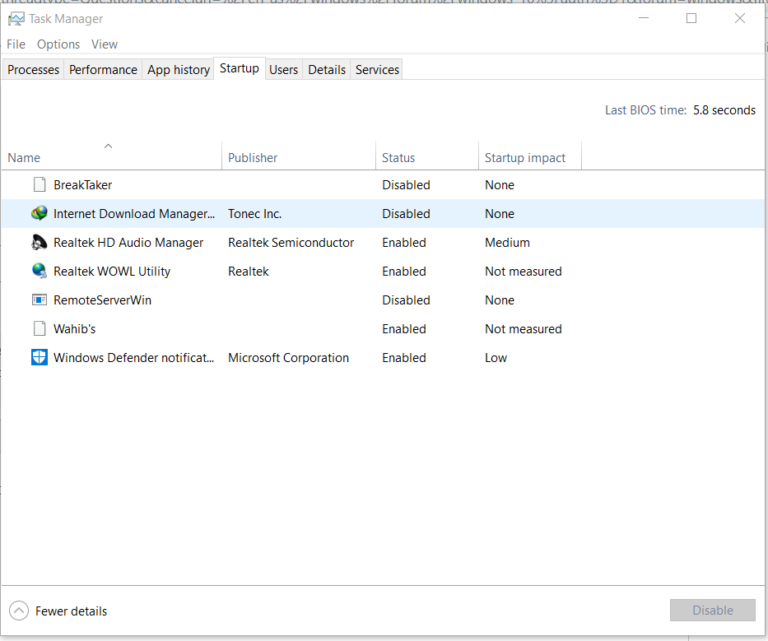
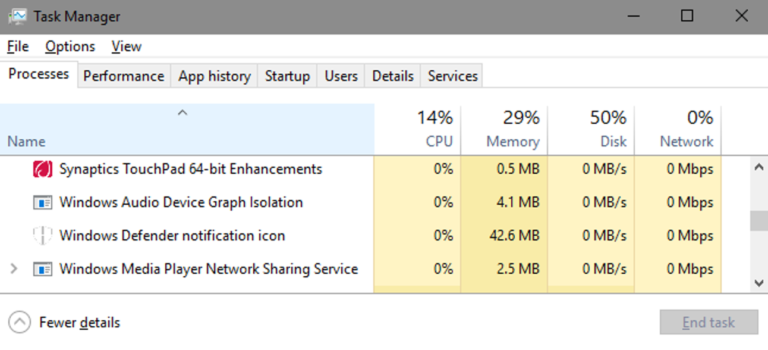
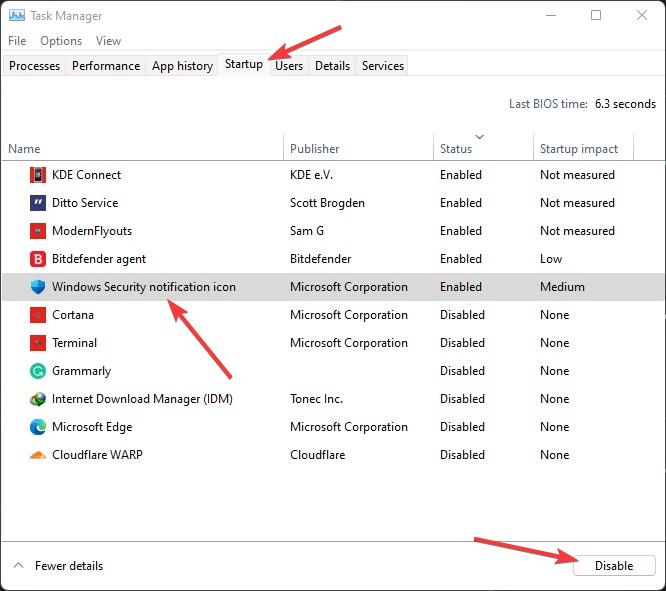
It is not necessary to have it start at Startup. Malware does occasionally disguise itself as this program. The location of the file is…
It is not necessary to have it start at Startup. Malware does occasionally disguise itself as this program. The location of the file is…
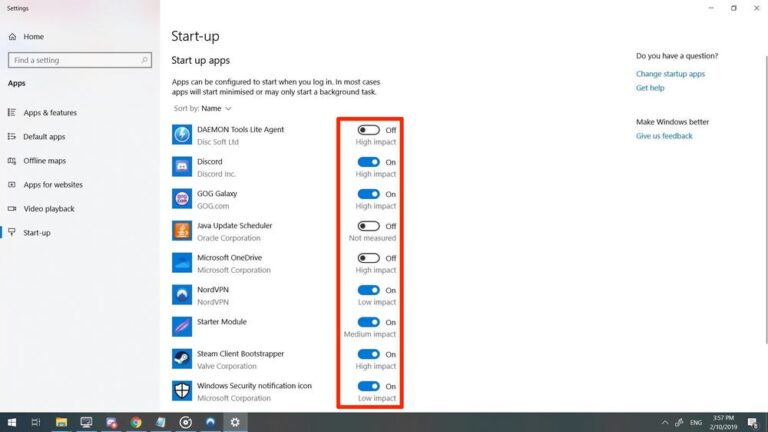
In Windows 8 and 10, the Task Manager has a Startup tab to manage which applications run on startup. On most Windows computers, you…
The average Windows PC boot time is 1 minute. But Window 10 should boot in seconds if not too many processes are starting at…
What is Windows Audio Device Graph Isolation? The Windows Audio Device Graph Isolation (also shown as AudioDG.exe) is a part of Windows’ audio engine.…
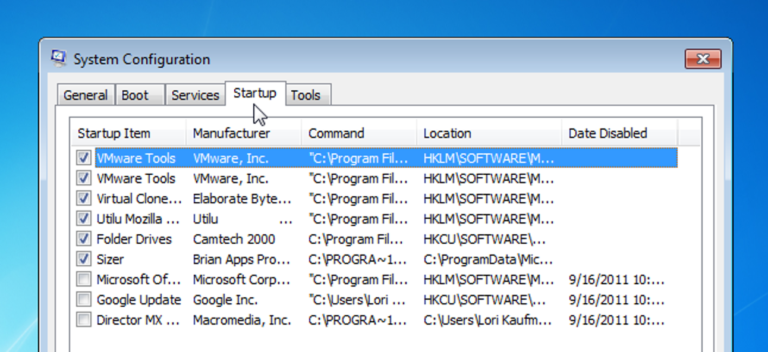
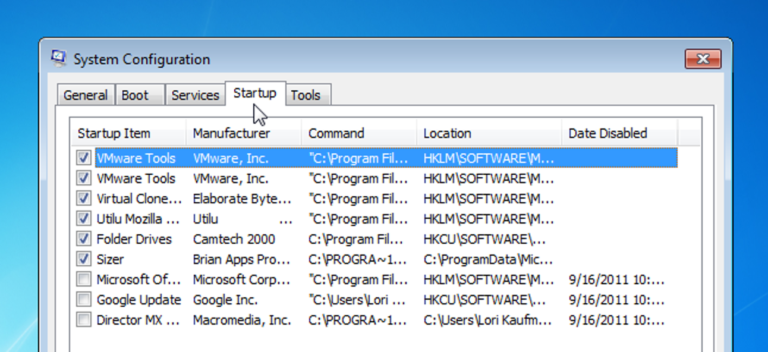
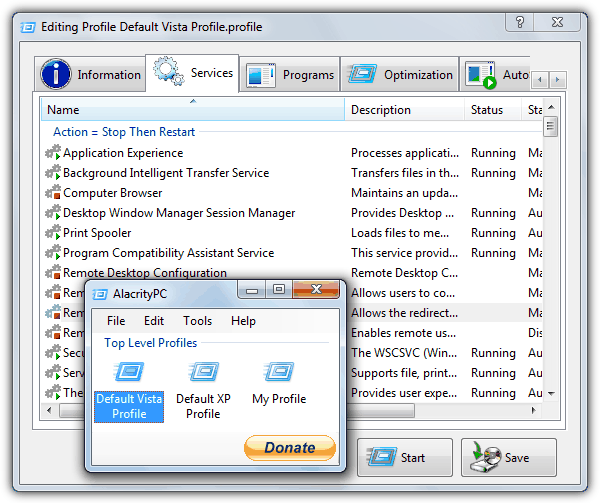
Open the Startup Apps Control Panel Open the windows startup menu, then type “MSCONFIG”. When you press enter, the system configuration console is opened.…
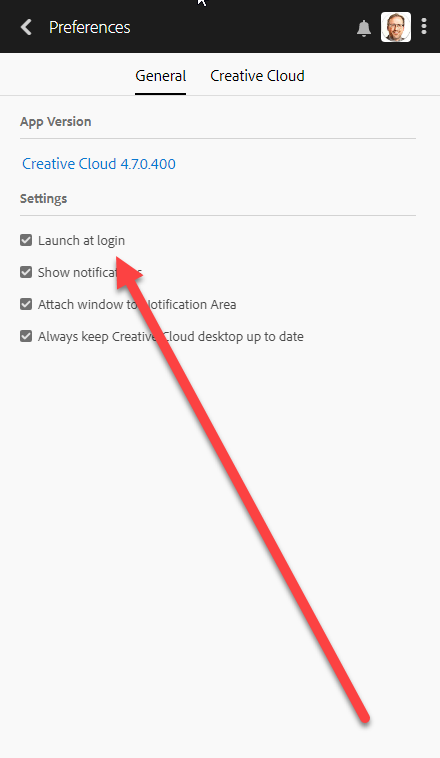
Right-click on the Taskbar and select Task Manager. Go to the Startup tab. Select Adobe Creative Cloud and click on the Disable button. Why…
Windows 10 operating system Type and search [Startup Apps] in the Windows search bar①, and then click [Open]②. In Startup Apps, you can sort…
Select Start , then select Settings > Privacy > Background apps. Under Background Apps, make sure Let apps run in the background is turned…
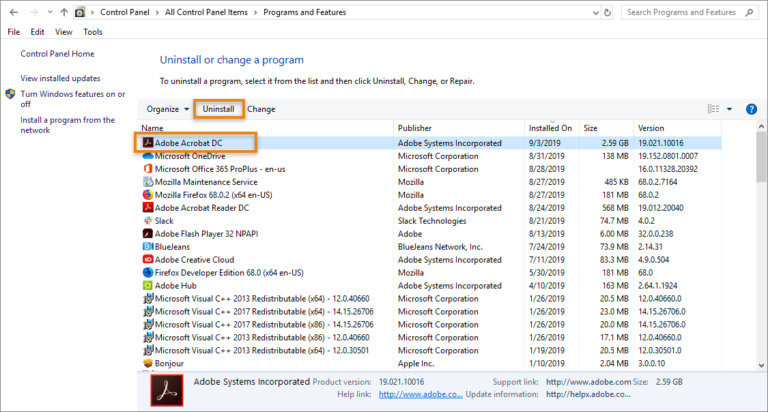
Click on the “Apps” tab, then “Installed Apps”, then scroll down to the installed app and click the little down arrow next to “Open”…
Does Restarting Your Laptop Make It Faster. The short term answer to that question is yes. A factory reset will temporarily make your laptop…