Select Start , then select Settings > Privacy > Background apps. Under Background Apps, make sure Let apps run in the background is turned Off.
How do I stop unneeded background programs?
 DIY
1 min read
DIY
1 min read
On this page
More from Windows
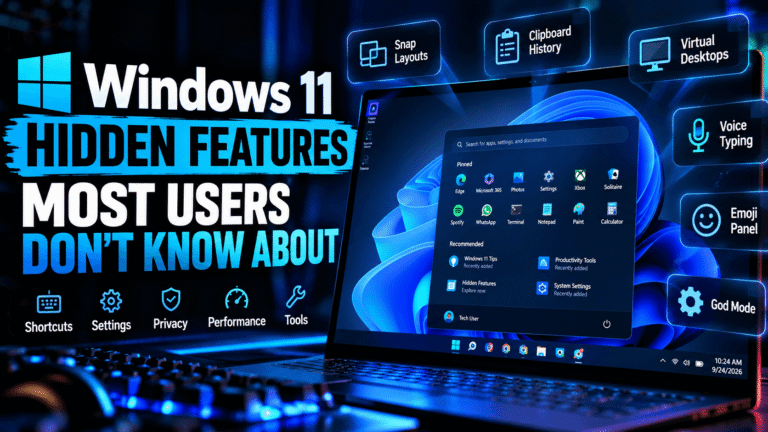
Windows 11 Hidden Features Most Users Don’t Know About 2026
Windows 11 has been around long enough that most users have already discovered the basics: the redesigned Start menu, centered taskbar, Snap layouts, widgets,…

Windows 11 in 2026: Is It Still Worth Upgrading?
Windows 11 has been available for several years, but many PC users are still asking the same question: Is Windows 11 still worth upgrading…
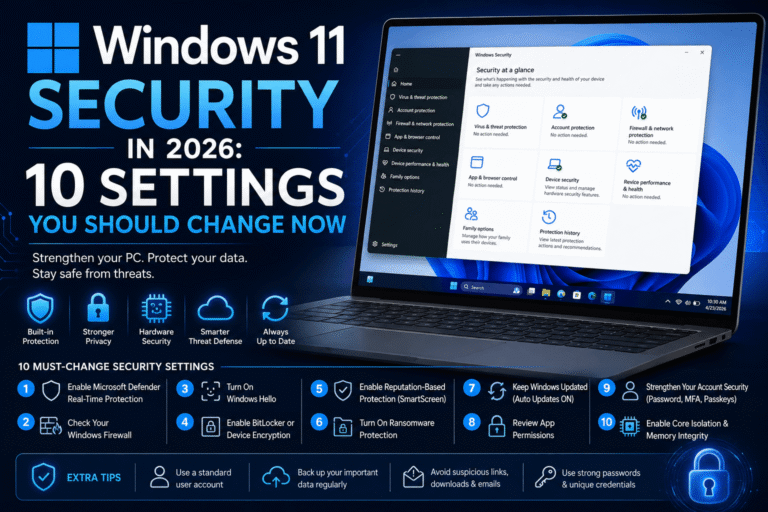
Windows 11 Security in 2026: 10 Settings You Should Change Now
Windows 11 comes with some of the strongest security features Microsoft has ever included in a consumer version of Windows. Microsoft Defender, Secure Boot,…
How to speed up a slow Windows 11 PC
Is your Windows 11 PC crawling through tasks it used to handle in seconds? You are not imagining it. Over time, Windows 11 accumulates…
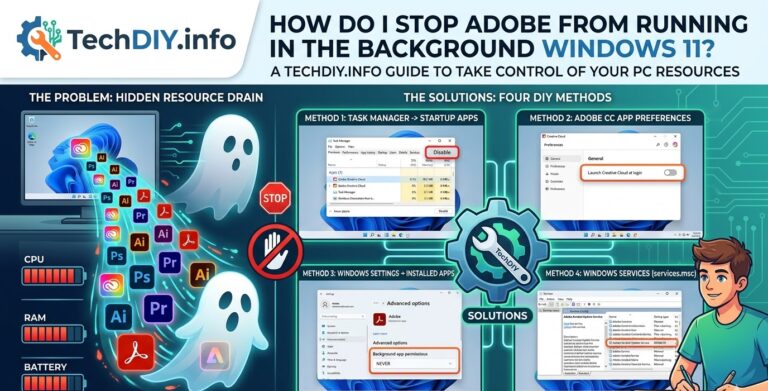
How do I stop Adobe from running in the background Windows 11?
Adobe Creative Cloud is notorious for launching multiple background processes at startup, quietly consuming RAM and CPU even when you’re not using any Adobe…
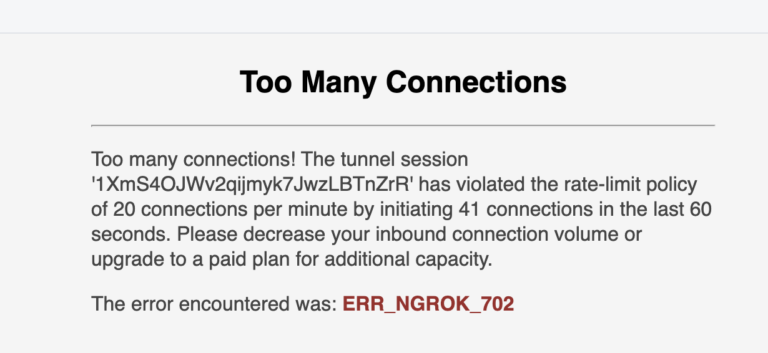
A Pro’s Guide to Fixing the “Too many connections” Error in MySQL
So, your site is down. Your app is throwing a “Too many connections” error, and your first instinct is to panic. Don’t. As a…