How often should we restart iPhone?
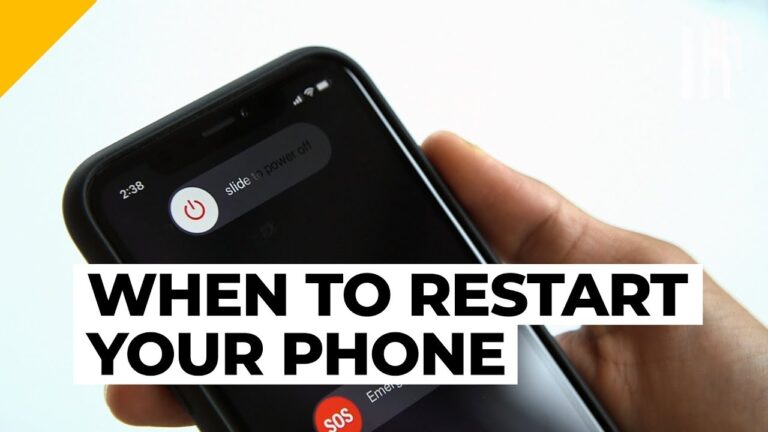
To help preserve memory and prevent crashes, consider restarting your smartphone at least once a week. We promise you won’t miss too much in…
To help preserve memory and prevent crashes, consider restarting your smartphone at least once a week. We promise you won’t miss too much in…
With a soft reset, the operating system is rebooted and all services reloaded. If you use this method of resetting, all your personal data,…
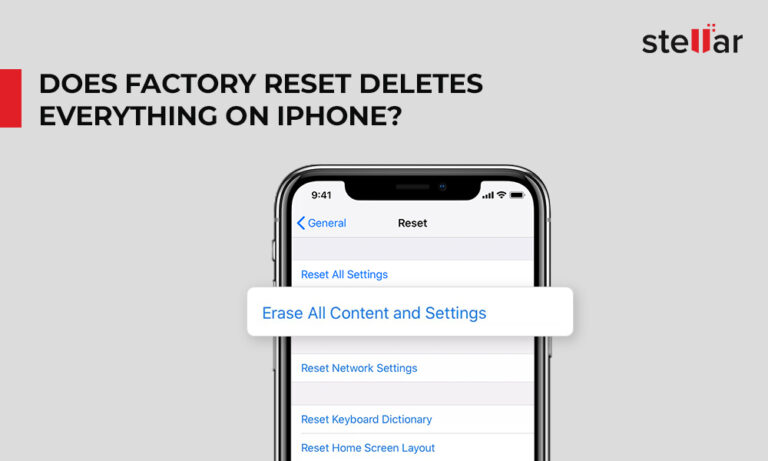
Hard resetting means removing everything that is on your iPhone. Performing a hard reset wipes out all the data from your device. On the…
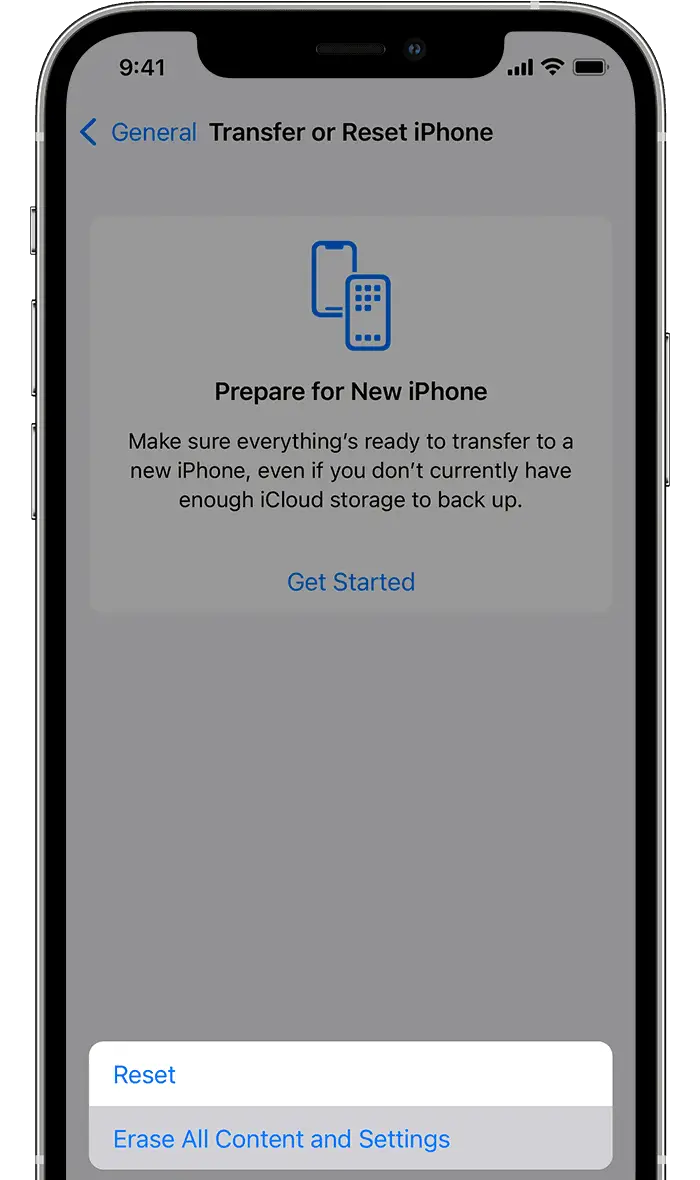
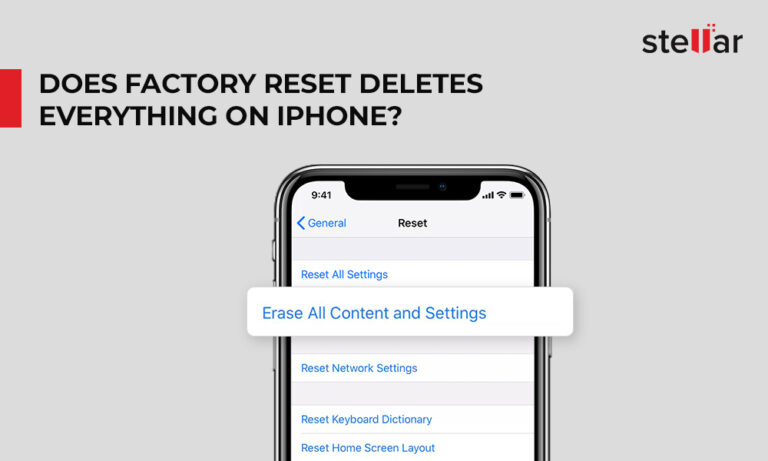
Factory reset or hard reset deletes complete data and settings from your iPhone. All your photos, videos, contacts, call logs, passwords, messages, browsing history,…
Charge the Battery Try plugging your phone into a charger—if the battery is truly drained, it won’t necessarily light up right away. Try leaving…
Hard resetting means removing everything that is on your iPhone. Performing a hard reset wipes out all the data from your device. On the…
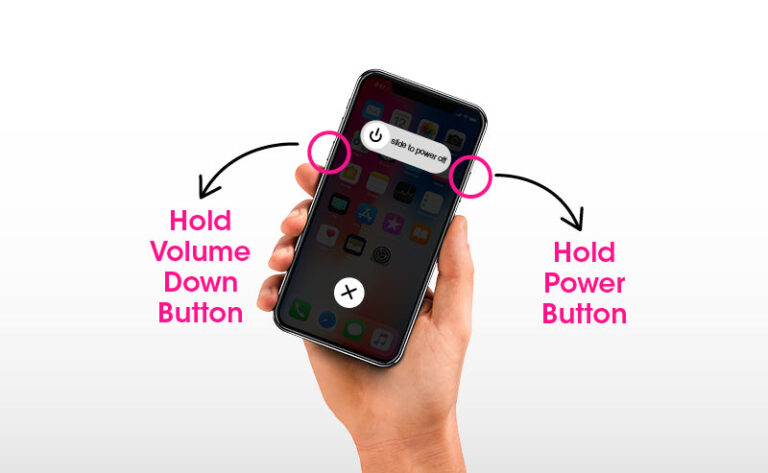
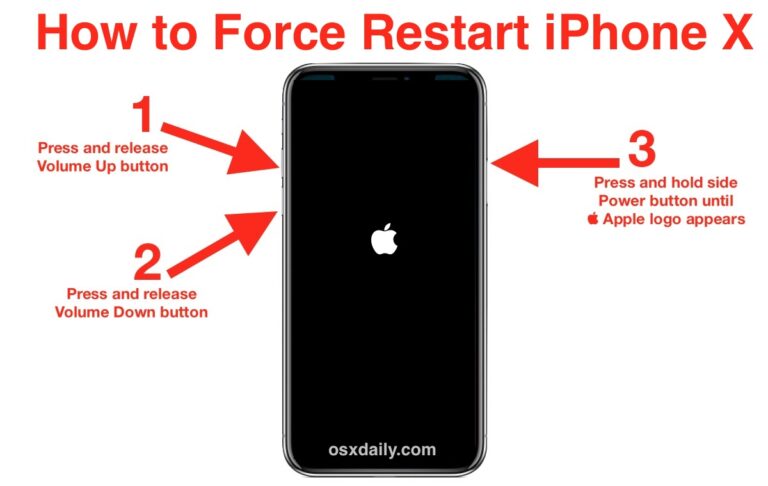
Press and quickly release the Volume Up button. Press and quickly release the Volume Down button. Then, press and hold the Power button on…
Resetting your iPhone basically erases all of your personal information from the phone. The factory settings will, however, be retained. It’s a straightforward and…
Therefore, even when the screen is black, your swipes and touches may work. This means the screen has gone bad while the digitizer is…
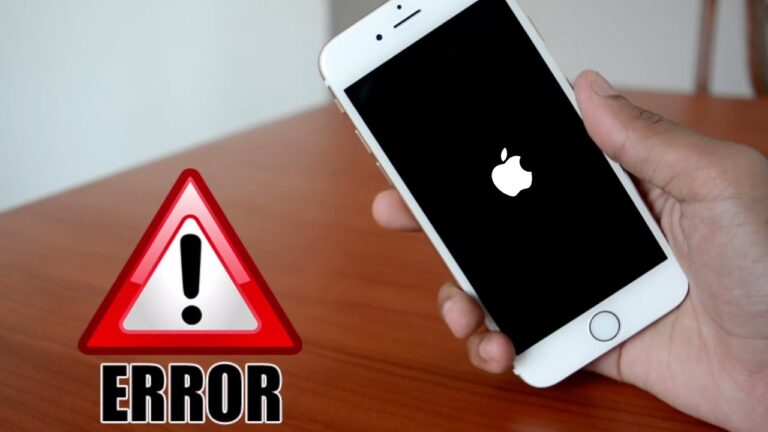
To hard reset fix your iPhone black screen, press and release volume up button, then press and release volume down button, then press and…