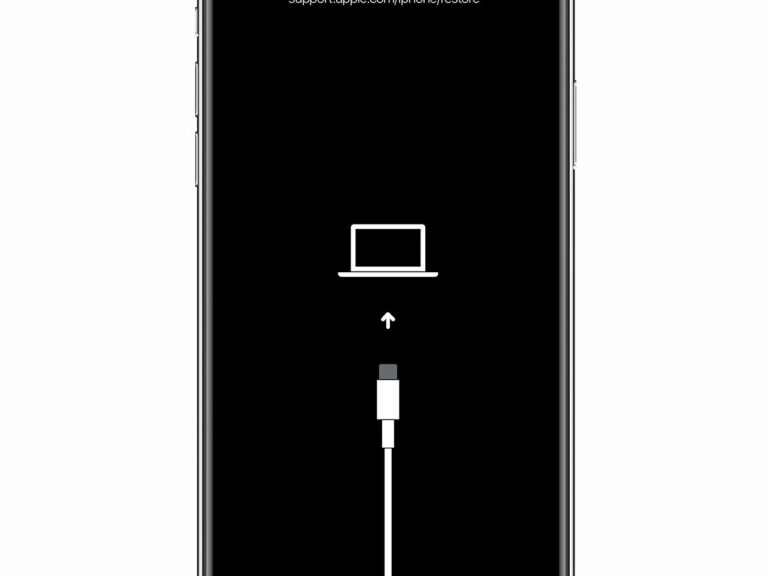
How do I know when iPhone recovery mode is done?
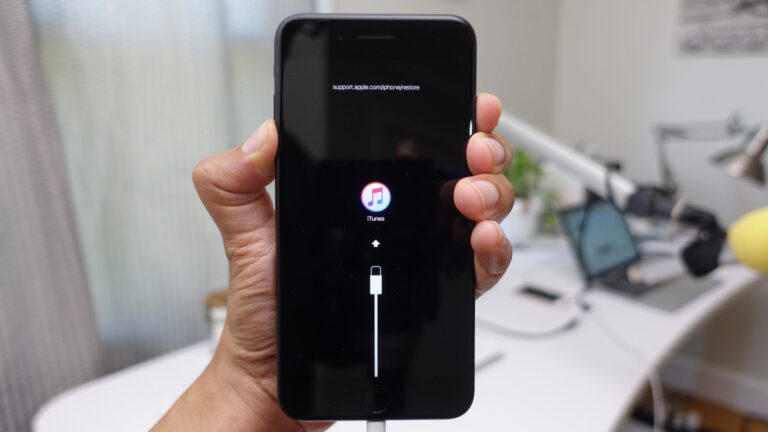
It will remain in Recovery mode while the download is processing. You can check the status by clicking the Download button in the upper-right…
It will remain in Recovery mode while the download is processing. You can check the status by clicking the Download button in the upper-right…
It is possible that your iPhone is running on old updates and hence causing the ‘iPhone spinning wheel of death problem’. iOS updates come…
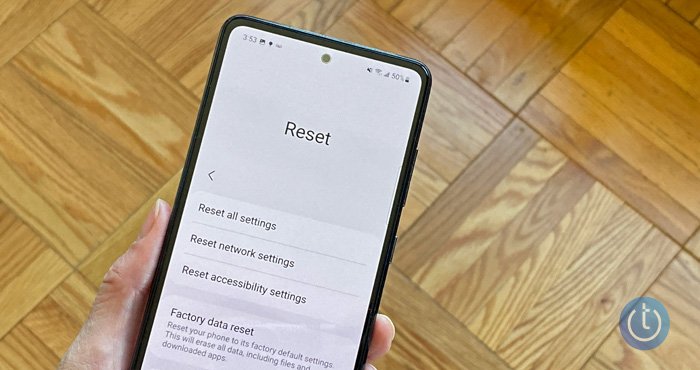
All Replies. Any photos (and any downloaded data) not backed up will be permanently erased when you reset your phone. Will a factory reset…
Hard resetting means removing everything that is on your iPhone. Performing a hard reset wipes out all the data from your device. On the…
1. How long does it take to restore an iPhone in recovery mode? The time it takes to restore an iPhone in recovery mode…
It is recommended that you put your iPhone in DFU mode if the iPhone stuck on black screen with spinning wheel issue persists. In…
When your iPhone is stuck on black screen, it’s either due to the battery that’s completely drained or it may still be alive but…
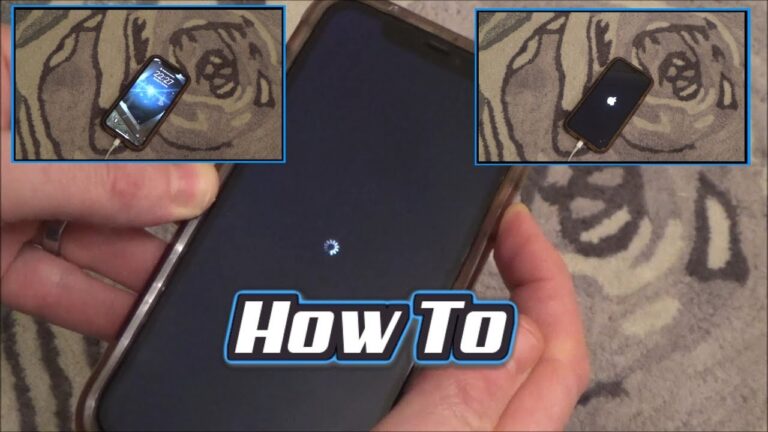
If your iPhone force-restarts but continues to display the black screen with a loading circle, you’re likely dealing with corrupt system software. To fix…
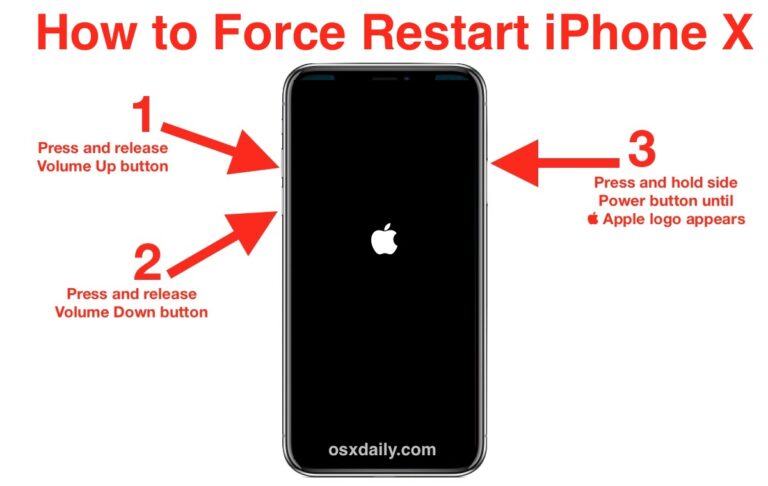
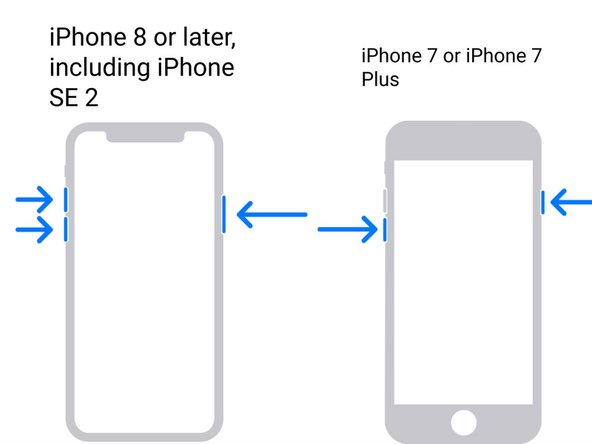
A Simple Way –Try to Restart your iPhone. Please press and hold the “Sleep/Wake” button and the “Volume Down” button of your iPhone simultaneously.…
Plug your iPhone in to your computer using your USB to Lightning cable. With your phone connected to your computer, quickly press and release…