What is recovery mode iPhone?
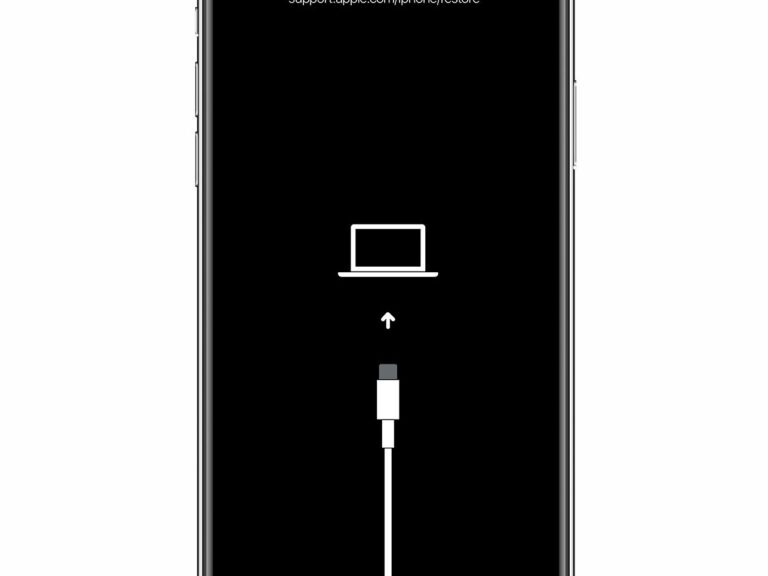
Recovery mode allows you to erase the iPhone, giving you access to set it up again. After you erase your iPhone, you can restore…
Recovery mode allows you to erase the iPhone, giving you access to set it up again. After you erase your iPhone, you can restore…
When your iPhone is stuck on black screen, it’s either due to the battery that’s completely drained or it may still be alive but…
That is the MagSafe charging. It’s magnetic and connects for wireless charging, so the circle and line signify that it’s compatible for the chargers.
When your iPhone is stuck on black screen, it’s either due to the battery that’s completely drained or it may still be alive but…
It basically fully powers off your phone and restarts it, so all your apps, contacts and other important information remains intact. Is force restart…
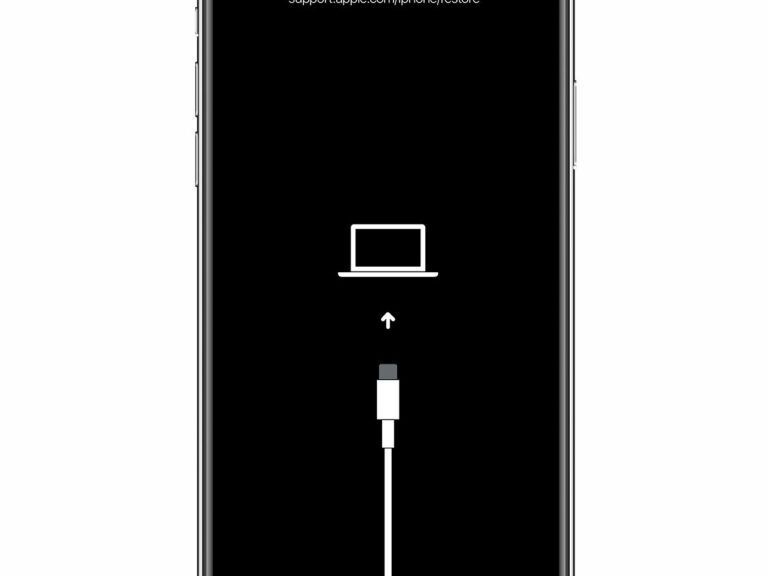
Keep your device connected and wait until the recovery mode screen appears: iPhone 8 or later, including iPhone SE (2nd generation): Press and quickly…
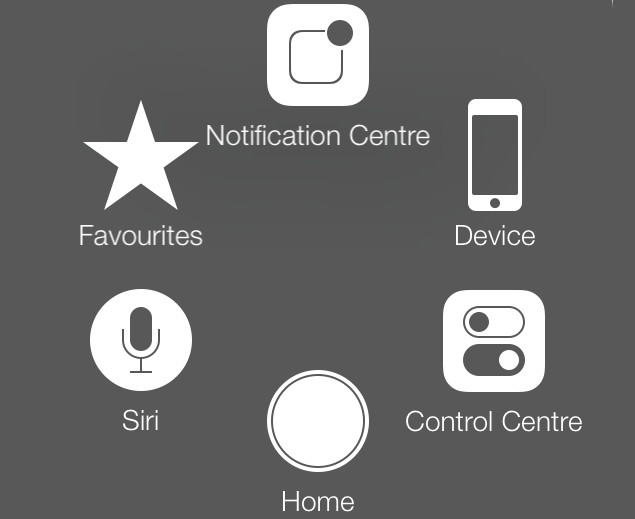
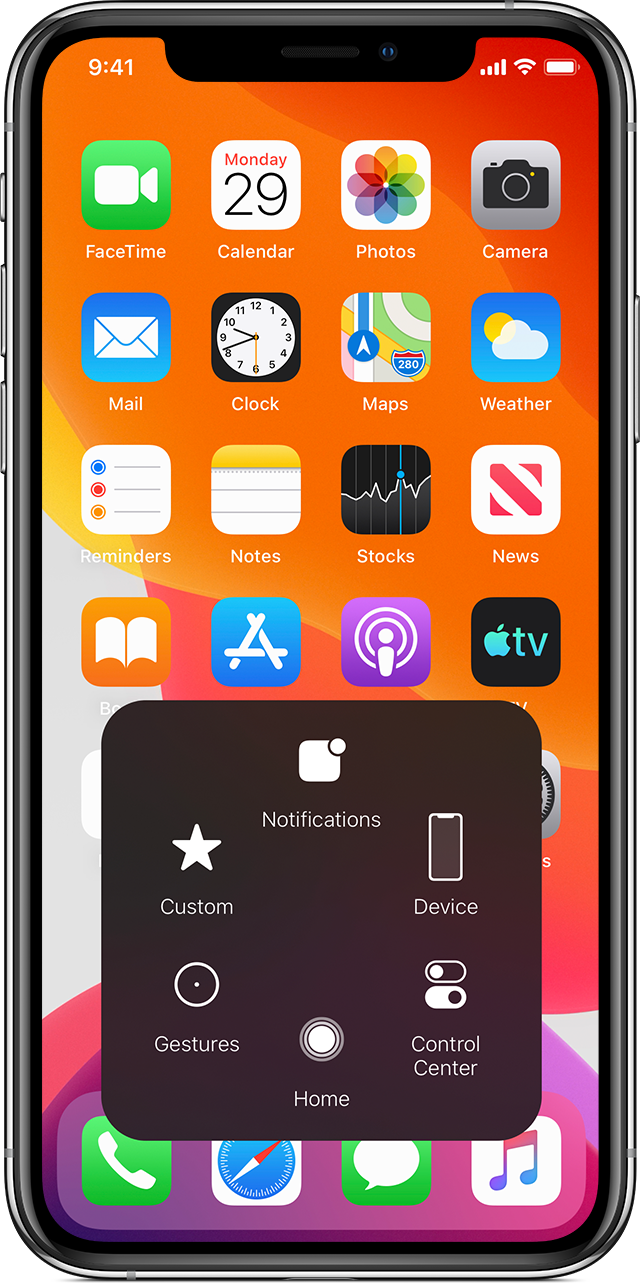
1 AssistiveTouch Feature If there is a large circle enclosed in a grey box that appears as an overlay on your iPhone screen, your…
It is possible that your iPhone is running on old updates and hence causing the ‘iPhone spinning wheel of death problem’. iOS updates come…
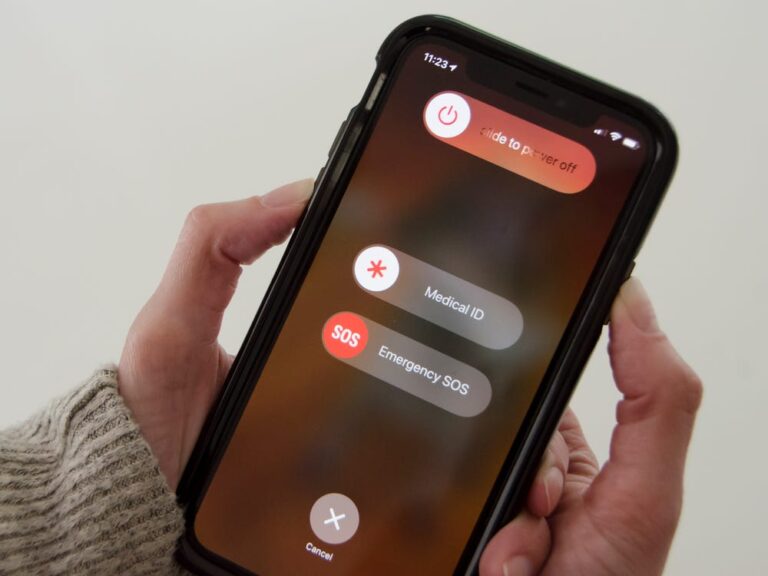
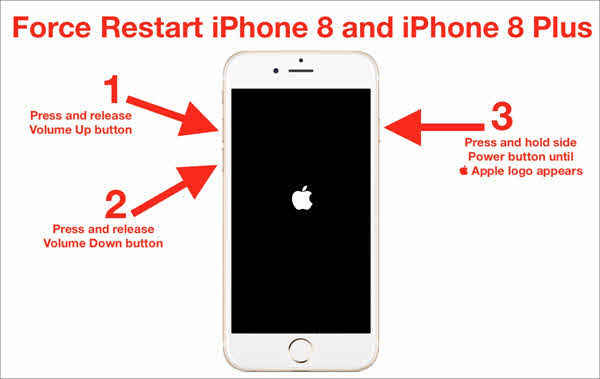
It’s a quick way to turn off the iPhone and get it back to normal. For iPhone 8/8 Plus and later modes: Press and…
AssistiveTouch is a feature in the accessibility settings (under the “general” section) of iOS that puts a floating, virtual home button on your screen…