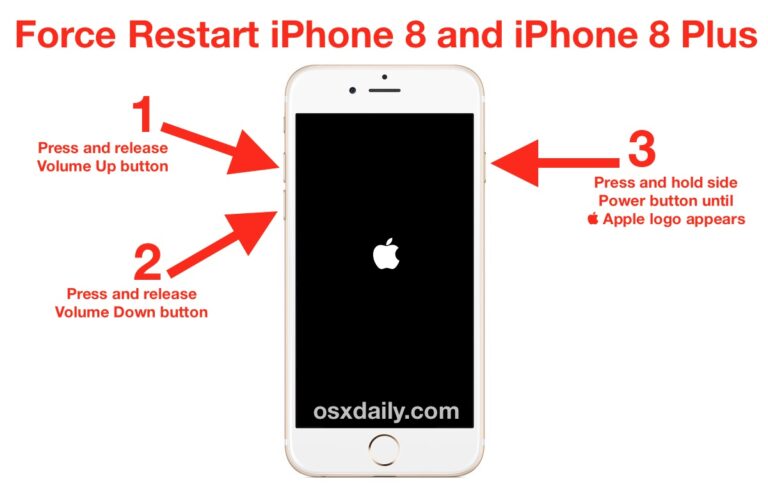
How do I force restart my iPhone?
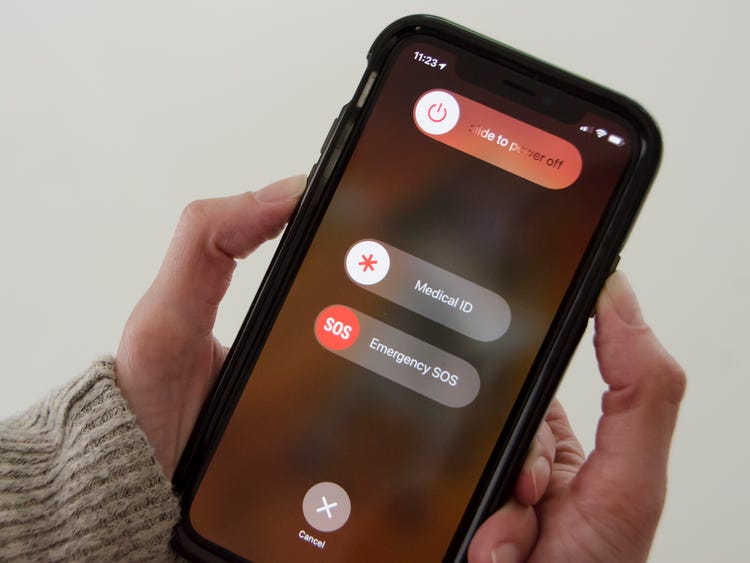
-Press and release volume Up button, press and release the Volume down button, then press and hold the power button. When pressing the power…
-Press and release volume Up button, press and release the Volume down button, then press and hold the power button. When pressing the power…
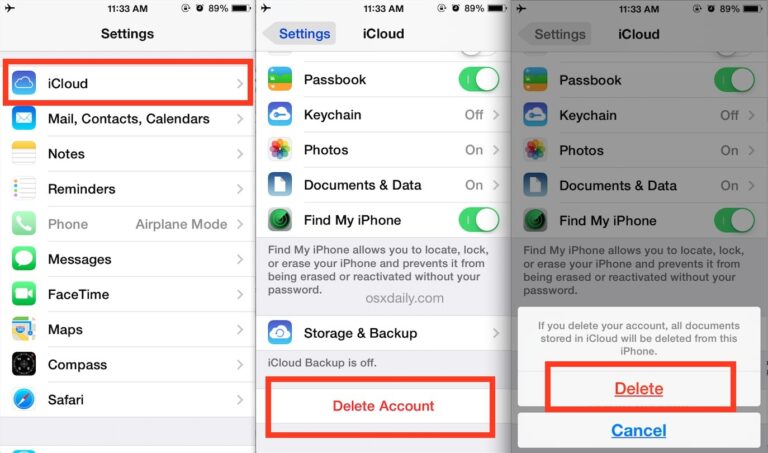
No, factory resetting your iPhone will not alter your iCloud. Upon setting up your iPhone again you will be given the option to reconnect…
There are multiple reasons why you’re supposed to restart your phone at least once a week, and it’s for a good cause: retaining memory,…
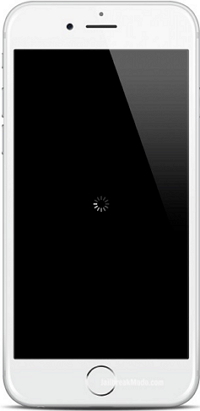
Are you seeing a constant spinning icon indicator on your Home Screen, next to the wi-fi, location, and battery icons in the upper right…
Still can’t connect? Reset your Network Settings. If you’re using iOS or iPadOS 15 or later, tap Settings > General > Transfer or Reset…
Press and hold the volume down and side Sleep/Wake buttons at the same time. When the Apple logo appears on screen, release both buttons.…
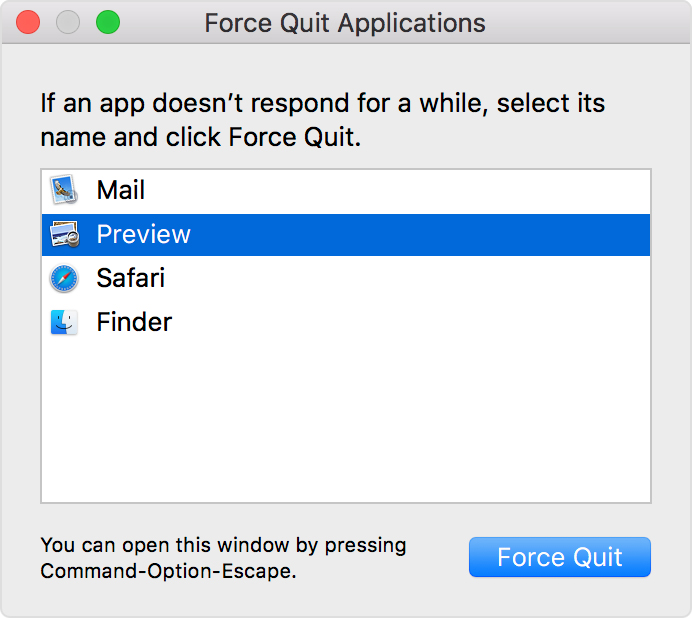
You don’t have to quit apps once you’re done working in them — OS X allows you to work with several apps open at…
Turn off the cellular and Wi-Fi radios on your phone. The easiest way to accomplish this task is to turn on the “Airplane Mode”…
1 AssistiveTouch Feature If there is a large circle enclosed in a grey box that appears as an overlay on your iPhone screen, your…
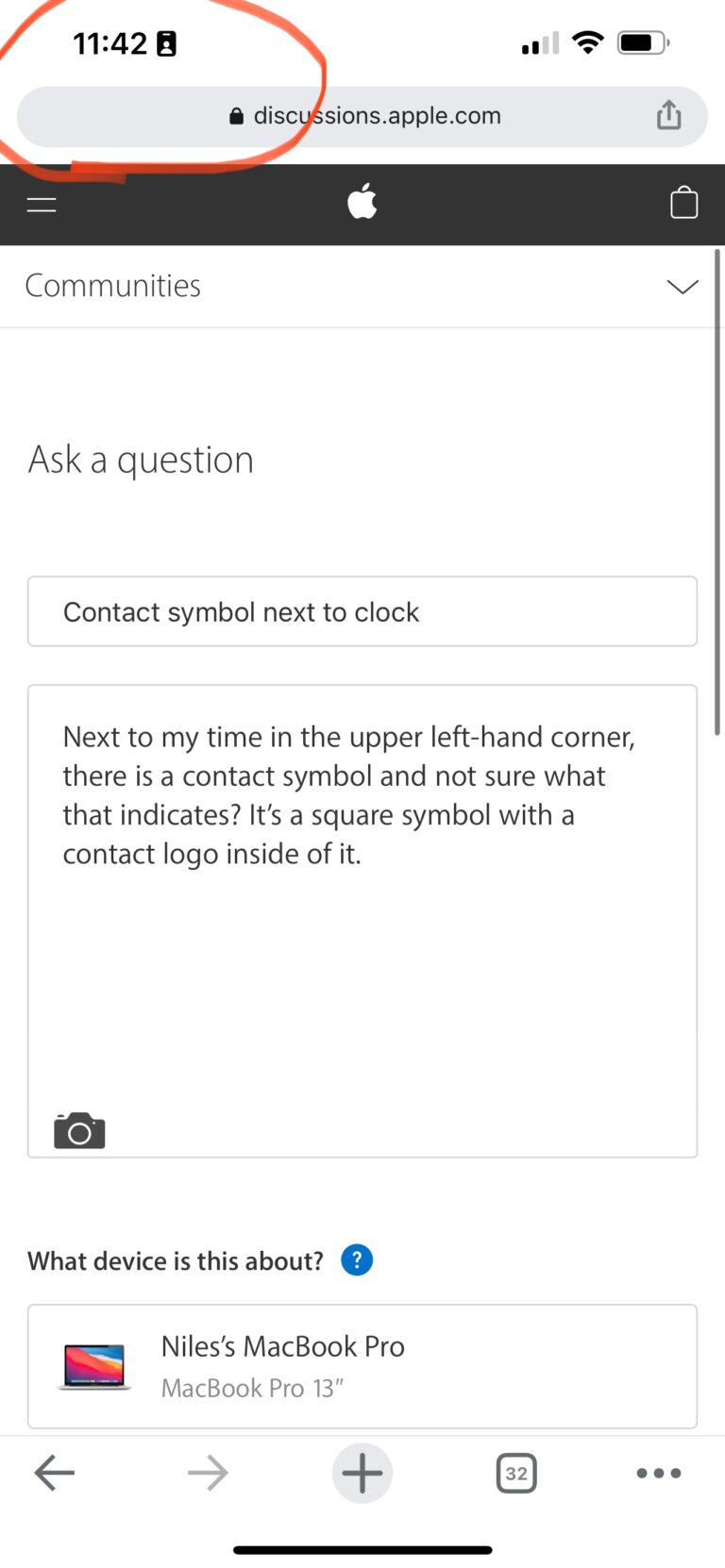
When a Focus mode is active, it displays a little customizable emoji/icon in the status bar of your iPhone, next to the time. Setting…