10 commandes Terminal que tout utilisateur avancé de Mac devrait connaître
La plupart des utilisateurs de Mac interagissent avec macOS via son élégante interface graphique (GUI). Mais sous cette surface polie se cache le Terminal,…
La plupart des utilisateurs de Mac interagissent avec macOS via son élégante interface graphique (GUI). Mais sous cette surface polie se cache le Terminal,…
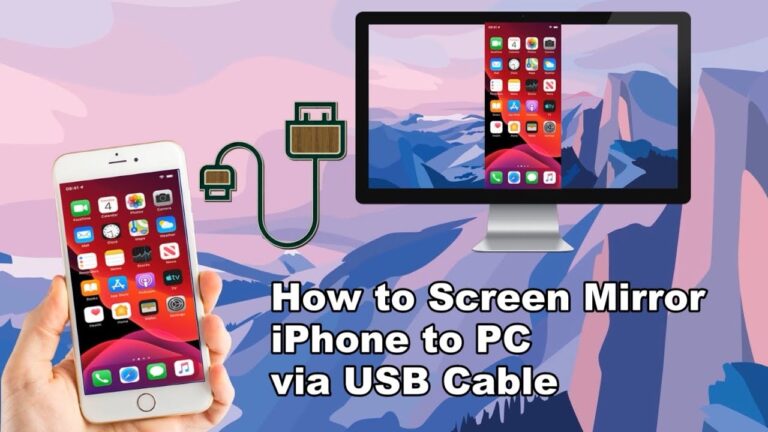
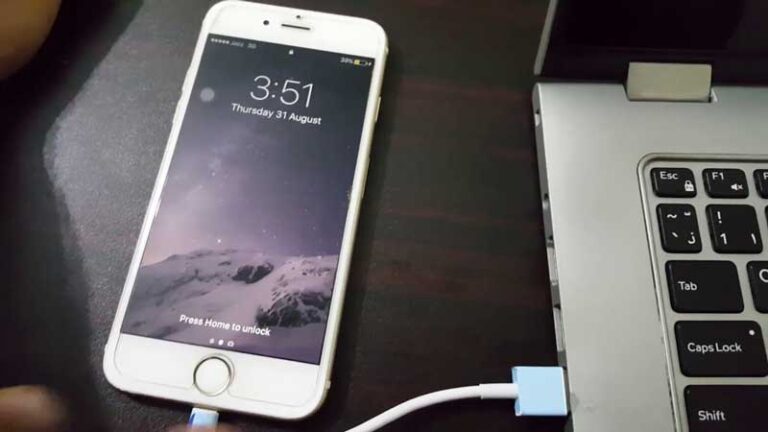
Connectez l’iPhone et le PC à l’aide d’un câble Lightning. Ouvrez ensuite QuickTime sur votre PC. Ouvrez le menu Fichier en haut du bureau…
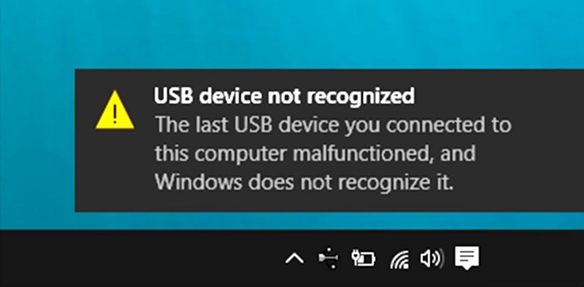
Les ordinateurs Windows nécessitent des pilotes iOS pour reconnaître correctement les appareils iPhone, iPad et iPod touch. Si votre iPhone n’est toujours pas détecté,…
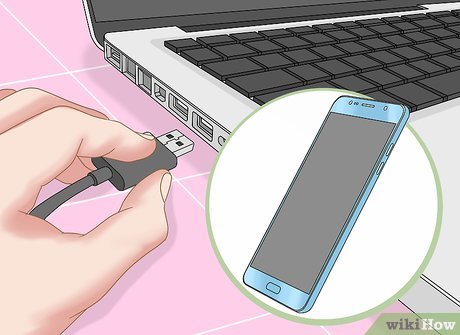
À l’aide d’un câble ou d’un adaptateur USB, vous pouvez connecter directement l’iPhone et un Mac ou un PC Windows. Assurez-vous que vous disposez…
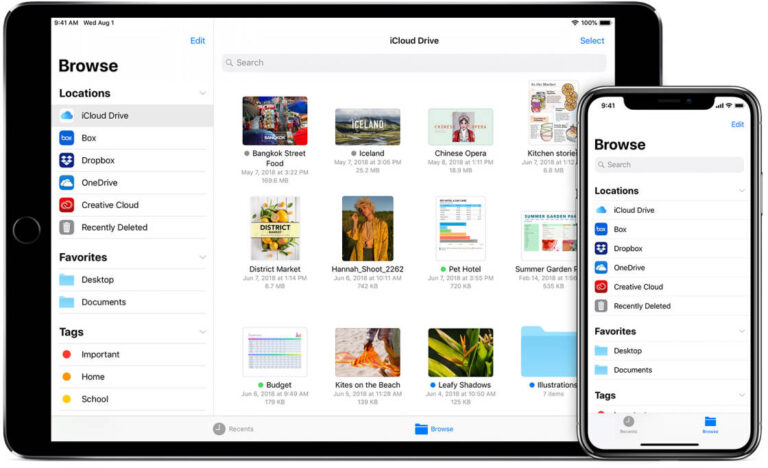
Transférez des photos et des vidéos de votre iPhone, iPad ou iPod touch vers votre Mac ou PC. Avec l’application Photos et un câble…
Sous Windows 10, accédez à Paramètres > Appareils > Bluetooth & Autres appareils. Si le curseur Bluetooth en haut est désactivé, activez-le. Choisissez ensuite…
Si votre iPhone est fourni avec un câble USB-C vers Lightning et que votre ordinateur dispose d’un port USB, utilisez un câble Lightning vers…
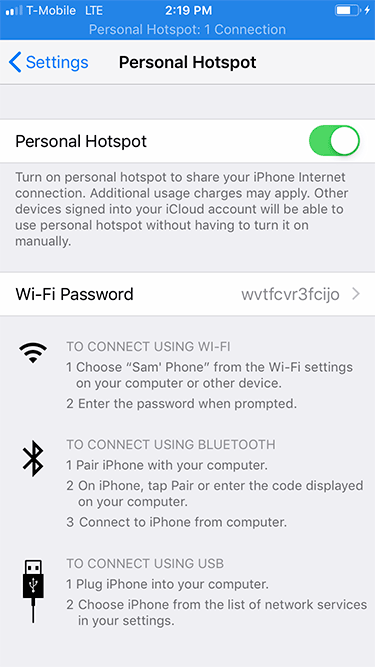
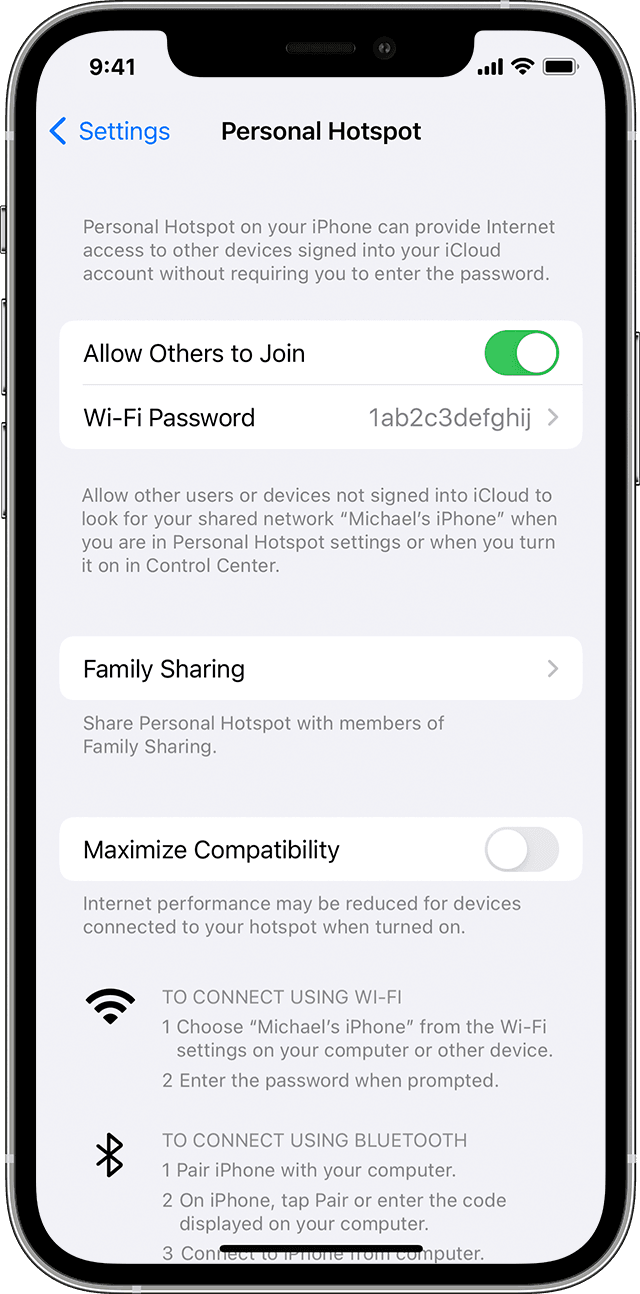
Sur l’appareil auquel vous souhaitez vous connecter, accédez à Paramètres > Cellulaire > Point d’accès personnel ou Paramètres > Hotspot personnel et assurez-vous qu’il…